2.4.1 Local Service Status
The local service status can be viewed from the Local Service Status dialog box.
Right click whichever local service icon in service window and select the Status... on
the pop-up menu.
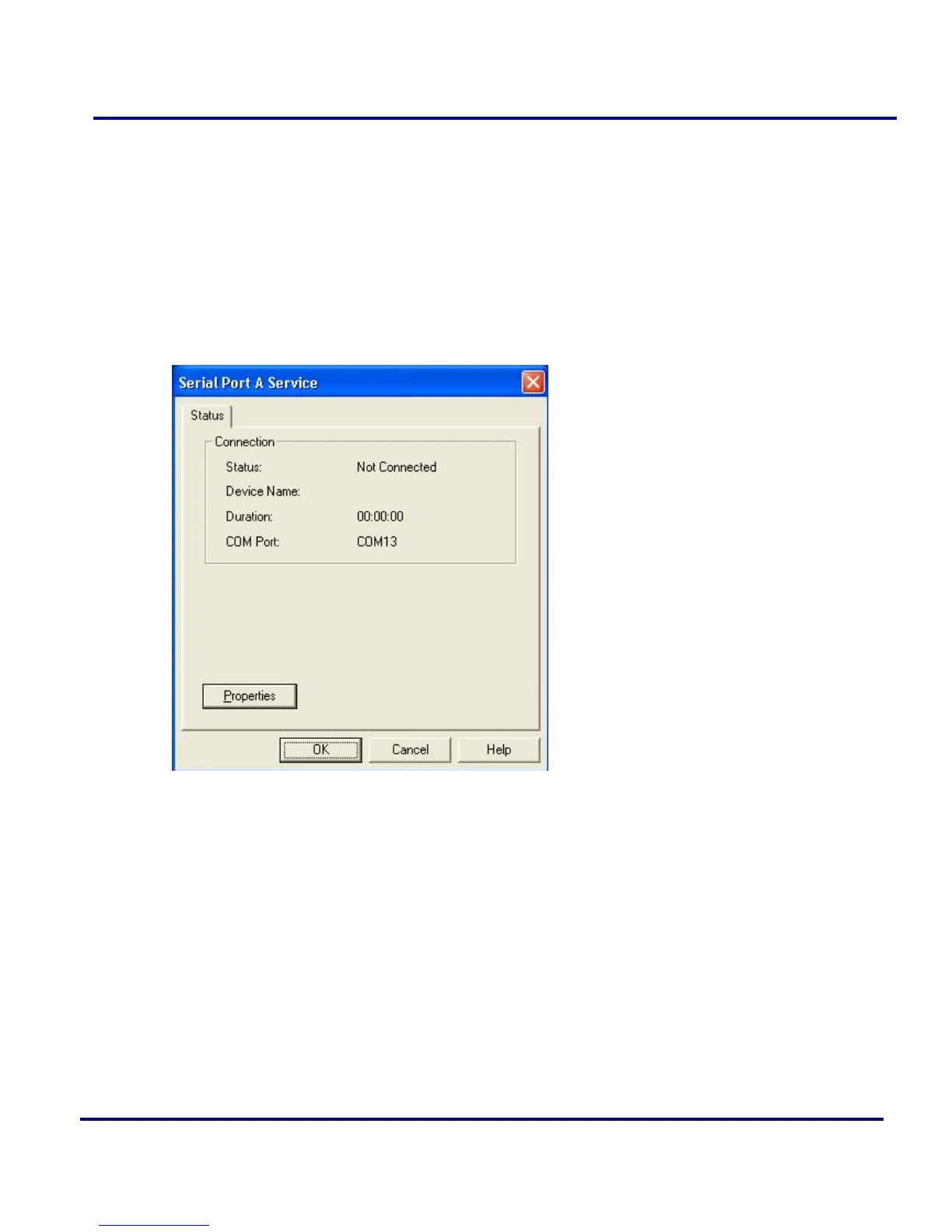
The Local Service Status dialog will be displayed.
Figure 2-11: Local Service Status (e.g. Serial Port A service)
Connection:
Status: Whether the local service is connected.
Device Address: Display the Bluetooth address of remote device which
connect to the service.
Duration: The time elapsed since the connection was set up.
COM Port: The virtual Bluetooth COM ports connected by remote device.
PAN Service Status dialog is different from others.



 To Next Page