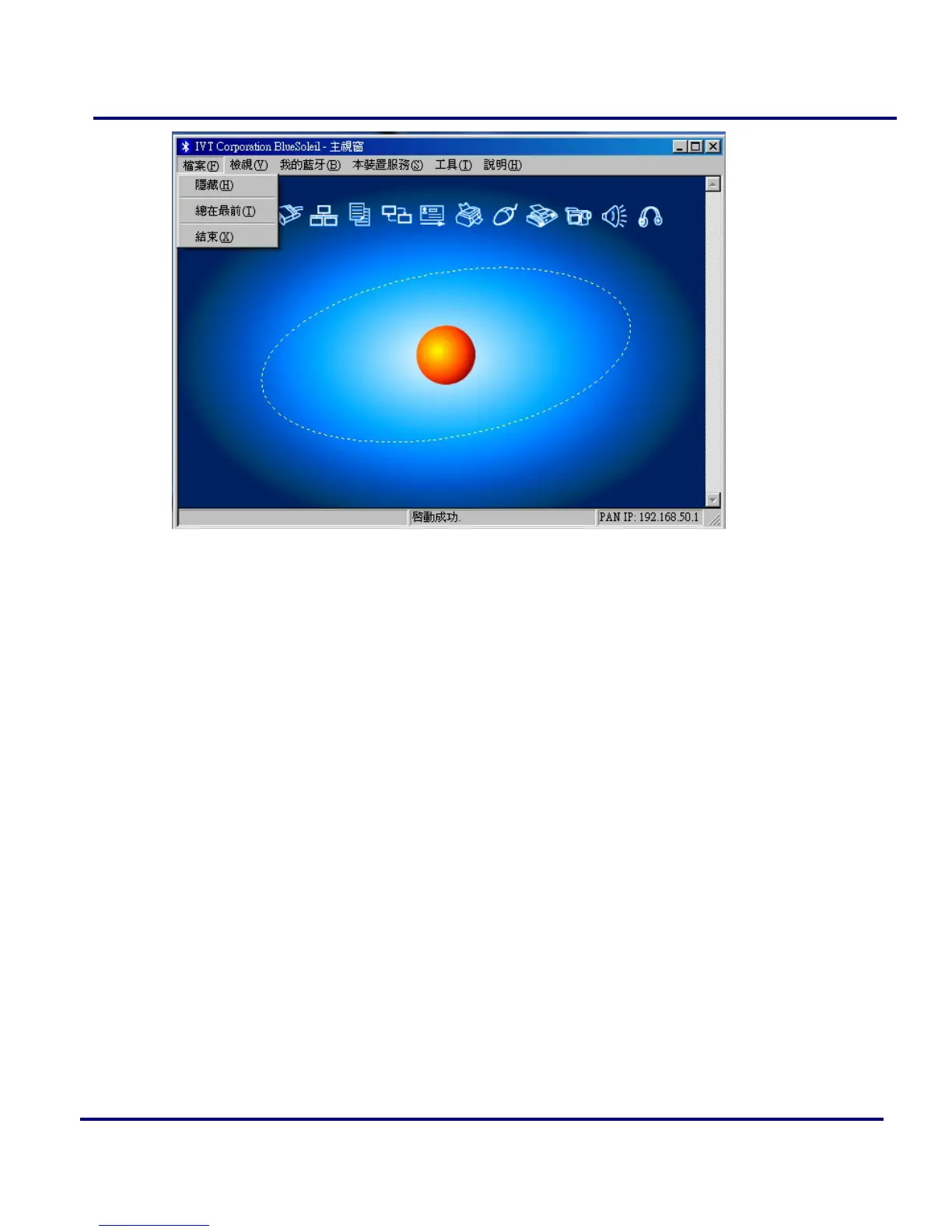
Figure 2-8: BlueSoleil file menu
2.4 View
In the view menu, there are four items.
Main Window: Show the BlueSoleil Main Window.
Service Window: Show the BlueSoleil Service Window.
Arrange Devices: Arrange all remote devices by Device Name, Device Address
or Device Type.
Refresh Devices: Refresh the list of remote devices detected by BlueSoleil.
Note: If you select Refresh Devices, the list of previously detected devices will not be
cleared. To initiate a new device search that will first clear the list, press F5.



 To Next Page