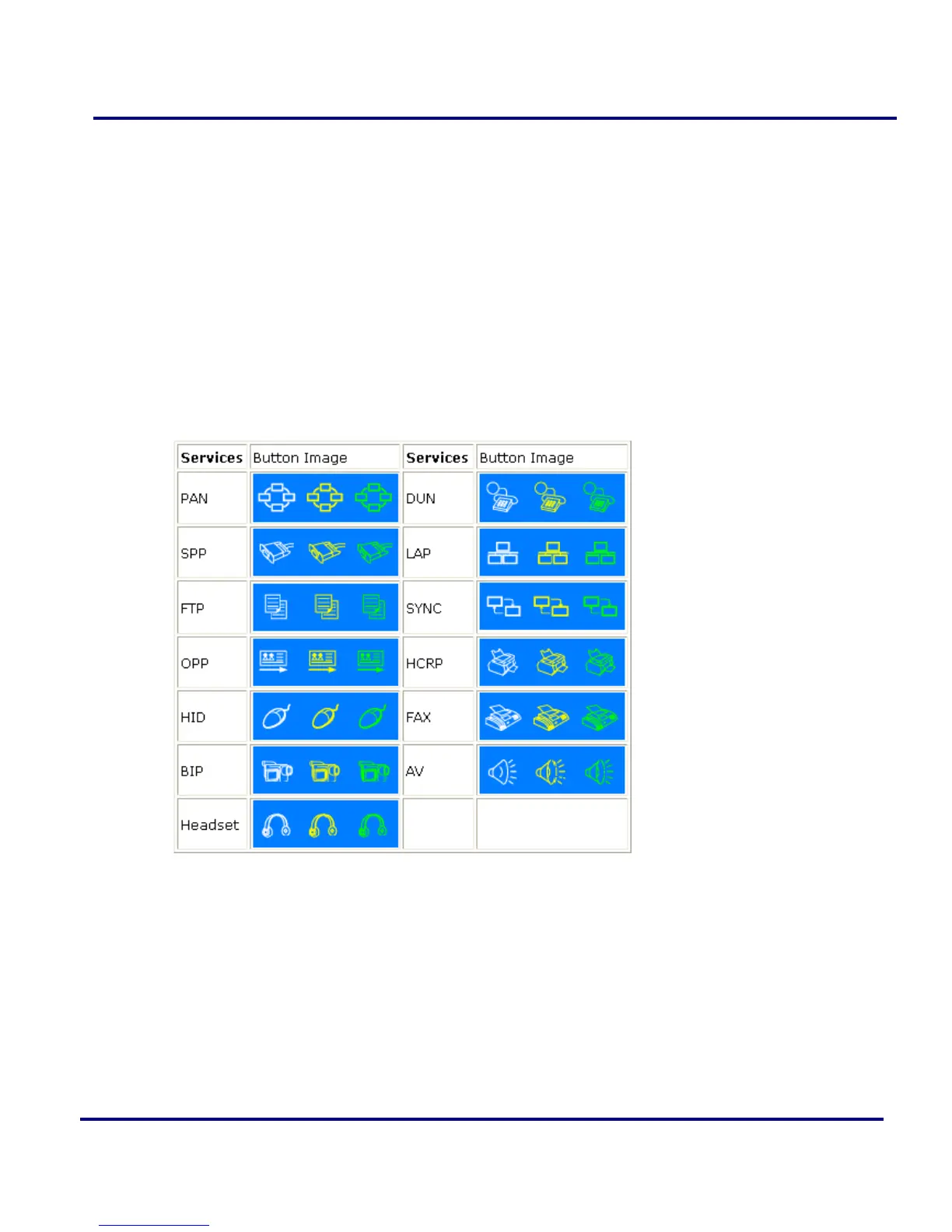
Icon Meanings:
There are 3 states for the service icons, indicated by different colors.
White- Idle. The normal state.
Yellow- Available. The Bluetooth service is available on the selected remote
device.
Green- Connected. The Bluetooth service is active in a connection with the
remote device.
Operations:
Hover your mouse over the service icon to display the name of the service.
Single-click on the service icon to connect.
Right-click on the service icon to display a pop-up menu of related operations.
Figure 2-6: Bluetooth Service Buttons of Remote Device



 To Next Page