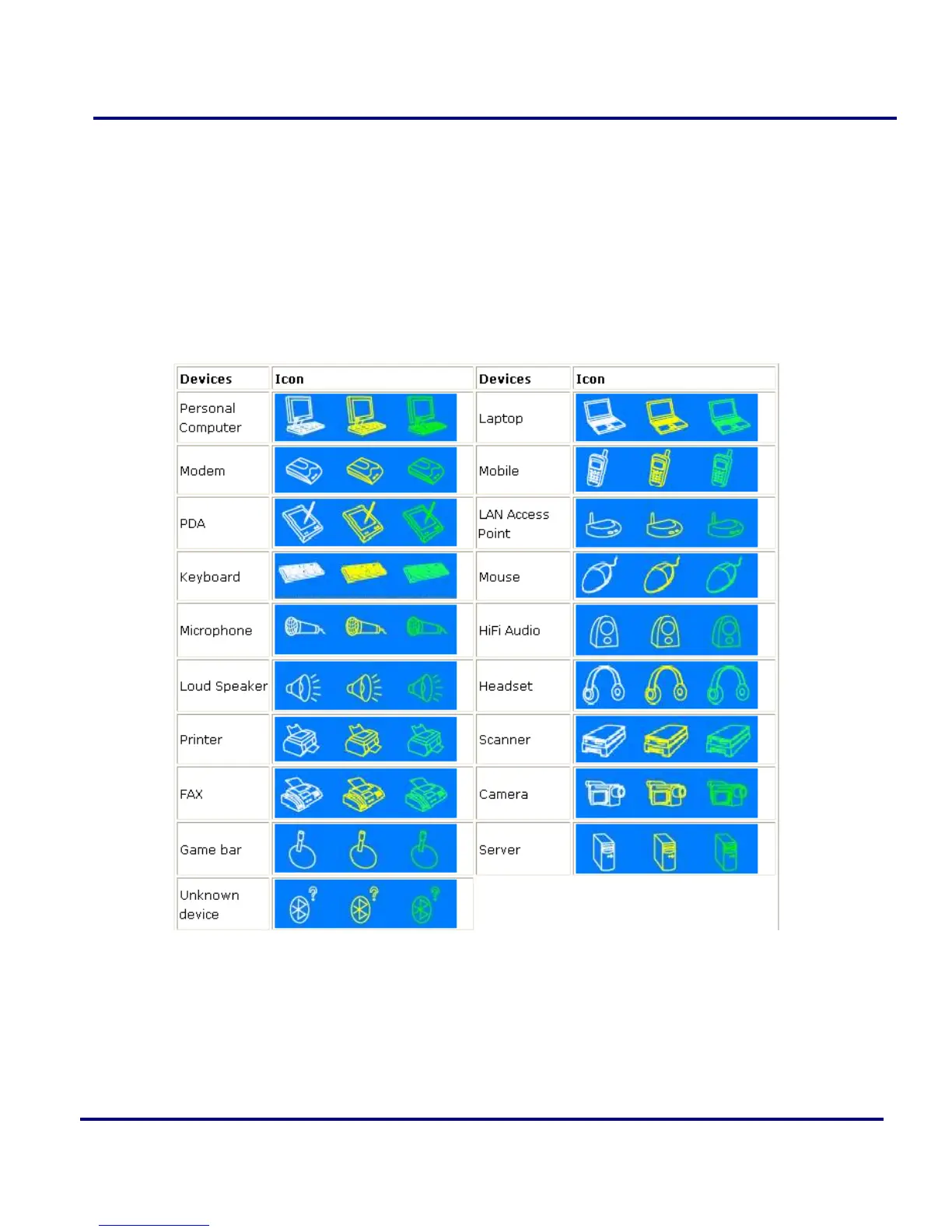
Green- Connected. The device is connected to your computer.
Operations:
Single-click on the icon to select.
Double-click on the icon to search for the services supports by the remote
Bluetooth device.
Right-click on the icon to display a pop-up menu of related operations (e.g.
Refresh Services, Pair Devices, Connect, etc.).
Figure 2-5: Remote Bluetooth Device
Bluetooth Service Buttons of Remote Device
Service buttons at the top of the Main Window represent a range of Bluetooth
services potentially supported by Remote Devices.



 To Next Page