16
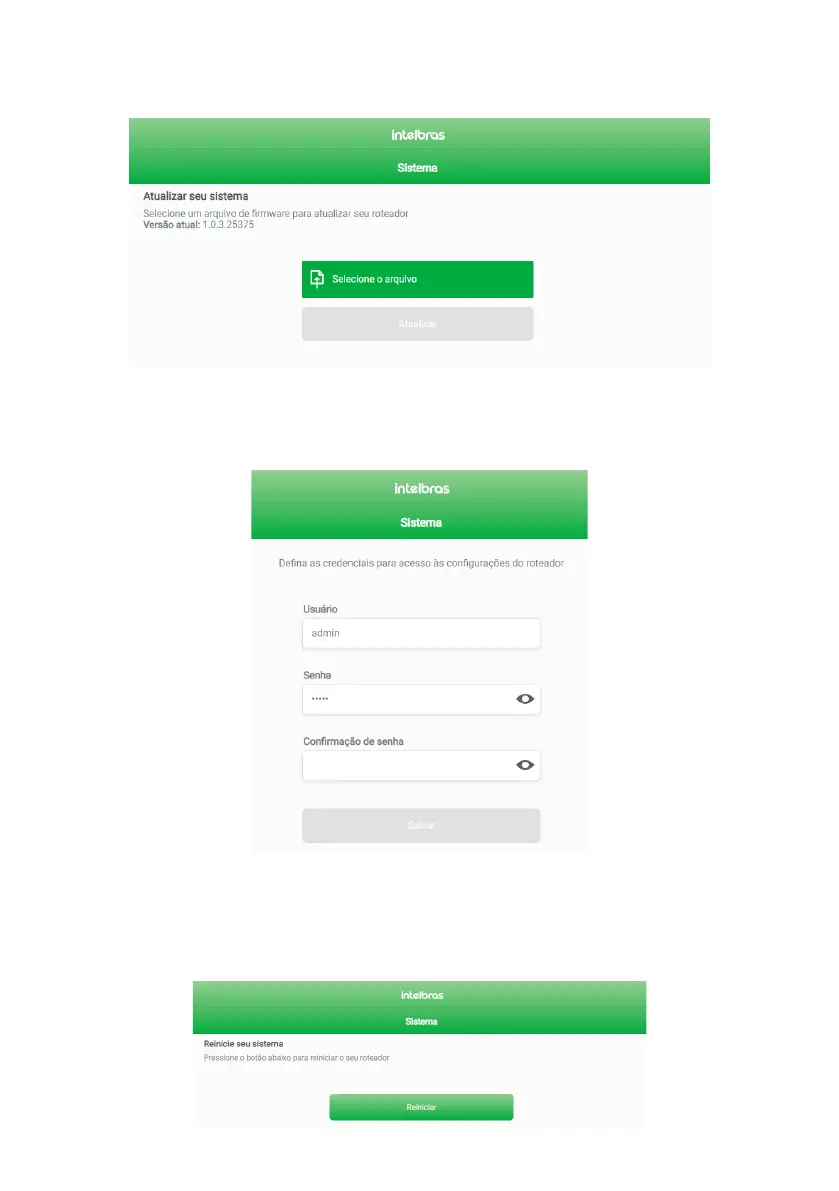
» Update: in this tab, in addition to viewing the current rmware version of the product, you can update your router
manually by selecting a rmware le using the
Select File
button and then clicking
Update
. The gure below shows this
tab with details.
Update Screen
» User and Password: in this tab, you can change your router’s web interface access credentials through the
User and
Password
elds. Enter the credentials you want in the corresponding elds, ll in the
Password Conrmation
eld with
the same password chosen and click on
Save
.
User Screen and Password
» Restart: in this tab, you can restart your router by clicking the
Restart
button, as below. If you do not want to access the
web interface, you have two other alternatives:
1. You can remove the power cable from the back of your router and then replug it.
2. You can remove the power supply from the outlet and replug it.
Restart Screen



 To Next Page