9
Internet (WAN)
On the car titled
Internet (WAN)
, you can view the following Internet settings obtained: mode of operation, IP address,
subnet mask, gateway, WAN MAC address, DNS1, DNS2 and DNS3.
Local Area Network (LAN)
On the card titled
Local Area Network (LAN)
, you can view the following LAN settings obtained: IP address, subnet
mask, and LAN MAC address.
Details
On the card titled
Details
, you can view the following details: current rmware version of the router, product model, and
active time (without restarting) the router.
4.3. Network settings
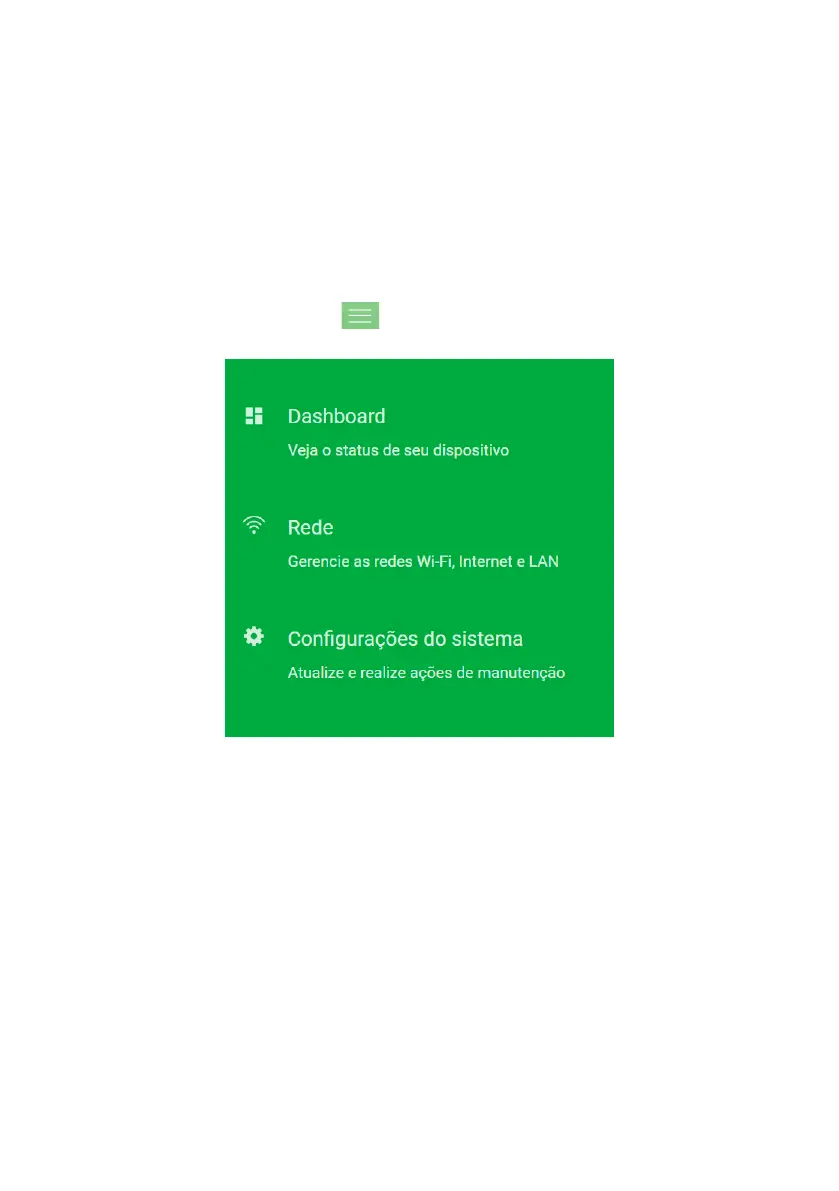
In the main menu, available through the icon in the top left corner, you will have access to all the functions of
your product. Click the on menu and select the option
Network
.
Main menu



 To Next Page