15
LAN
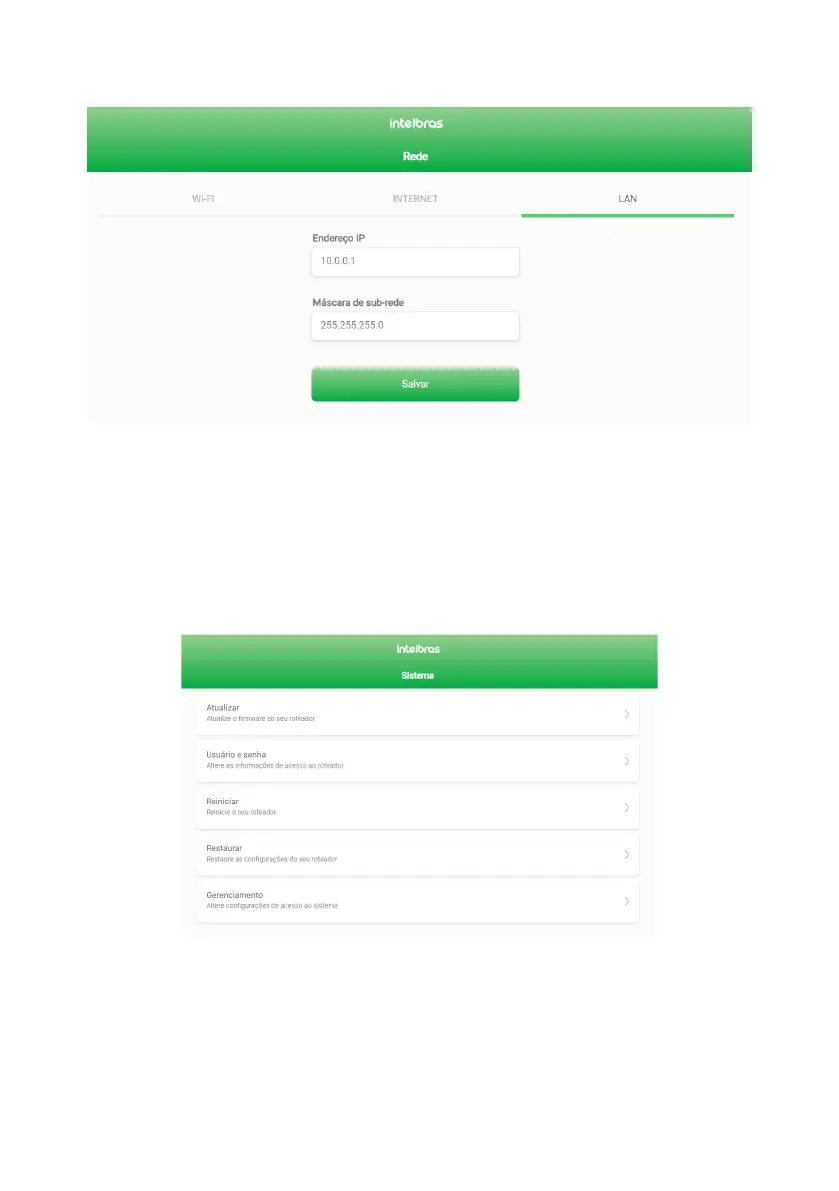
You can change the local area network (LAN) settings via the
LAN
tab, available from the
Network
menu (gure below).
LAN settings editing screen
» IP Address: is the IP address to access the router’s web interface (10.0.0.1 by default). When changing this information,
you should use the new address you have chosen to access the router interface or perform access using the address
http://meuintelbras.local
.
» Subnet mask: LAN subnet mask of the router.
Note: The DHCP server of the LAN is enabled by default with IP range set by the congured subnet mask.
4.4. System settings
You have access to the system settings functions available within the
System Settings
menu, as shown below.
System settings edit screen



 To Next Page