17
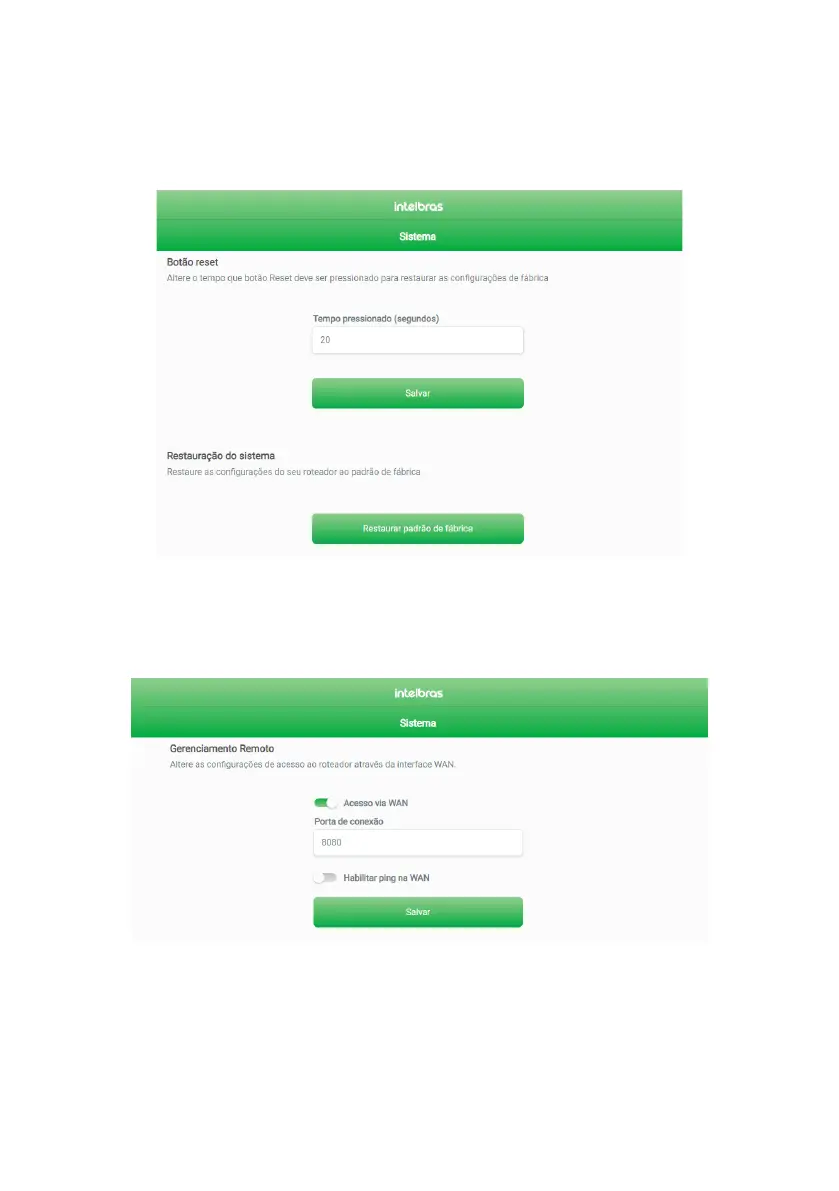
» Restore: in this tab, you can perform two actions (as shown below):
1. Change the time the
Reset
button should be pressed to restore your router settings to factory default. To do this,
change the value of the pressed
Time
eld (seconds) to the desired one and click on the
Save
button.
2. Reset your router settings to factory defaults by clicking the
Restore to Factory Default
button.
Note: as described in action 1, you can also restore your router settings to factory default by holding down the
RESET WPS button (which is on the back of your router) for the time that was set (the default is 20 seconds).
Restore Screen
» Remote Management: in this tab, you can change the remote management settings of your router Two functions are available:
» WAN access: by enabling this function, you can access your router’s web interface via an external connection that enters
through your Internet port. If you enable this function, you must specify a port for connection through the
Connection Port
eld (image below).
WAN access conguration screen



 To Next Page