1817
?
10. Ink cartridge maintenance
Blurred Print content: In this situation, the nozzle is dirty. Please click “Clean NOZZ”
on the screen and use towel to wipe lightly. If you want to have better print
effect,please adjust the “Scale” in the Print CTL setting.
Couldn’t spray the ink: The head of the nozzle maybe dry. Please cover the head of
nozzle with towel and shake the ink cartridge. The machine is assembled with the
protective cap. While not using the printer, please cover the cap.
Solution of common problem
?
08. Can it print on small objects or an uneven surface?
?
09. The angle of the placement ?
Tips: It triggers synchronizer by rolling pulley to make the handheld printer runs
normally. Therefore, the product is required to be flat, and thelength of it should
be longer than 10cm. If it is a small size, it is necessary to use a matched mold steel
plate, but it may be troublesome and inefficient. When the surface of a product is
curved, it may not print well. As for the things like the bottom of a can which is
recessed, the printer cannot work on it completely because printing distance is
too far which makes the ink scatter. The printing distance is required within 3mm.
There are 8 holes reserved on the bottom plate that can be designed and fixed on
a shelf as a small platform. When printing, you do not need to hold the iron plate
by hand again. Hold the item directly under the iron plate.
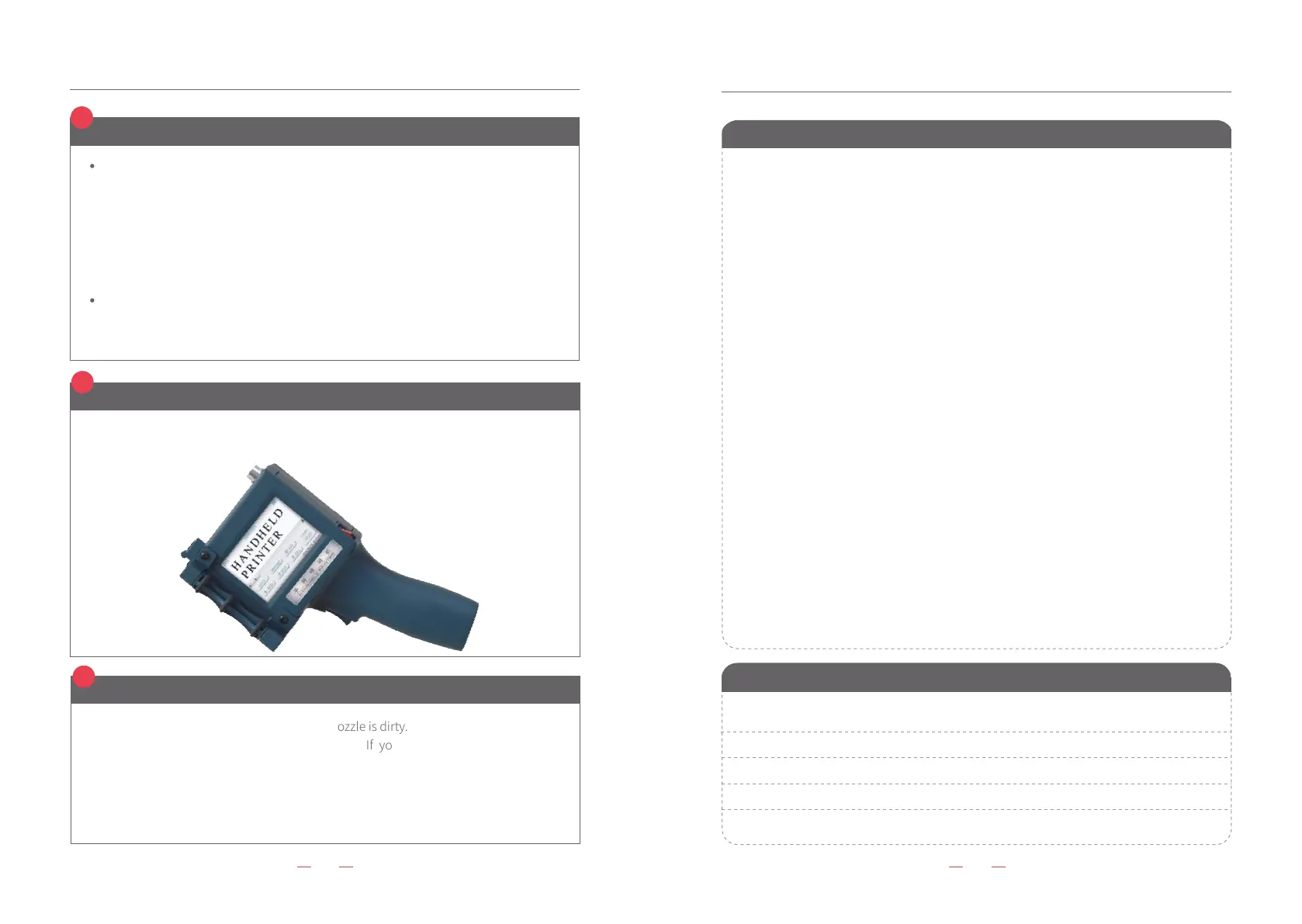
In order to prevent the nozzles from drying, the nozzles are positioned downward when
the inkjet printer is not used.(As the follow picture)
Warranty card and Maintenance record
Warranty card
Model Name
Model NO
Customer Name
Warranty period
Failure phenomenon
Actual problem
Solution
Note
(In order to enable you to get timely and effective service, please keep this warranty card properly
and show it when it is repaired.)
(After each maintenance, the maintenance team should fill in it and tear it out and file it.)
Maintenance record
1. Warranty: 12 months. Free maintenance during warranty period, except for
wearing part.
2. Any of the following circumstances is not covered by the warranty.
1) Did not use, store or protect as the description in the manual.
2) Take apart the machine without manufacturer authorization.
3) Without a warranty card or unauthorized modification of a warranty card.
4) The model in the warranty card is inconsistent with the type of product.
5) Caused by force majeure.
6) Agreed to another agreement.
7) No use of the company's consumables.
Customer information
Model:
Model NO.:
Customer name:
TEL:
Other:
Warranty period:
DATE MONTH YEAR to DATE MONTH YEAR
Signature of manufacturer:
Manufacturer information
Company name:
Address:
Contact:
TEL:
Other:


 To Previous Page