Need help?
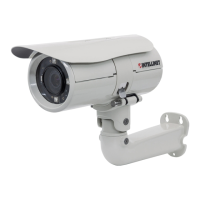
Do you have a question about the Intellinet IBC-667IR and is the answer not in the manual?
Diagram illustrating the circuit connections for the I/O terminal block.
Table detailing the definition, description, and max V/A for each I/O terminal block pin.
Instructions for connecting the camera using Power over Ethernet (PoE).
Instructions for connecting the camera using a standard power adapter.
Guide for installing the necessary software from the provided CD.
 General
| Type | Bullet |
|---|---|
| Lens | 3.6 mm |
| IR Range | 20 m |
| Weatherproof Rating | IP66 |
| Power Supply | 12V DC |
| Minimum Illumination | 0 Lux (IR on) |
| Day/Night | Yes |
| IR LEDs | 24 LEDs |

 To Next Page