Using several home screens
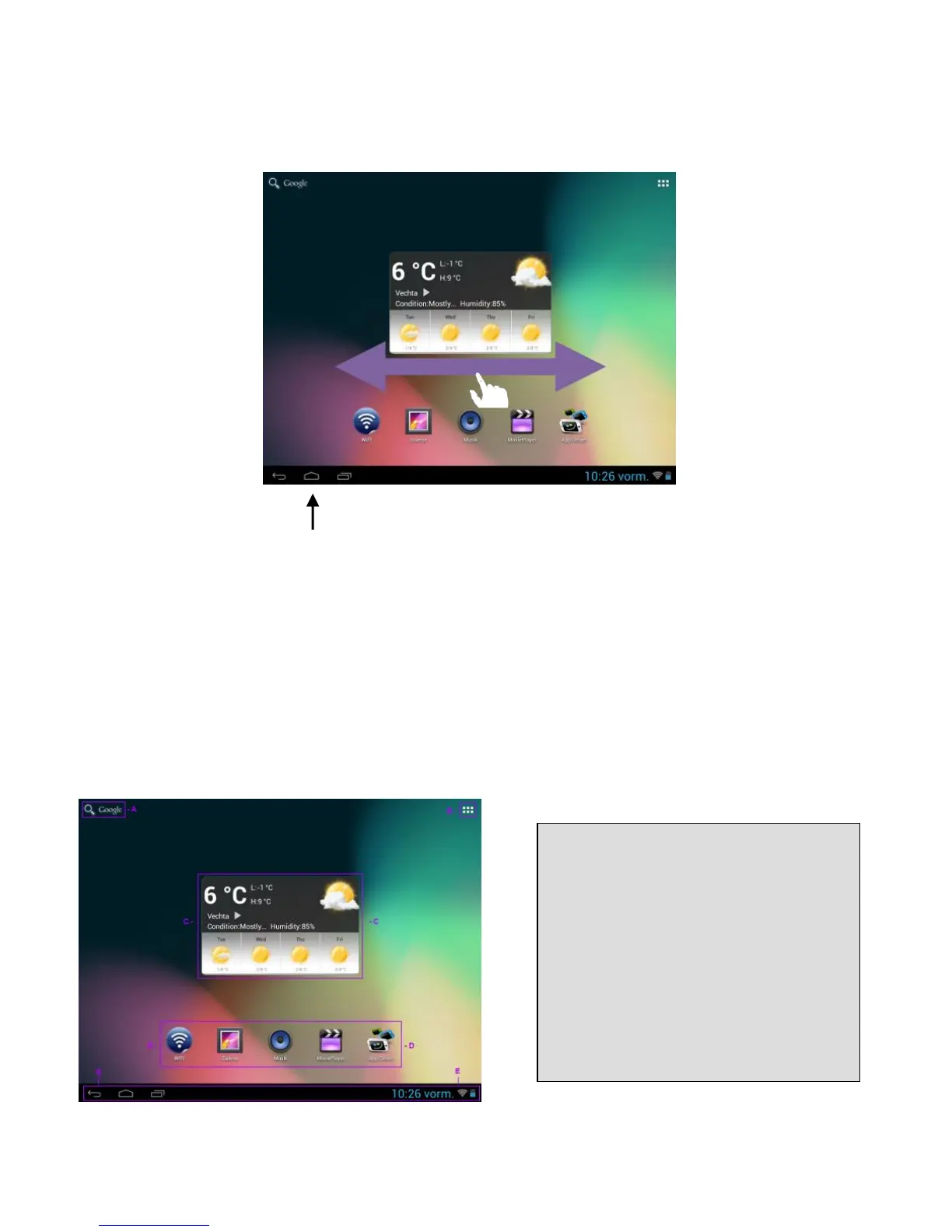
Five main screens that can be individually set-up are provided. You can easily switch between them by
wiping the screen lightly to the left or right.
Pressing the home button will always take you automatically back to the middle home screen.
Pre-installed applications on the home screen
Various applications are pre-installed on the home screen:
- Search bar for the Google™ search
- Weather forecast
- WiFi
- Gallery
- Music
- Video
- AndroidPIT (App Center)
A Link to Google™ search
B Application overview
C Global weather forecast
D Apps on the main screen
E Status bar: Back, Home, recently used
programmes, time, WiFi, battery status


 To Next Page
 Loading...
