13.) Reading Office Documents
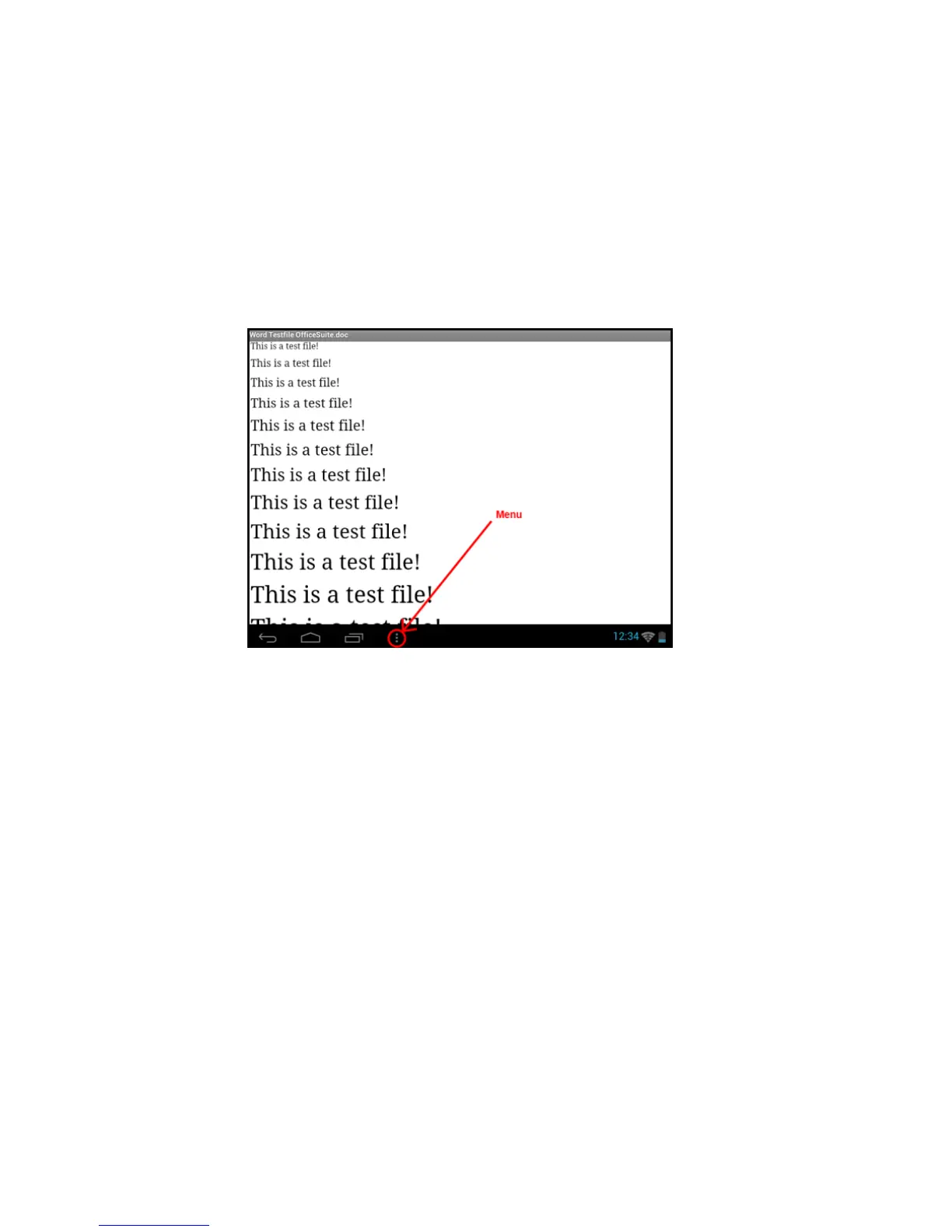
The application "Office Suite" for reading Office documents has been pre-installed in this device. You
can read Word, Excel, or PowerPoint files.
1.) Copy the desired Office files to the device.
2.) Open the application "Office Suite ".
3.) Navigate using the Explorer to the desired file.
4.) Select the desired file with a short tap and swipe your finger vertically or horizontally across
the screen to scroll between pages. Briefly tap the menu button to open more options.
You can, for example, search for a certain text or count words.
14.) Task Manager
This device is capable of multitasking, allowing you use several applications at once. For example, you
can listen to music and at the same time surf the Internet or view images.
In some circumstances it may happen that too many applications are running simultaneously in the
background. In this case, please open the application "Task Killer" and terminate those applications
you do not need right now.


 To Next Page
 Loading...
