j) Applications overview
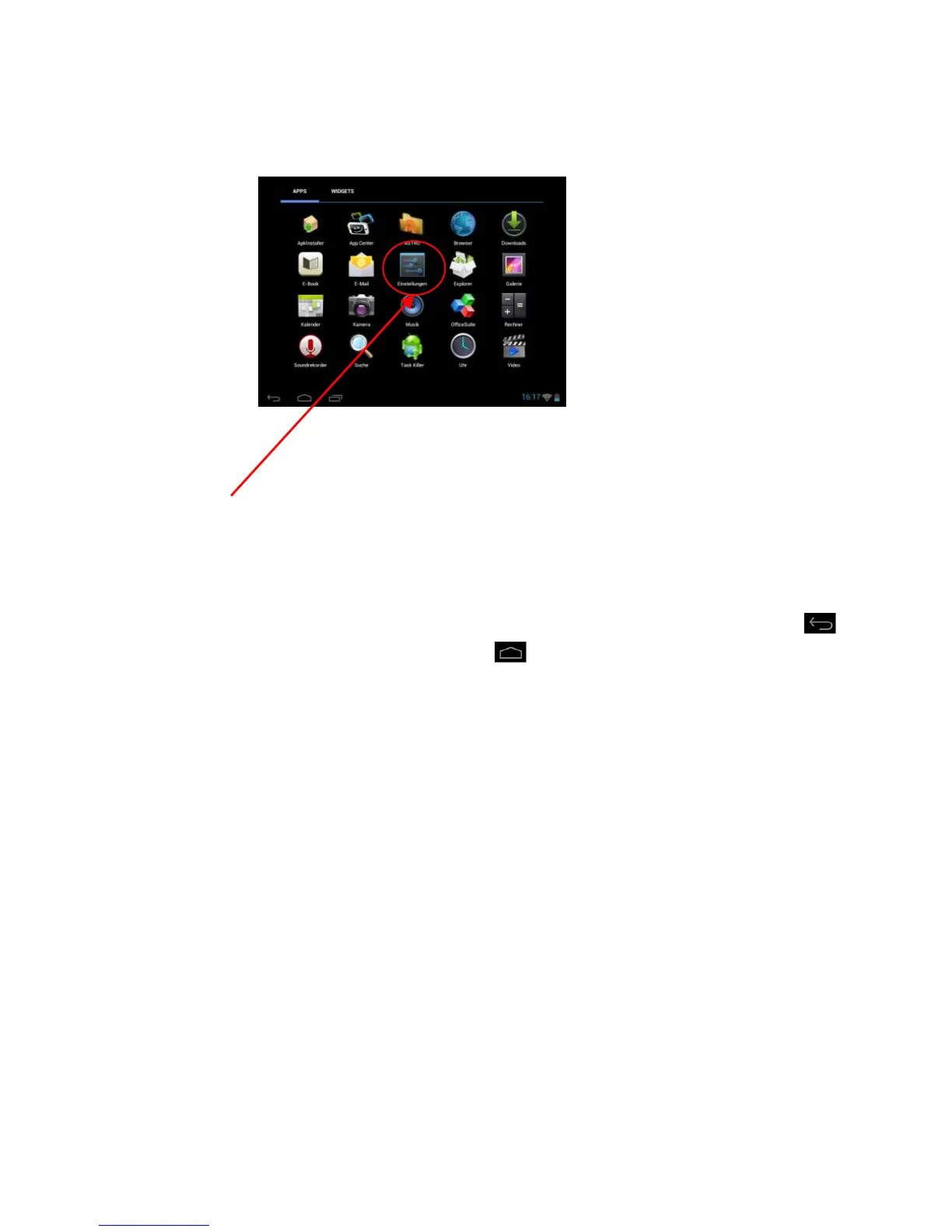
Tap briefly on the applications overview icon to open the applications overview. You will see a list of
all pre-installed applications as well as those you have already installed. Open the desired application
by briefly tapping the appropriate icon.
Applications overview
k) System settings
Tap the settings icon in the application menu to call up the system settings.
You can find the individual categories on the left side of the menu. The available setting options
are displayed by briefly pressing each selected menu item. Please note that possibly not all functions
offered by Android™ are compatible with the device.
When you have adjusted all settings you can return to the previous menu with the Return key , or
switch to the main screen directly with the Home key . Your entries will be saved automatically.



 To Next Page
 Loading...