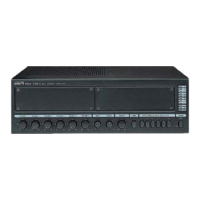
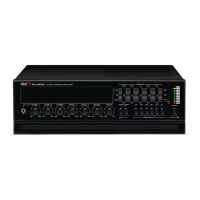
A-60/A-120 Public Address Amplifier
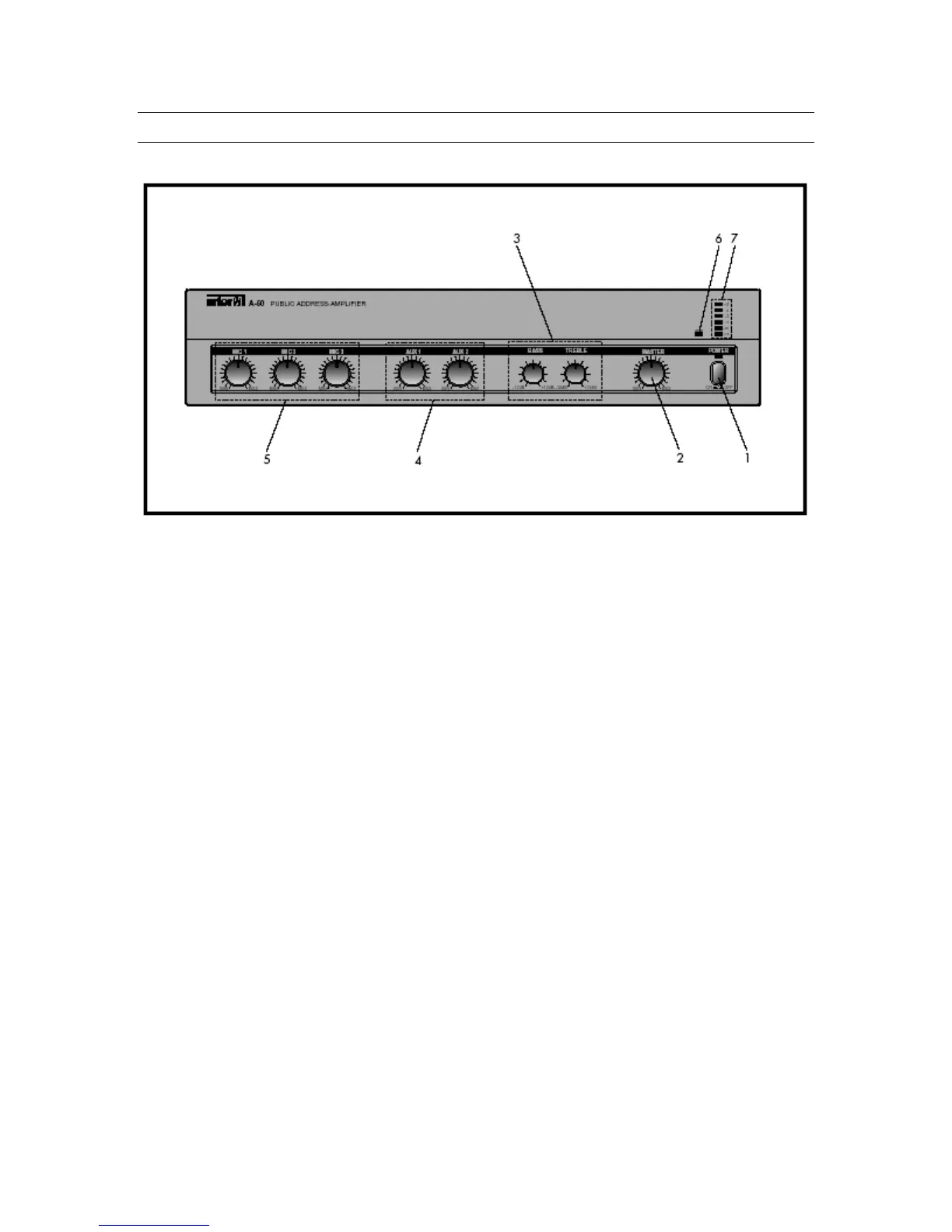
Front Panel Controls
1. Power Switch
Pressing this switch switches the unit on, as indicated by the Power LED above the
switch. Pressing it again switches the unit off.
2. Master Volume
This knob controls the overall volume of the A-60/120 output.
3. Bass and Treble Controls
These knobs control the high and low frequency response, by adding up to 12dB
of cut (decrease) or boost (increase).
4. Aux Volume 1-2
These knobs control the volume of Aux Inputs 1 and 2.
5. Mic Volumes 1-3
These knobs control the volume of Mic Inputs 1-3.
6. Protection Indicator
This LED indicates the state of the amplifier’s protection circuitry. When the
Protection LED is on (illuminated), the protection circuitry is active, indicating that
the unit is not operating normally. This is typically due to overheating or power
limiting. Please check the Input and Output condition of the amplifier.
7. Output Level Display
This six-segment LED meter indicates the amplifier’s output level in RMS.
7



 To Next Page