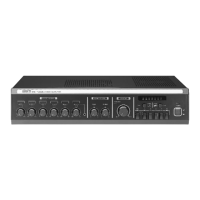
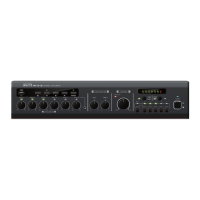
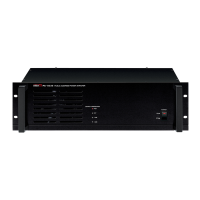
PUBLIC ADDRESS AMPLIFIER
13
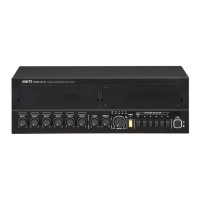
PAM-312/324/336/348
Troubleshooting
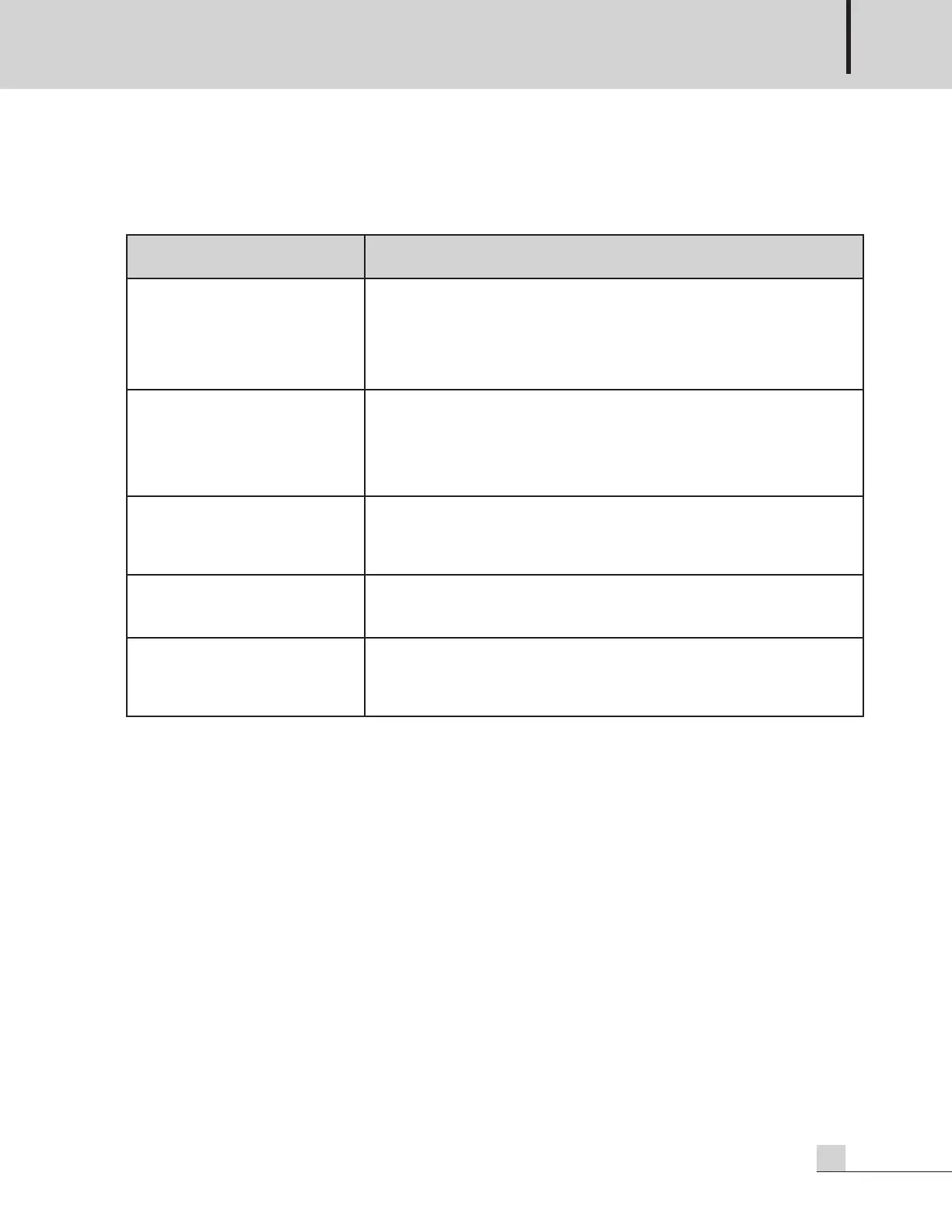
Symptom Solution
Audio is not output
1) Check whether power is supplied to the device.
2) Check whether the volume of the connected input channel is locked.
3) Check whether the speaker output switch is turned off.
4) Check whether the external MUTE contact closure is connected.
Audio is intermittently
disconnected
1) Check whether the Output Level Indicator is red.
Volume-downthe Main Volume Control.
2) Check whether the impedance of connected speaker is lower than
the regulated impedance.
The audio signal is distorted
1) Check whether the channel volume and the Main Volume are
adjusted high.
2) Check whether the BASS and TREBLE volume are adjusted high.
PRIORITY MUTE is not operated
1) Check whether the PRIORITY switches of INPUT 1 and INPUT 2
are turned off.
The RM-05A microphone does
not output any sound
1) Check whether the RM-05A CH 1~5 button is pressed.
2) Check whether the channel volume of INPUT 1 is set to the
minimum value and locked.
Troubleshooting


 To Next Page