PUBLIC ADDRESS MIXING AMPLIFIER
5
PU-103/106/112
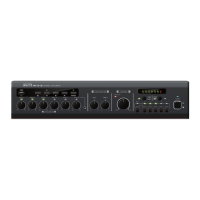
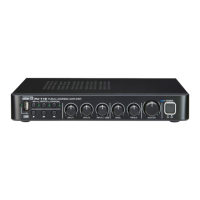
Front Panel
Front Panel
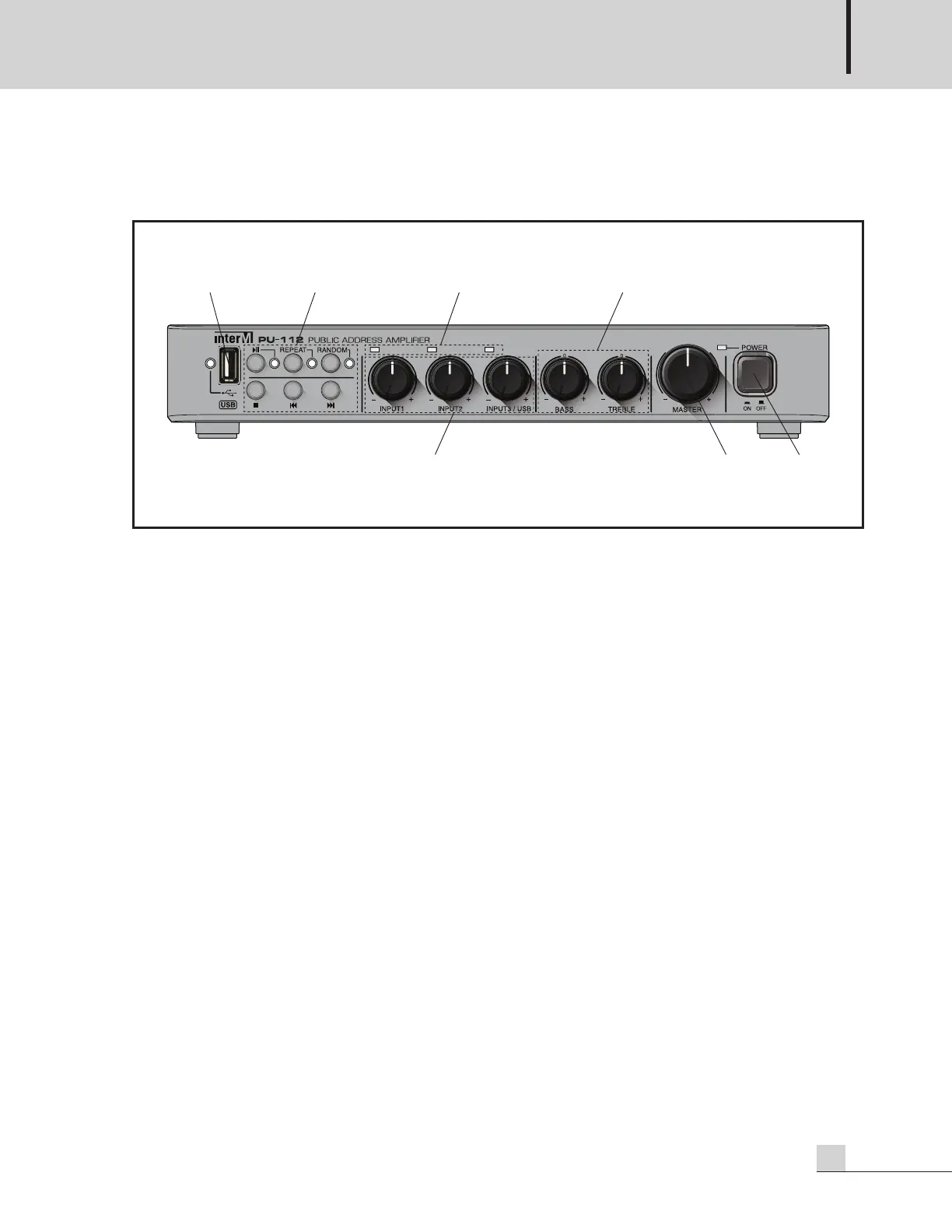
1. USB-A (MEMORY) SLOT
Please use your own with adjustment the volume using each input volume and master volume, the tone using
the tone control.
※ File system: FAT16, FAT32 (NTFS not available)
※ Formats supports only
1) MP3 files: *.mp3, *.mp2, *.mp1
2) WMA files: *.asf, *.wma
3) AAC files: *.m4a, *.3gp, *.mp4
2. USB PLAY MODE SELECTION BUTTON
1) ■ Button: Press the button to stop the audio file currently being played.
2) |◀◀Button: Press the button briefly to move to the previous audio file. Press and hold the button for more
than 2 seconds to rewind.
3) ▶▶| Button: Press the button briefly to move to the next audio file. Press and hold the button for more
than 2 seconds to fast forward.
4) ▶|| Button: Press the button to play or pause the audio file.
- When LED is turned on (by pressing the button once): Current audio file is played.
- When LED blinks (by pressing the button twice): The audio file which is currently being played is paused.
5) RANDOM Button: When you press the button, the LED lights up and the audio file is played at random.
- The entire audio files in memory are played repeatedly. It is recommended to use up to 128 audio files.
6) REPEAT Button: Press the button to play the audio file repeatedly.
- When LED is turned on (by pressing the button once): Those files stored in the folder with currently
playing audio file are played repeatedly.
- When LED blinks (by pressing the button twice): Only the currently playing audio file is played
repeatedly.
※You cannot activate the RANDOM and REPEAT simultaneously.


 To Next Page