EasyManua.ls Logo

Inter-m QX-4960 - User Manual

Inter-m QX-4960
26 pages
Print Icon
To Next Page IconTo Next Page
Loading...
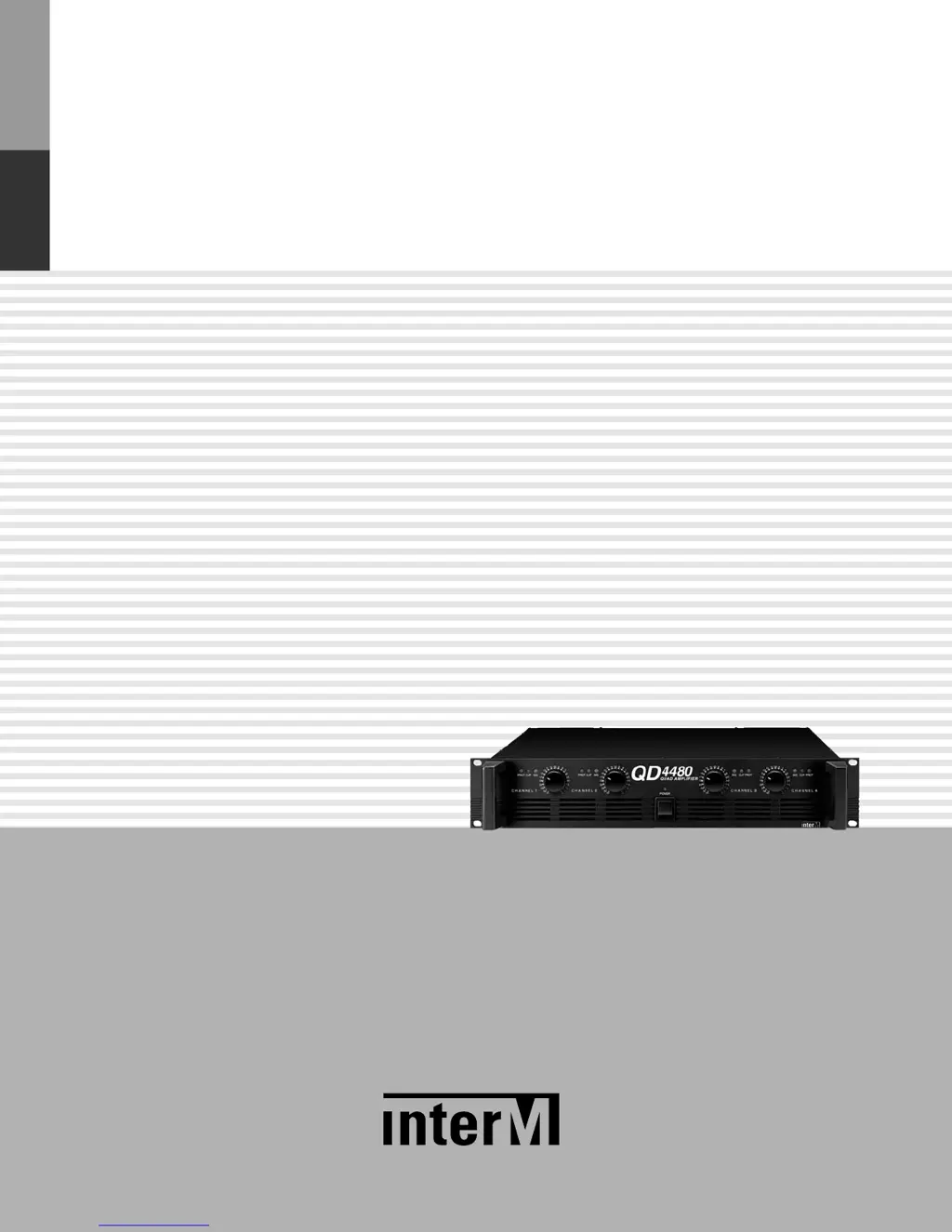
Operation Manual
* Rack mount products in the Western Hemisphere(North America, South America,
and the Caribbean) do not have handles installed due to customer preference.
Quad Amplifier
QD-4240/4480/4960
QX-4960

Other manuals for Inter-m QX-4960

Questions and Answers

  • B
    Brian AlvarezAug 9, 2025
    What to do if the CLIP indicator is lit on my Inter-m QX-4960?
    • L
      Lori CarrollAug 9, 2025
      If the CLIP indicator is lit on your Inter-m Amplifier, it could be due to a short at a speaker terminal, amplifier terminal, or speaker wire. Locate and repair the short. Alternatively, it might be caused by excessive amplifier load. Use a speaker system with an impedance of at least 4 ohms in Stereo mode or 8 ohms in Bridged mode.
  • C
    Cody LittleAug 26, 2025
    Why is the Protection Indicator lit on my Inter-m Amplifier?
    • T
      Tiffany WilliamsAug 26, 2025
      The Protection Indicator on your Inter-m Amplifier may light up because the temperature measured at the heat sink has exceeded 100 degrees Celsius. Check the amplifier for adequate ventilation and improve airflow. It can also indicate that a DC voltage of ±2V or greater was generated in the amplifier’s output circuitry; in this case, consult your dealer.

Inter-m QX-4960 Specifications

General IconGeneral
Dimensions482(W) x 132(H) x 420(D) mm
Weight24.3 kg
Channels4
Total Harmonic Distortion (THD)< 0.1% (at 1kHz)
Frequency Response20Hz - 20kHz
Power Output4 x 60W (4Ω)
CoolingFan Cooling

Related product manuals