D-0123234-D – 2020/05
Affinity Compact - Instructions for Use - EN Page 41
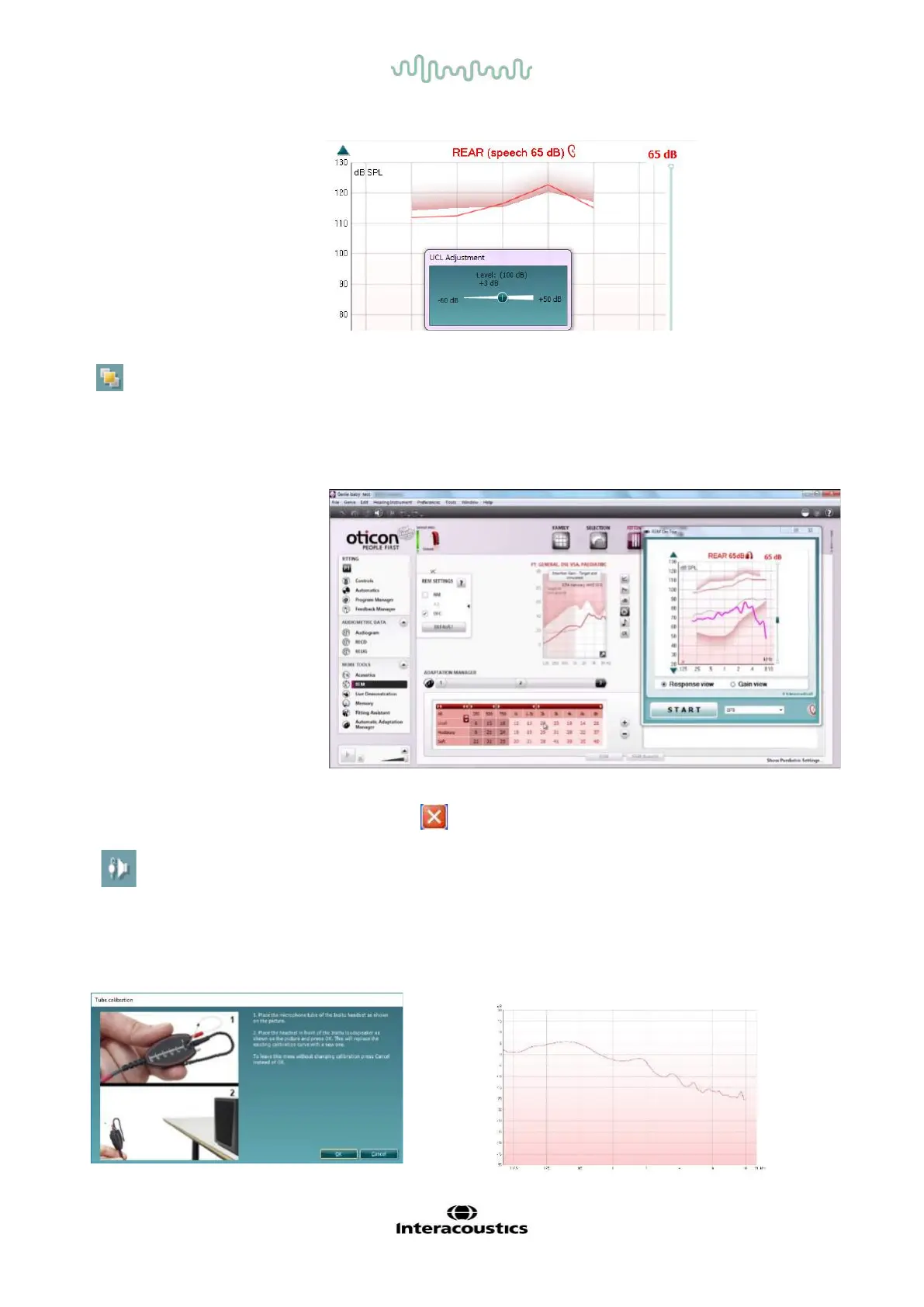
On Top Mode button converts the REM440 into an on top window that
includes only the most essential REM features. The window is
automatically placed on top of other active software programs such as the
relevant hearing aid fitting software.
When adjusting the gain handles in the fitting software, the REM440
screen will stay on top of the hearing aid fitting screen, allowing for easy
curve comparison.
To return to the original REM440 press the red cross in the upper right
Tube calibration button activates the tube calibration. Before
measuring it is recommended to calibrate the probe tube. This is done
by pressing the calibration button. Follow the instructions appearing on
the screen (see screen below) and press OK. The calibration will then
automatically be performed resulting in the curve below. Note that the
calibration is sensitive to noise and the clinician should therefore ensure
that the room is quite while calibrating.



 To Next Page