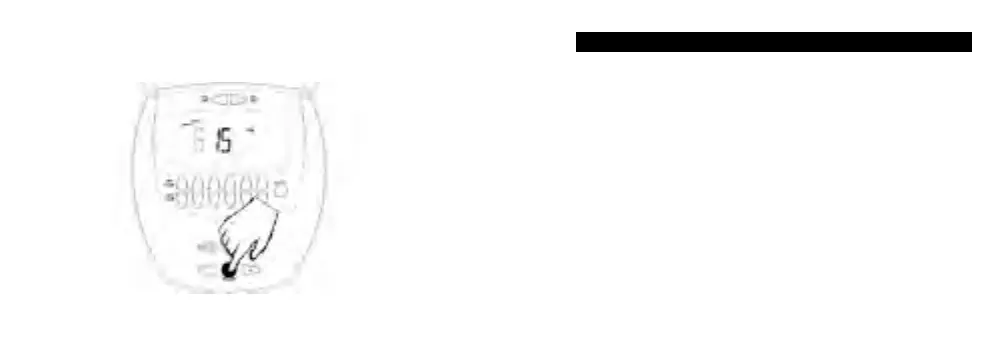
3. (See Fig 3c) The minutes will flash. Press + or - to set
minutes. Press ENTER to accept the minutes.
Fig 3c
Setting the CALENDAR
NOTE: The day of the week will be automatically calculated
when the CALENDAR setting is completed.
1. (See Fig 4a) Press MODE until the CAL mode is shown.
2. (See Fig 4b) Press + or - to set the month. Press
ENTER to accept the changes.
3. (See Fig 4c) The day of the month will flash.
Press + or - to set the day. Press ENTER to accept
the changes.
4. (See Fig 4d) The year will flash. Press + or - to set the
year. Press ENTER to accept the year.
Page 9 of 35


 To Next Page