Enhanced Mobile Document Imaging (eMDI) User Guide 11
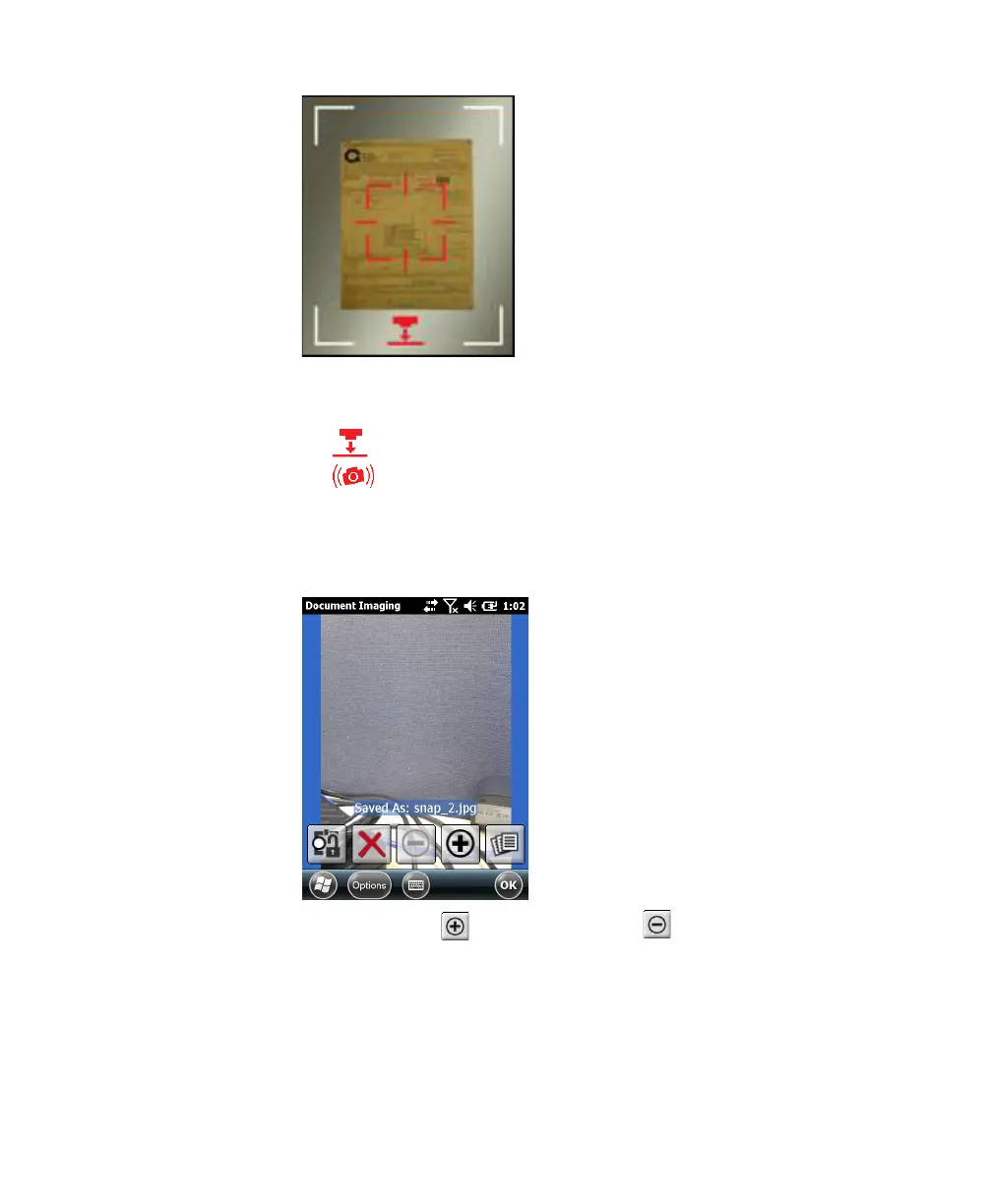
The following icons may appear to help you capture the document
image:
• Move the camera closer to document.
• Hold the camera steady.
When the computer is ready to take a document image, the icons
dissappear and the red target turns white, and the image is
captured.
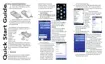
6 (Optional) Tap to zoom in, or tap to zoom out.



 To Next Page