17
11. TROUBLESHOOTING
Please visit www.interphone.com for video tutorials and answers to
frequently asked questions.
11.1 Fault reset
When the intercom does not work properly, it is possible to reset the unit
easily, simply by disconnecting the battery for few seconds.
Note: Reset after error will not restore the intercom to factory settings.
11.2 Factory reset
To erase all of your settings and start fresh, the headset can be restored to
factory default settings using the Factory Reset feature.
Bluetooth
Mesh
Interphone U-Com 16 (Utente) Aggiungi utente
Aggiungi utenteAggiungi utente
Fine intercom
Setup
Bluetooth
®
Intercom - other pairings
Other Interphone series pairing (to be done with unit OFF)
Anycom pairing for other brands (except Sena)
Anycom
pairing
Interphone
pairing
Intercom
pairing
Con guration
menu
Mobile phone
pairing
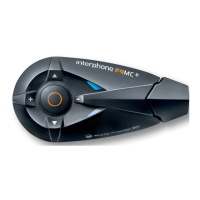
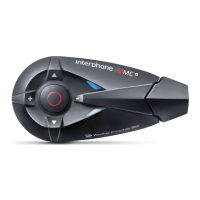
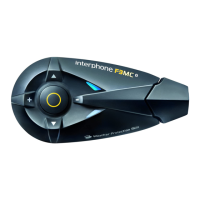
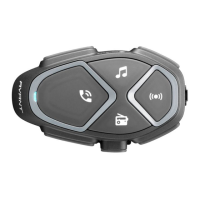
With U-COM 2 on, enter the conguration menu by pressing the power key
for 10 seconds. Be careful not to release the button before the LED turns
blue, you will hear the message conrming activation of the conguration
menu.
Press the PHONE button twice until you hear the message “Factory reset”,
press once the CENTRAL button to conrm. A voice announcement will be
issued to conrm: “Reset headphones, goodbye”.


 To Previous Page