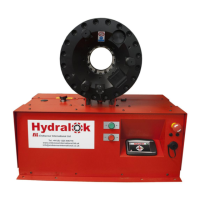
Machines manufactured by Hydralok, Bristol, UK
Machine enquiries, sales, after sales service :
Interpump Hydraulics (UK) Ltd t/a IMM Hydraulics (UK) : Kidderminster
Tel : (0)121 550 1115 / sales@immhydraulics.co.uk
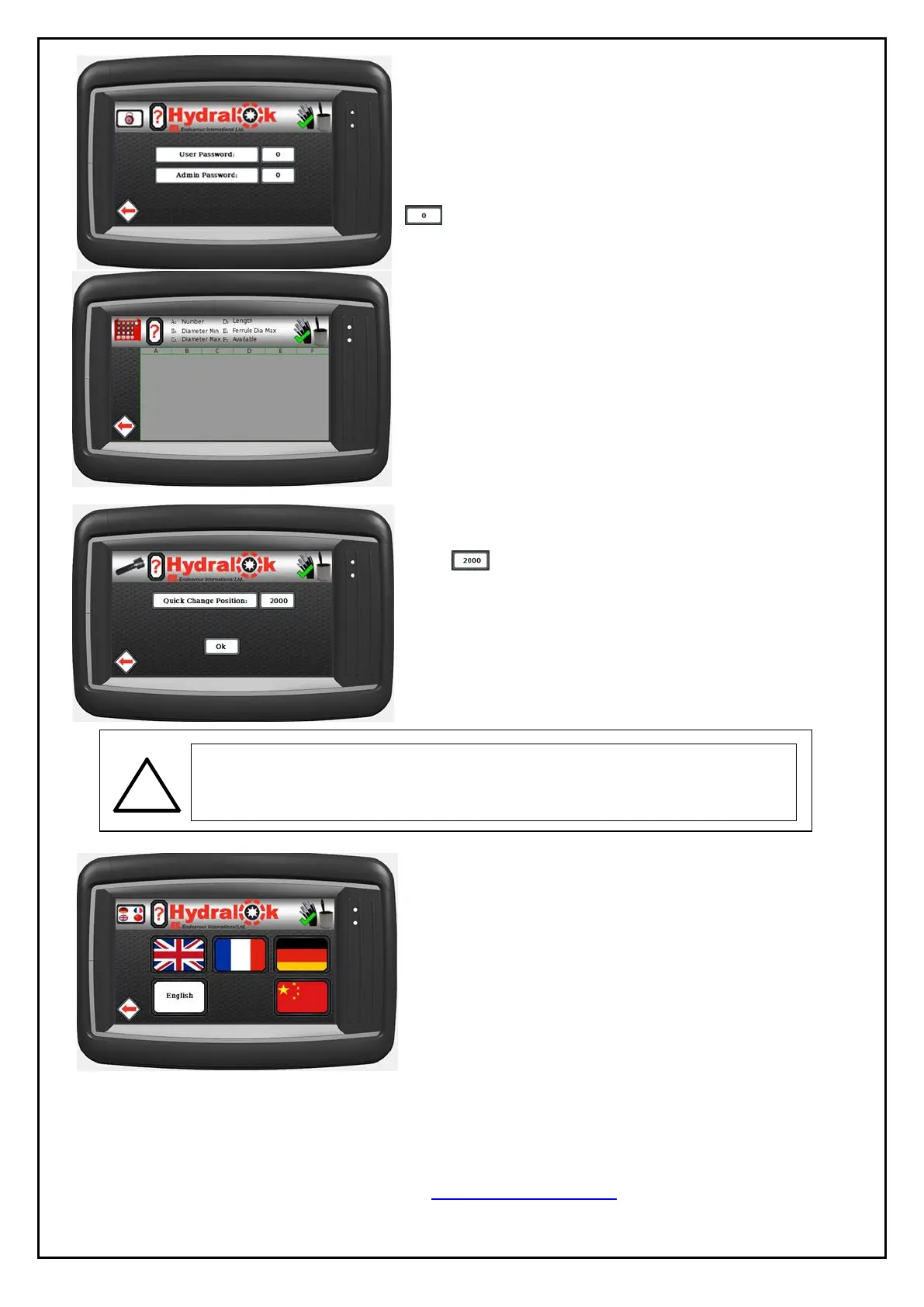
Set Passcodes
All passcodes are default to “0”. It is advised that the
administrator immediately set the passcode for Admin
user to a unique code (no longer than 10 digits).
Press to edit passcode for each user.
Die Table
This is for reference purposes only as the die table
cannot be edited from within the machine. The die
table can be updated via a USB stick to reflect the
addition or removal of die sets from the range
available.
Press the top or bottom of the table to scroll through
available records.
Quick Change
Press to adjust the position the head closes to in
order to use the quick change tool to remove or insert
the dies. Press OK to accept the entered value.
Language
Press the flag which represents the required language.
The text box will indicate the selected language.
IMPORTANT: ALWAYS REMOVE THE QC TOOL BEFORE
PRESSING THE GREEN BUTTON, OTHERWISE THE QC TOOL
MAY BE SERIOUSLY DAMAGED.



 To Next Page