Changing Your Circulator’s Viewing Angle
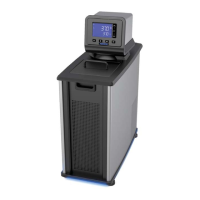
Your Circulator is equipped with Swivel 180™, an innovative feature which permits viewing of the
temperature display from anywhere over a 180° arc.
NOTE: There are positive stops at 45° intervals; however, the viewing angle may be set
anywhere within a 180° arc.
To change the viewing angle, slide the release latch to the right and rotate the Temperature Controller to
the desired angle. The latch release will automatically return to the locked position at every 45° positive
stop.
Loss of Power Restart
WARNING: The unit will start automatically after a disruption in electrical power.
In the event that electrical power lost while your Circulator is in use, it will begin operating automatically
once power is restored. FAIL POWER will appear on the display to alert you that there was a power
disruption. To clear the message, turn the Circulator OFF and then back ON again using the
key.
NOTE: The FAIL POWER message will also appear if the Circulator is turned OFF and then back ON
using only the Power Switch / Circuit Breaker on the rear of the unit.
Swivel 180™ Latch Release
FAIL POWER
lerts you to a temporary
loss of electrical power
110-512 PSC/EN
30


 To Next Page