EasyManua.ls Logo

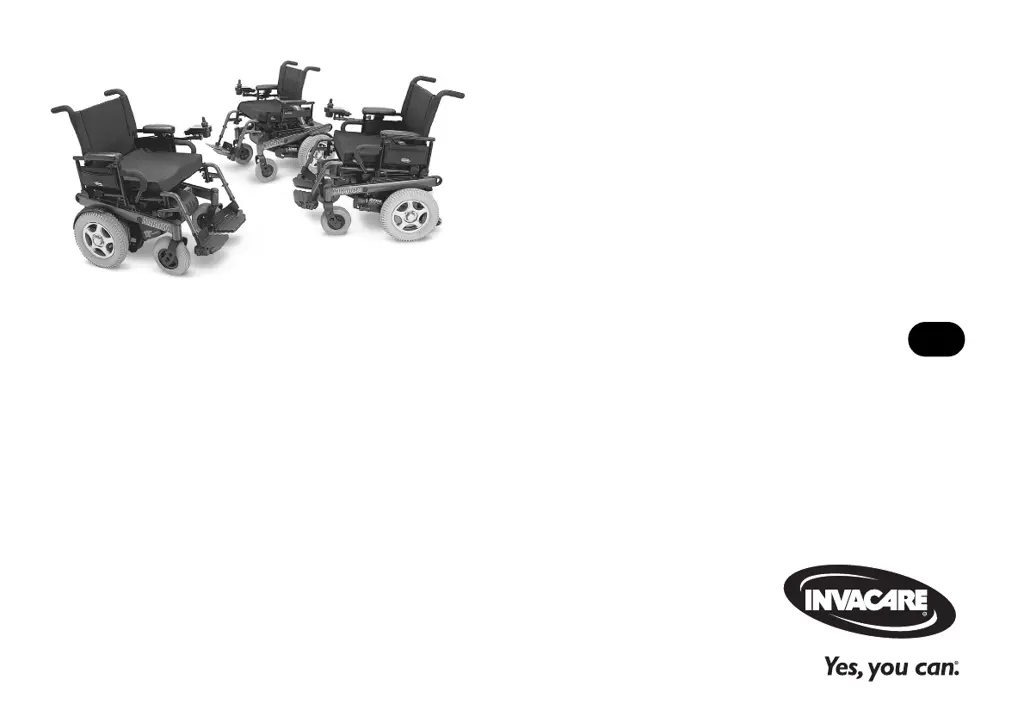
Invacare 3G Storm Series Torque 3 - User Manual

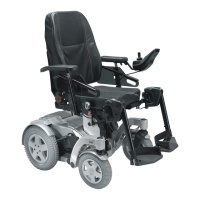
Invacare 3G Storm Series Torque 3
124 pages
Print Icon
To Next Page IconTo Next Page
Loading...
User Manual
This manual MUST be given to the user of the product.
BEFORE using this product, read this manual and save for future reference.
EN
Invacare
3G Storm Series®
Invacare
3G Storm Series
Torque™ SP
Invacare
3G Storm Series
Torque 3
Power Wheelchair Base

Table of Contents

Questions and Answers

  • K
    Kathy HardyAug 9, 2025
    What to do if I notice looseness in my Invacare Wheelchair?
    • G
      George Kaiser MDAug 9, 2025
      If you notice looseness in your Invacare Wheelchair, check for uneven tire wear, a bent fork or frame, or loose hardware. Inspecting these components can help identify the cause of the looseness.
  • J
    James HayesAug 15, 2025
    Why does my Invacare 3G Storm Torque 3 veer to the left or right?
    • M
      Mitchell KleinAug 15, 2025
      If your Invacare Wheelchair veers to the left or right, check for loose stem nuts/bolts, bearings, or signs of wear. Any of these issues could be the cause.
  • G
    Gene RogersAug 20, 2025
    How to fix squeaks and rattles in Invacare 3G Storm Torque 3?
    • A
      Ana FosterAug 20, 2025
      To address squeaks and rattles in your Invacare Wheelchair, check for loose stem nuts/bolts, bearings, or signs of wear. Tightening or replacing these parts may resolve the noise issues.
  • R
    Robert LaneAug 27, 2025
    Why is the turning performance of my Invacare Wheelchair sluggish?
    • C
      Crystal RobertsonAug 27, 2025
      If your Invacare Wheelchair has sluggish turning performance, check for loose stem nuts/bolts, bearings, or signs of wear. Addressing these issues can improve performance.
  • D
    Daniel ClarkSep 1, 2025
    What to do if casters flutter on Invacare 3G Storm Torque 3?
    • B
      Brooke CookSep 2, 2025
      If the casters on your Invacare Wheelchair flutter, check for loose stem nuts/bolts, bearings or signs of wear. Inspecting these components can help resolve the issue.

Summary

1 GENERAL

1.1 Symbols

Explains signal words like DANGER, WARNING, CAUTION, IMPORTANT.

2 LABEL LOCATIONS

4 SAFETY

4.1 General Guidelines

Covers essential safety guidelines for operating the product.

4.2 Setup Guidelines

Provides guidelines for the proper setup and installation of the wheelchair.

4.3 Operation Guidelines

Details crucial guidelines for safe and effective operation of the wheelchair.

4.4 Transport Guidelines

Outlines procedures and warnings for transporting the wheelchair.

4.5 Safety;Handling

Covers safety aspects and handling procedures for the wheelchair.

6 TECHNICAL DATA

7 WHEELCHAIR OPERATION

7.1 Operating the Wheelchair

Details how to turn the wheelchair power on and off.

Using the Joystick to Drive the Wheelchair

Explains how to use the joystick for smooth control of speed and direction.

7.2 SPJ, MK6 i SPJ+ w;PSS and MK6 i SPJ+ w;ACC Joystick Switches and Indicators

Details the switches and indicators on SPJ+, MK6i™ SPJ+ joysticks.

7.3 CMPJ+ Joystick Switches and Indicators

Details the switches and indicators on the CMPJ+ joystick.

7.4 When to Charge Batteries

Provides guidance on when and how to charge the wheelchair batteries.

7.5 Charging Batteries

Details the process and considerations for charging the wheelchair batteries.

8 TRANSPORT IN VEHICLES

8.5 Securing the Occupant

Explains how to secure the occupant using wheelchair-anchored belts.

9 SETUP;MAINTENANCE

9.1 Setup;Delivery Inspection

Guides through the initial setup and delivery inspection process.

9.5 Batteries

Covers warnings and precautions related to the wheelchair batteries.

10 TROUBLESHOOTING

10.1 Driving Performance

Lists potential driving performance issues and their solutions.

10.2 Electrical

Refers to additional troubleshooting for electrical issues and error codes.

Service Indicator Light Diagnostics

Explains the meaning of service indicator light flashes for error diagnosis.

12 WARRANTY

Invacare 3G Storm Series Torque 3 Specifications

General IconGeneral
BrandInvacare
Model3G Storm Series Torque 3
CategoryWheelchair
LanguageEnglish

Related product manuals