EasyManua.ls Logo

Invacare Platinum P5NXG1 - User Manual

Invacare Platinum P5NXG1
48 pages
Print Icon
To Next Page IconTo Next Page
Loading...
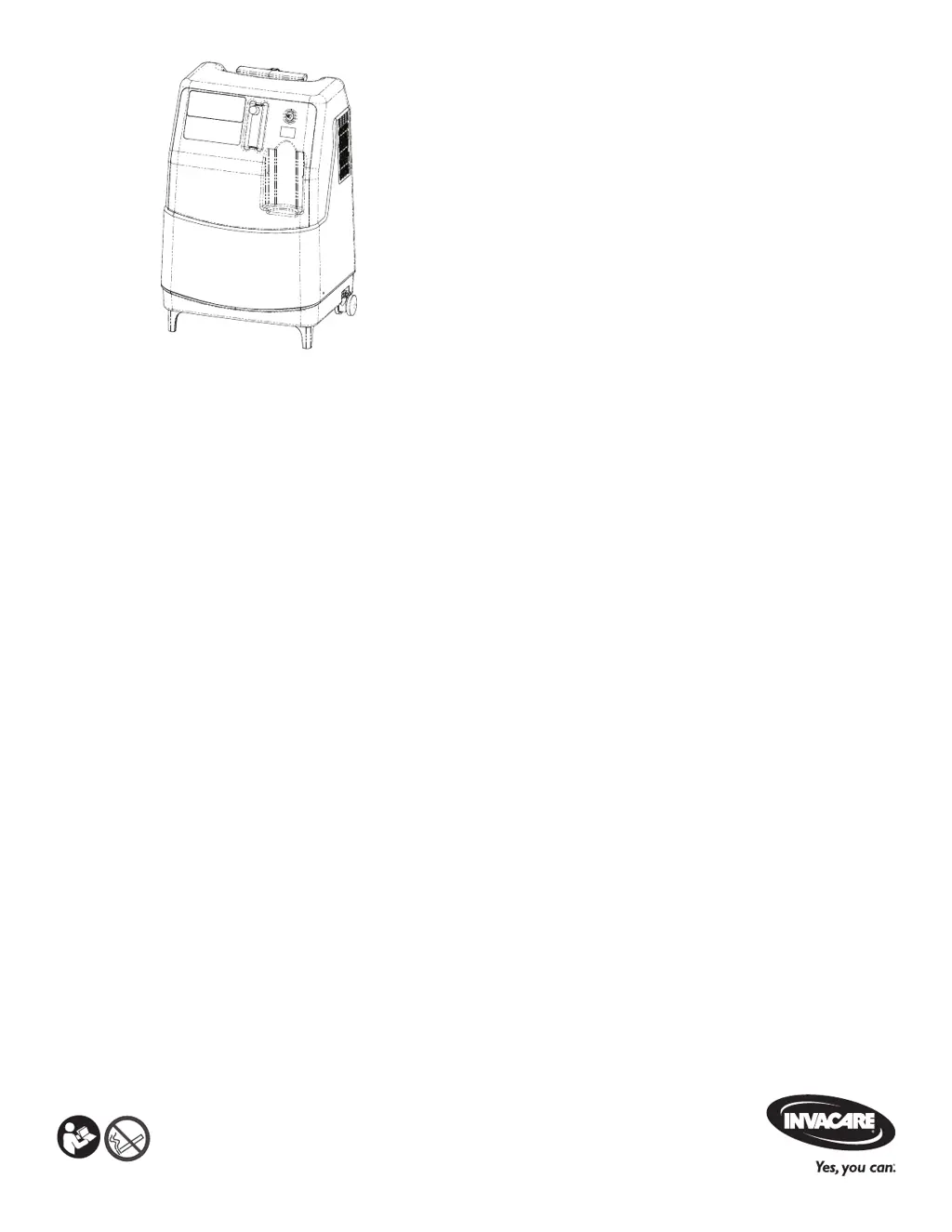
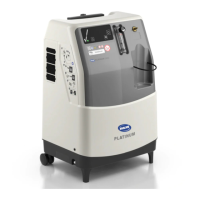
Invacare® Platinum® 5NXG Oxygen
Concentrator
P5NXG1, P5NXGC1
en
Stationary Oxygen Concentrator
User Manual
This manual MUST be given to the user of the product.
BEFORE using this product, this manual MUST be read and saved for future reference.

Table of Contents

Questions and Answers

  • B
    bensonaprilSep 9, 2025
    What to do if Invacare Platinum P5NXG1 Oxygen Equipment displays Valve Coil Failure?
    • C
      Carrie TaylorSep 9, 2025
      If your Invacare Oxygen Equipment displays a Valve Coil Failure, restart the unit using the stop/start button. If the alarm persists, contact your provider.
  • K
    Kaitlyn BeasleyAug 23, 2025
    What to do if Invacare Oxygen Equipment displays Low Oxygen Concentration Diagnostics?
    • K
      Krystal SantosAug 23, 2025
      If your Invacare Oxygen Equipment displays Low Oxygen Concentration Diagnostics, begin by ensuring the flowmeter is set between 1.0-5.0 L/min. Next, inspect the cabinet filter. Finally, check for any kinks or blockages, such as a kinked cannula or blocked vents. If the issue persists, contact your provider.
  • C
    Christine PowellAug 25, 2025
    What to do if Invacare Platinum P5NXG1 Oxygen Equipment displays Low Oxygen Concentration Shut Down?
    • M
      Michele LongAug 25, 2025
      If your Invacare Oxygen Equipment shuts down due to Low Oxygen Concentration, first ensure the flowmeter is set between 1.0-5.0 L/min. Inspect the cabinet filter. Check for any kinks or blockages (kinked cannula, blocked vents, etc.). If the problem persists, contact your provider.
  • S
    scott39Aug 26, 2025
    What to do if Invacare Platinum P5NXG1 Oxygen Equipment shows Potential Obstruction Alert?
    • M
      Michelle LynchAug 27, 2025
      If your Invacare Oxygen Equipment displays a Potential Obstruction Alert, first check if the flowmeter is set between 1.0-5.0 L/min. Then, inspect the cabinet filter and check for any kinks or blockages in the system, such as a kinked cannula or blocked vents. If the alarm persists after these checks, contact your provider.
  • A
    Aaron HansenAug 27, 2025
    What to do if Invacare Oxygen Equipment shows High Pressure?
    • E
      Edward ClarkAug 28, 2025
      If your Invacare Oxygen Equipment indicates High Pressure, check that the flowmeter is set between 1.0-5.0 L/min. Inspect the cabinet filter and look for any kinks or blockages, including a kinked cannula or blocked vents. If the alarm continues, contact your provider.
  • R
    Rebecca ClarkAug 29, 2025
    What to do if Invacare Platinum P5NXG1 shows High Temperature Alert?
    • R
      ronnie80Aug 29, 2025
      If your Invacare Oxygen Equipment displays a High Temperature Alert: * Inspect for blocked vents. * Ensure the device is in the specified operating environment. If the alarm persists, contact your provider.
  • G
    ghillSep 18, 2025
    What does Prediction Notification/Replace Sieve Bed mean for Invacare Platinum P5NXG1?
    • C
      Cheryl KingSep 18, 2025
      If your Invacare Oxygen Equipment displays a Prediction Notification to Replace the Sieve Bed, contact your provider for sieve bed replacement.
  • M
    Matthew MontgomerySep 18, 2025
    What does Prediction Notification/Replace Compressor or Inlet Filter mean for Invacare Oxygen Equipment?
    • H
      Heidi SimmonsSep 22, 2025
      If your Invacare Oxygen Equipment displays a Prediction Notification to Replace Compressor or Inlet Filter, contact your provider for compressor or inlet filter replacement.
  • S
    Sarah HowellSep 7, 2025
    What to do if Invacare Platinum P5NXG1 Oxygen Equipment displays Pressure Sensor Out of Range Low?
    • J
      Jose BlakeSep 8, 2025
      If your Invacare Oxygen Equipment displays a Pressure Sensor Out of Range Low alert, restart the unit using the stop/start button. If the alarm continues, contact your provider.
  • D
    Danielle CarterSep 4, 2025
    What to do if Invacare Oxygen Equipment shows Oxygen Sensor Heater Open Failure?
    • D
      Donald Mccoy IIISep 4, 2025
      If your Invacare Oxygen Equipment displays an Oxygen Sensor Heater Open Failure, restart the unit using the stop/start button. If the alarm persists, contact your provider.

Summary

General Information

Quick Start Guide

Provides a brief overview of the initial setup and operation of the oxygen concentrator.

Symbols, Intended Use, and Indications

Explains manual symbols, defines the device's intended use, and lists indications for use.

Contraindications, Patient Population, and Description

Details contraindications, target patient groups, and a description of the oxygen concentrator.

Safety

General Safety Guidelines

Outlines essential instructions and warnings for the safe installation, assembly, and operation.

Components

Component Identification

Identifies and labels the various parts of the oxygen concentrator.

Display Overview

Details the icons, indicator lights, and their meanings on the device display.

Pneumatic Diagram

Illustrates the internal air flow path of the oxygen concentrator.

Label Locations and Symbols

Shows the location of labels on the device and explains the meaning of various symbols.

Optional Accessories

Lists and describes recommended and optional accessories for the concentrator.

Setup

Unpacking and Inspection

Instructions for unpacking the device and inspecting it for any damage.

Storage

Guidelines for storing the oxygen concentrator properly.

Stacking Concentrators

Procedure and safety precautions for stacking multiple concentrator units.

Usage

Introduction, Transport, and Location Selection

Overview of device use, transport methods, and guidelines for selecting an operating location.

Setting Up the Concentrator

Detailed steps for setting up the concentrator, including humidifier bottle and cannula.

Setting Prescribed Flowrate and Checking Oxygen Flow

Instructions for setting the flowrate and verifying oxygen delivery.

Initial Start-up and Elapsed Time Meter

Information on the initial start-up period and how to check the device's operating hours.

Maintenance

Service Life and Cabinet Cleaning

Information on expected service life and procedures for cleaning the concentrator cabinet.

Cleaning the Cabinet Filter

Instructions for cleaning or replacing the cabinet air filters.

Humidifier Bottle Cleaning and Patient Checklist

Guidance on cleaning the humidifier bottle and a patient maintenance checklist.

Preventative Maintenance for Providers

Procedures for preventative maintenance and cleaning between patient use.

After Use

Recycling Information

Guidelines for the proper disposal and recycling of the product.

Wear and Tear

Details on components considered normal wear items and warranty considerations.

Troubleshooting

Troubleshooting Label and Alarms

Guidance for common issues, alarm types, and indicator lights.

Error Codes

Lists and explains various error codes and their corresponding solutions.

Technical Data

Specifications

Provides technical specifications, electrical requirements, and performance data.

Electromagnetic Compatibility (EMC)

Information regarding EMC compliance and guidance for electromagnetic environments.

Invacare Platinum P5NXG1 Specifications

General IconGeneral
BrandInvacare
ModelPlatinum P5NXG1
CategoryOxygen Equipment
LanguageEnglish

Related product manuals