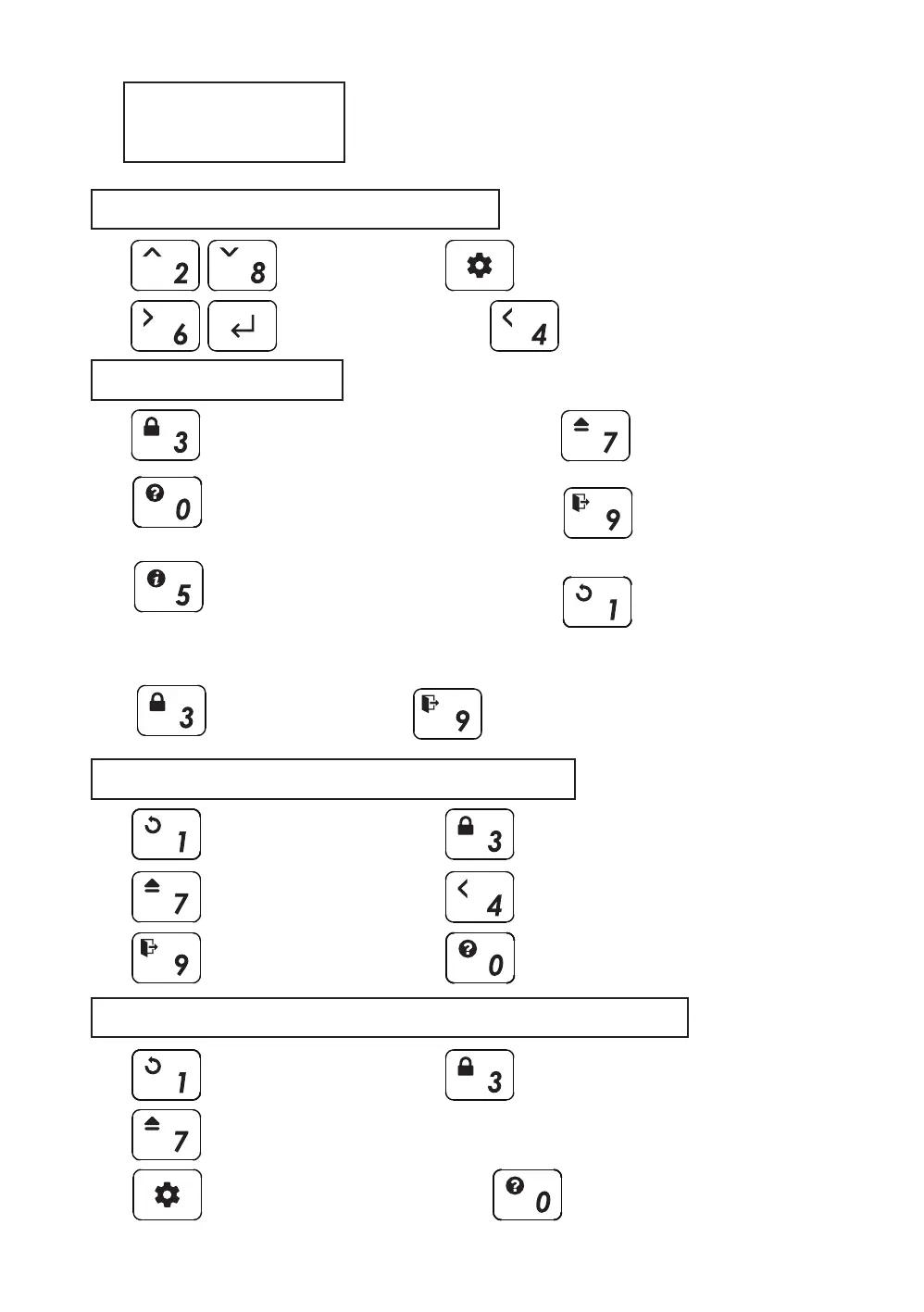
Keys
File/Menu Browsing
Function Keys
Long key ( push for 3 seconds )
Start-Up keys (during startup)
File/List
UP Down
View file information
Display full name, size,
and fragmentation information of the file
work only in the text viewer
Tooltip
A description of the current menu
/ error message
Select a
File/Menu/*.txt File
Enter to Menu(or Exit)
Reconnect to PC
Unmount all
Virtual drives(VHD/ISO)
Safe Removal.
(ISO loading state is save)
Reconnect to PC with
write-protected state is toggled.
Partition selection
*Only works when unmount
all virtual drives
Reconnected with
temporarily Write Protection disabled
Go to Upper
Folder / Menu
Refresh
File list
Instantly save
Instantly saves the
current virtual drive state.
Page Down
Txt Viewer PGDN
Connected with
Unmount all virtual drives(ISO, VHD)
Reset to
factory settings
Starts with
Write Protection
Enter to menu
without connecting to PC
Displays startup key info.
without connecting to PC
Disk Status
VBUS min.voltage/drive temp/health info
Page Up
Txt Viewer PGUP
Unmount the
most recently
mounted virtual drive



 To Next Page