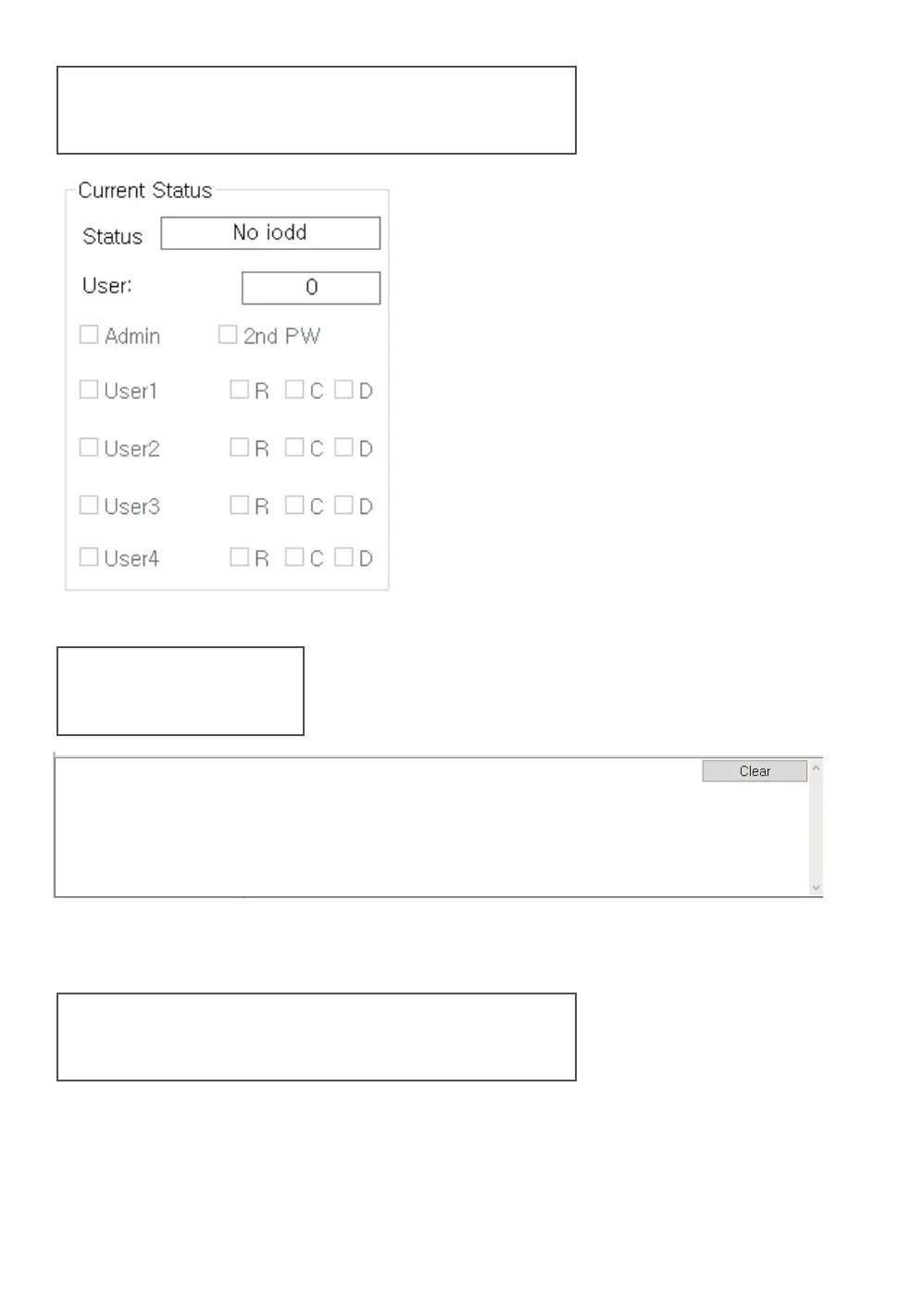
Current Status Area
Log area
● The administrator can check the
encryption lock status and user status
of the connected IODD.
● The administrator can check the
user's permission with the status of
the checkbox.
● Display the progress status log.
clear the contents with the [Clear] button.
Main Menu Area
● Close the program/ Change
The language using the [Settings]-[Preferences] menu
Supported languages :
Korean/English/German/French/Chinese/Japanese/Russian



 To Next Page