Admin's User Management
● Administrators can set individual passwords for up to 4 users
and manage disk permissions
1. Press the Menu button to select the [Encryption] - [User] menu.
2. Enter 0+admin password.
3. Select the users to manage.
4. When you have finished setting, press the [ < 4 ] button to return
to the previous menu.
5. Select [Save Users].
5.1 If you exit the menu without selecting the [Save Users] menu,
Changed settings are not applied.
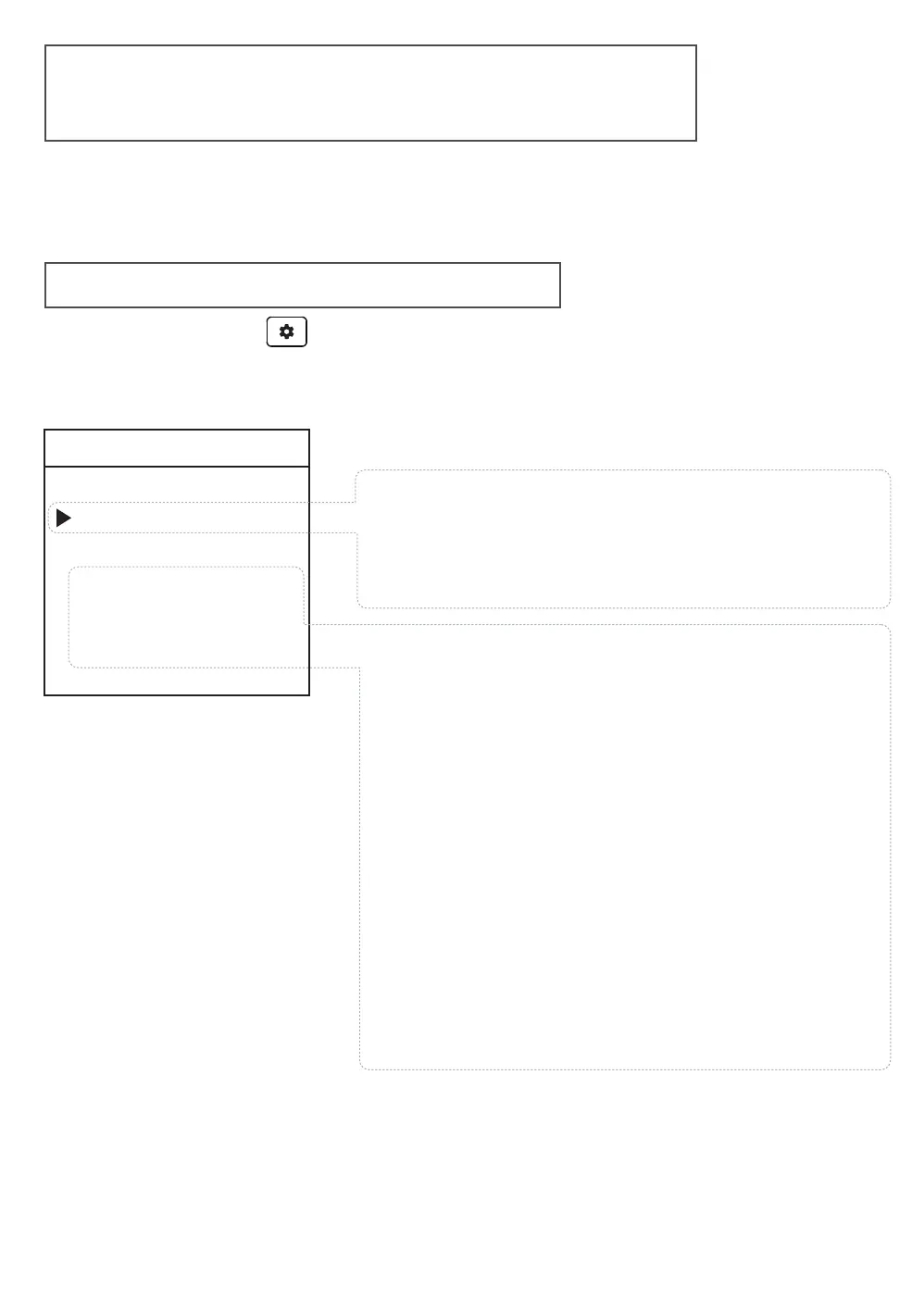
admin | User management
User-1
Set Password >
Del Password
□ Read Only
□ User Change
□ User Delete
A user password is a user identification (account)
number (1-4) fixed at the beginning of the password.
Read-only
The user cannot delete or change data on
the device's internal drive.
User Change
Users can change their user password arbitrarily.
Administrator can remove all user passwords.
User Delete
That user can delete their own user password.
The user account is also deleted.
1. Set or remove a user password.
2. Set the user's permission.



 To Next Page