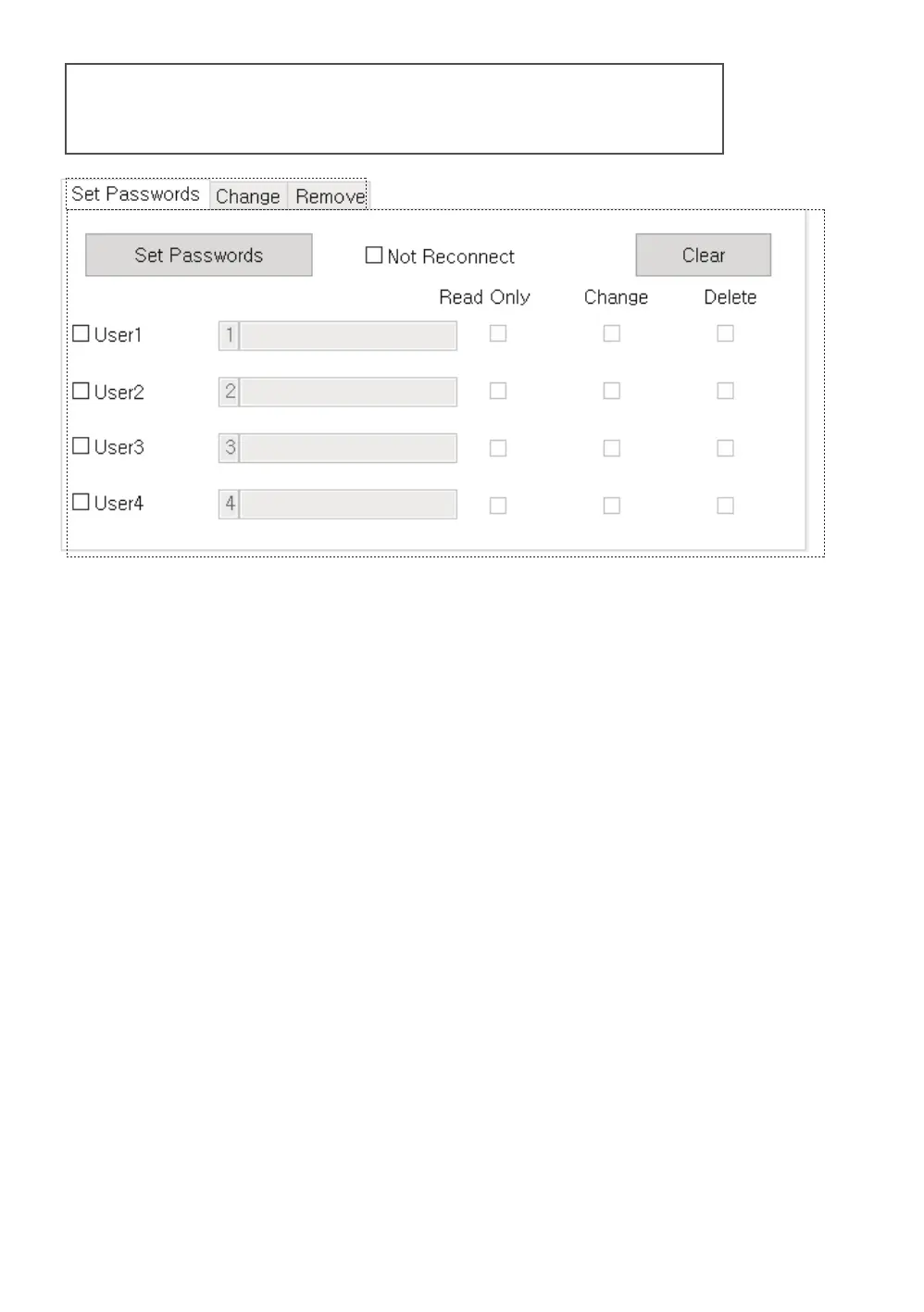
User management area
● Administrators can set, change,
or delete passwords and permissions for individual users.
1. Check the user to be used among users 1-4 [1],
and check the password [2] and authority [3].
1.1. Click the [Set Password] button to apply.
1.2. If [Do not reconnect] is checked,
it will be applied immediately without reconnection.
1.3. The [Empty] button initializes all user input items in the area.
2. Users will have their passwords begin with
their user number and begin with 1-4.
2.1. The user password can be set up to 38 digits
(the first digit of the user identification number + 37 digits).
3. The administrator password is required to
change or remove a user's password in Admin manager.
3.1. Even if a user who has [Change Password] is
changes the password, the administrator can change
the user's password and privileges.
.



 To Next Page