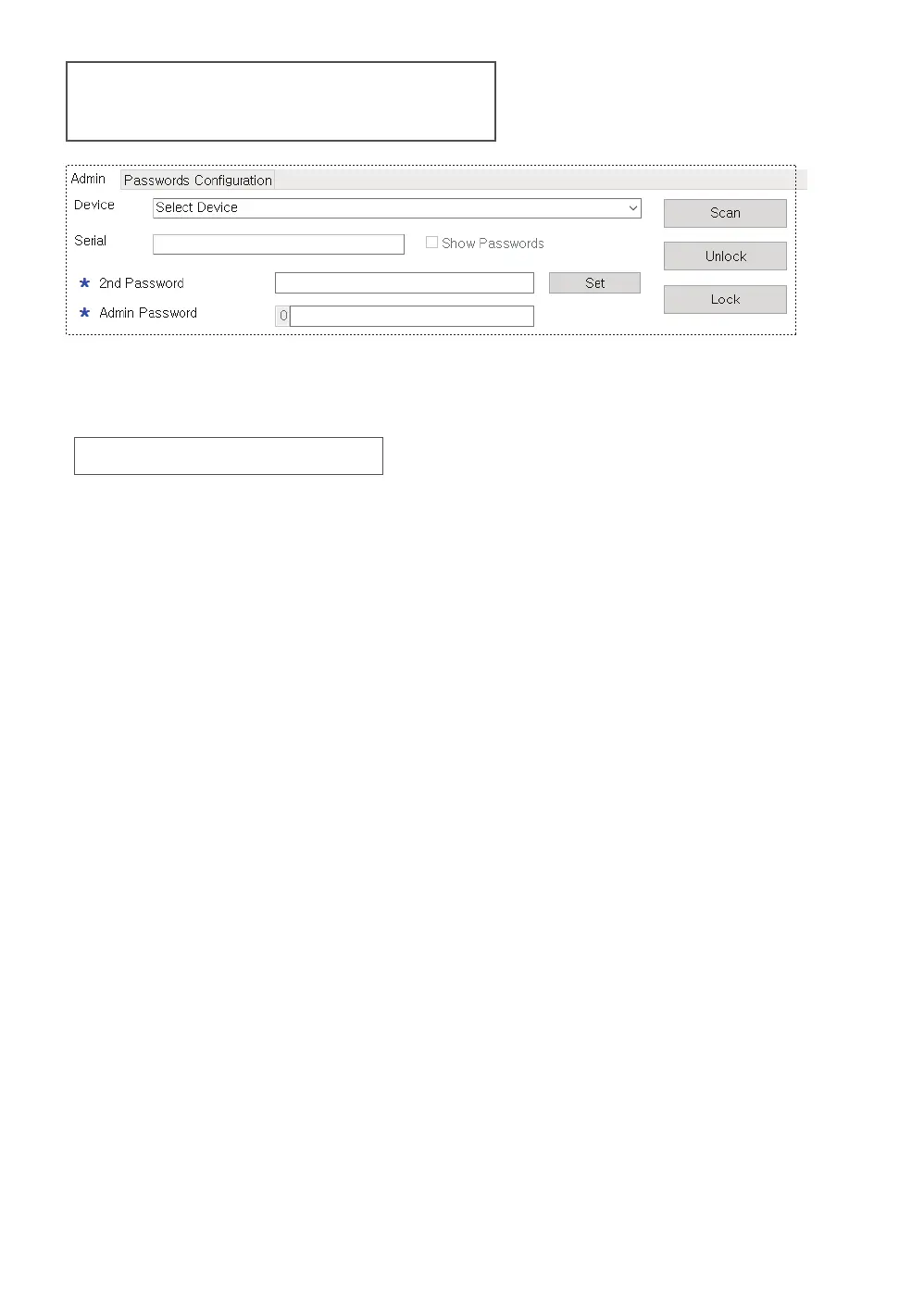
● The administrator can lock or unlock the IODD connected to the PC.
● All functions require an administrator password.
● Administrator can save or load password configuration file.
Admin Panel Area
Item Description
1. [Admin password] input Field
All functions of Admin manager require an administrator password.
If the administrator password is not known,
no changes to the program are saved to the IODD.
2. [Secondary password(2nd Password)] input Field
It is used when setting a password for the first time
in Admin manager or
when an encrypted disk is installed in another IODD.
Be careful not to lose the secondary password.
2.1. Secondary password [Set] button
The administrator can set a secondary password
on the machine (up to 38 digits).
3. [Unlock] button
Unlocks the password lock of the connected IODD.
4. [Lock] button
Password lock the connected IODD.
5. [Password configuration] tab
Admin can save/manage the current user settings
(passwords/permissions) as a password configuration file.
A master password is required for save and open
The master password can be set differently for each password
configuration file. Apart from the administrator password,
it is only used to save/open password configuration files.



 To Next Page