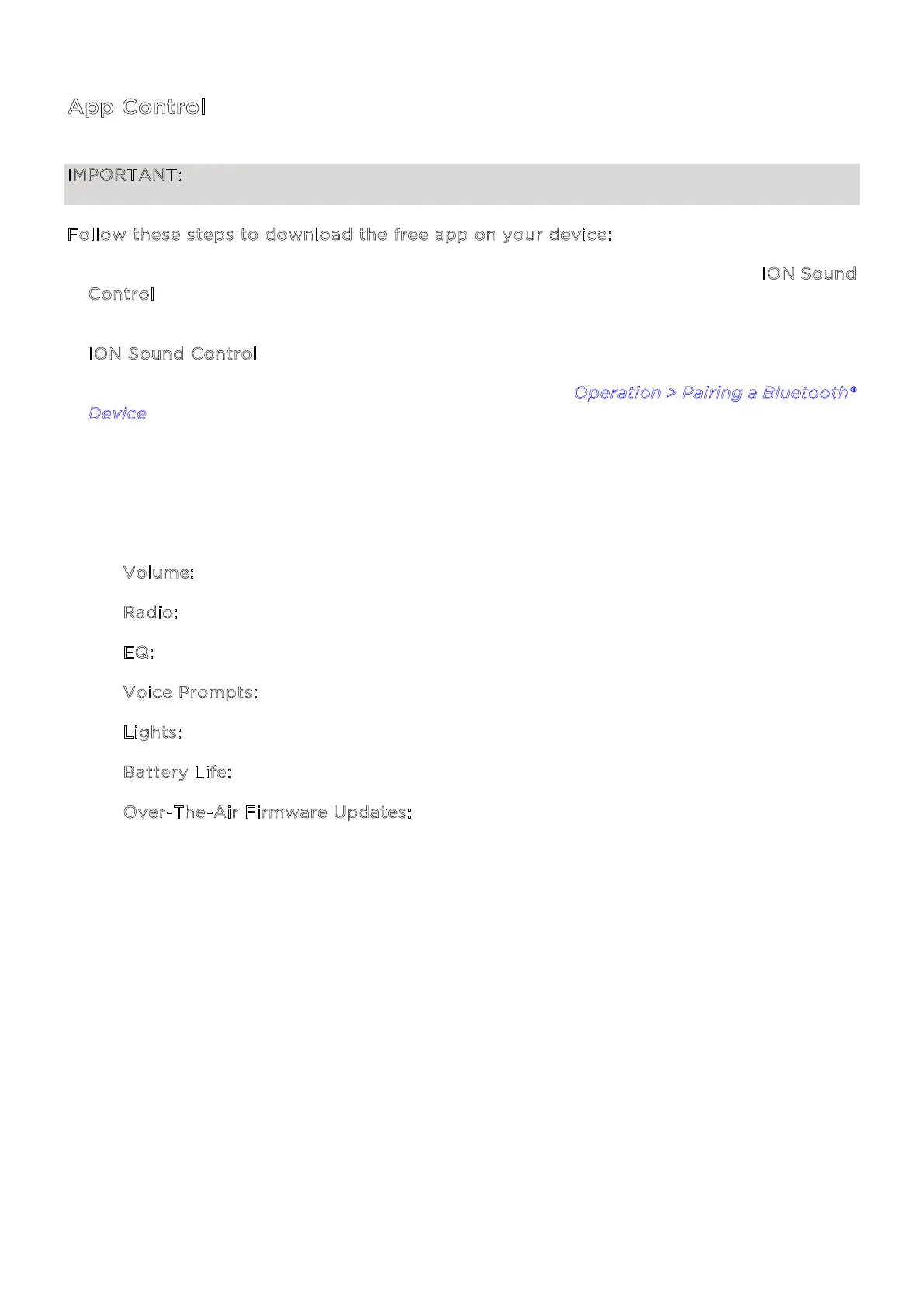
ION Audio Aquaboom™ X User Guide 13
A
pp Control
IMPORTANT: To ensure the best possible experience with the app, use the most current
Android OS or iOS on your device.
F
ollow these steps to download the free app on your device:
1. Open the Apple App Store or Google Play on your device. Then, search for the I
ON Sound
C
ontrol™ app.
2. Follow the on-screen instructions to download and install the app. Once downloaded, the
I
ON Sound Control™ app will appear on your device's home screen.
3. Connect your device to Aquaboom™ X via Bluetooth. See O
peration > Pairing a Bluetooth®
D
evice to learn how to do this.
4. Open the ION Sound Control™ app. If prompted, allow the app to access your device's
Bluetooth and Location Services.
5. Follow the steps on screen to find and connect to your Aquaboom™ X. Once connected, you
can control various functions of the speaker, such as:
• V
olume: Adjust the speaker's volume.
• R
adio: Select the FM radio station or a saved preset.
• E
Q: Adjust the speaker's high, mid, and low equalization or select a preset.
• V
oice Prompts: Enable or disable the voice prompts.
• L
ights: Change the light modes.
• B
attery Life: Check the speaker’s battery life status.
• O
ver-The-Air Firmware Updates: Stay up to date with the latest firmware installation.


 To Next Page