9
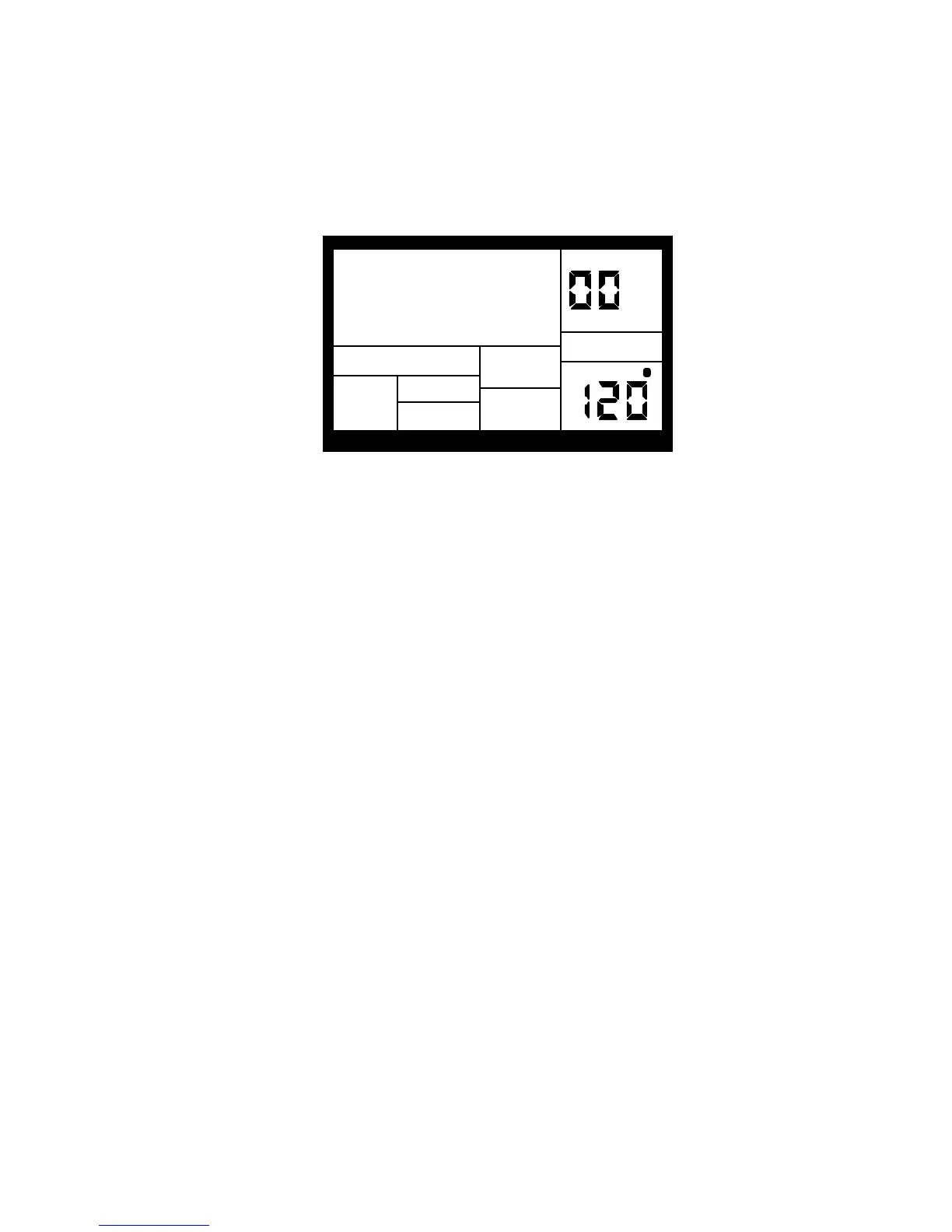
8. Press PLAY, and you'll hear a Preset Pattern. (In case the IDM01 has already been played
with, make sure that the display shows PERFORM and does not show USER before
continuing. To choose Perform mode, press the PERFORM/COMPOSE button until the
Perform/Compose section of the display shows PERFORM). To choose Preset rather than
User Patterns, press the PRESET/USER button until the display does not show USER. If
USER is not showing, then Preset Patterns are selected.
PRESS PLAY
TEMPO
PERFORM
BEAT 001
PATTERN
A
USER
PLAYING
9. Try the following:
• Enter a two-digit number between 00-49 using the number keys, then press PLAY.
• Press the INC (up arrow) button to select the next higher-numbered Preset Pattern. It will
play at the end of the current Pattern.
• Press the DEC (down arrow) button to select the next lower-numbered Preset Pattern.
• Press the B button to select the B variation of the selected Pattern.
• Press the A button to select the A variation of the selected Pattern.
• Press FILL briefly while a Main (A or B) Pattern is playing. Note how the Main Pattern
switches from either A to B or B to A after the Fill has played.
• Press FILL and hold it down until after the Fill has played. If the FILL button is held down past
the next downbeat, the Fill's associated Main Pattern (A or B) continues to play rather than
switch from A to B or B to A.
• Press the TEMPO/PAGE buttons to change the tempo.


 To Next Page