43
6.4 PAGE 4: ASSIGN MIDI NOTE NUMBERS TO DRUM PADS (NOTE)
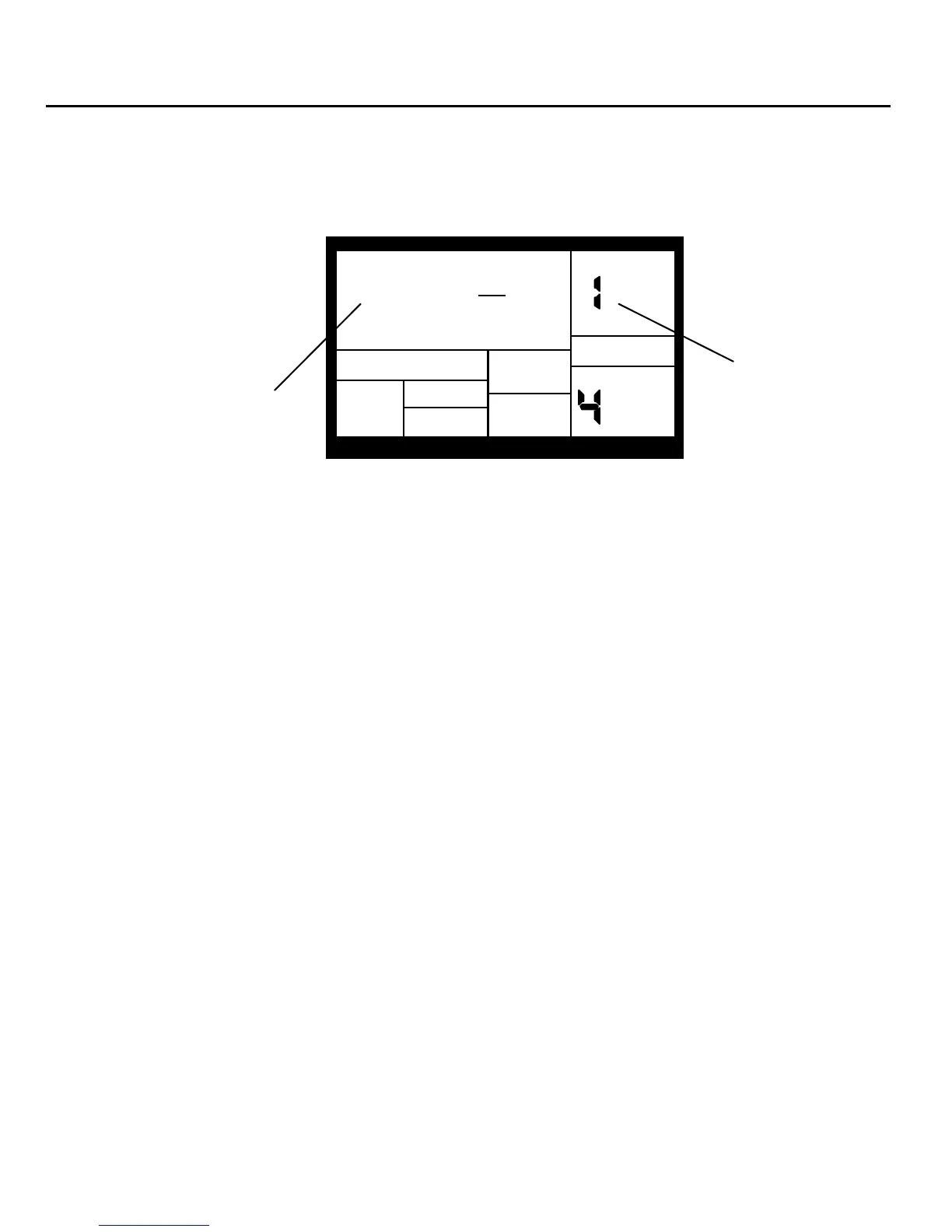
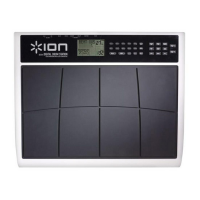
This page determines which MIDI in NOTE will trigger a pad, or MIDI out note will be produced
if you play a pad. The display shows the note number/name in the upper left, and the drum pad
number in the upper right window.
MIDI Note
Number/Name
NOTE 049
C#2
SETUPMIDI
DRUM
Drum Pad
Number
PAGE
Play the drum pad to be assigned to a MIDI note, as confirmed by the Drum Pad Number
display. Enter the note number/name with the number or INC/DEC buttons.
Background Note assignments are "global" and affect every Pattern. MIDI note assignments are not individually
selectable for each Pattern.
The default note assignments are:
Drum/Pad MIDI Note # Key Name
Kick 036 C1
Snare 038 D1
Cls Hat 042 F#1
Open Hat 046 A#1
Claps 039 D#1
Perc 2 067 G3
Tom 1 048 C2
Tom 2 045 A1
Tom 3 041 F1
Ride 051 D#2
Crash 049 C#2
Perc 1 065 F3


 To Next Page