12
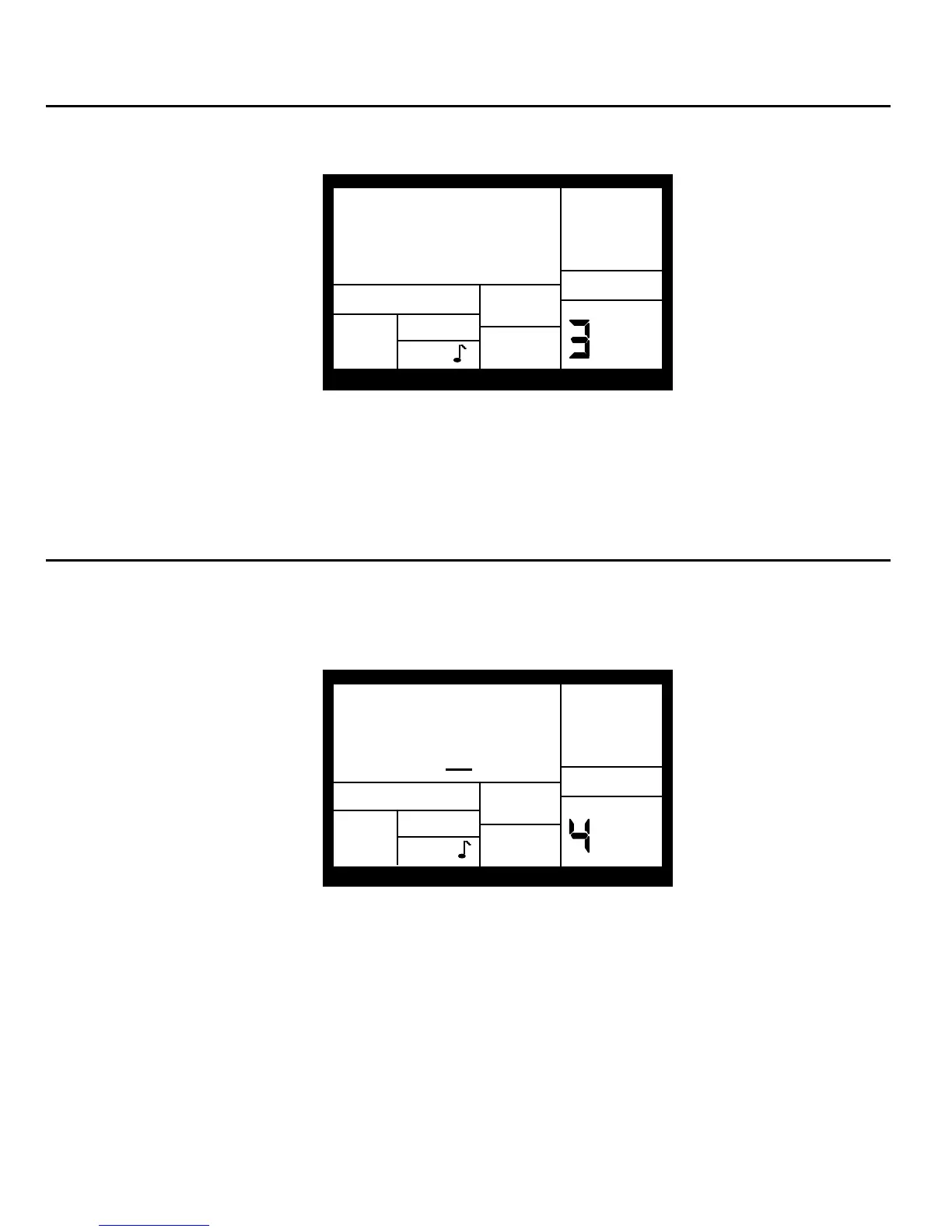
2.3 PAGE 3: ENABLE CLICK (METRONOME) AND SET RHYTHM (CLICK SELECT)
The display shows CLICK SELECT; the Click window shows the click's rhythmic value.
CLICK
PAGE
SELECT
SETUP
RECORD
CLICK
Enter the click value with the INC/DEC or number buttons (1 = quarter note, 2 = quarter note
triplet, 3 = 8th note, 4 = 8th note triplet, 5 = 16th note, 6 = 16th note triplet, 7-0 = Click Off).
The click is audible only in Compose mode.
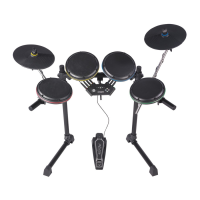
2.4 PAGE 4: SET CLICK (METRONOME) VOLUME (CLICK VOL)
The display shows CLICK VOL and a two-digit number representing click volume (00 =
inaudible, 99 = maximum volume). Enter the desired click level with the INC/DEC or number
buttons.
PAGE
CLICK
VOL 7
0
SETUP
RECORD
CLICK
PERFORM


 To Next Page