18
CHAPTER 3: PLAYING BACK/RECORDING PATTERNS
3.1 PLAYBACK/RECORD BASICS
Please make sure you've read section 1.2B, which explains the different types of IDM01
Patterns. It is important to understand the differences between these Pattern types.
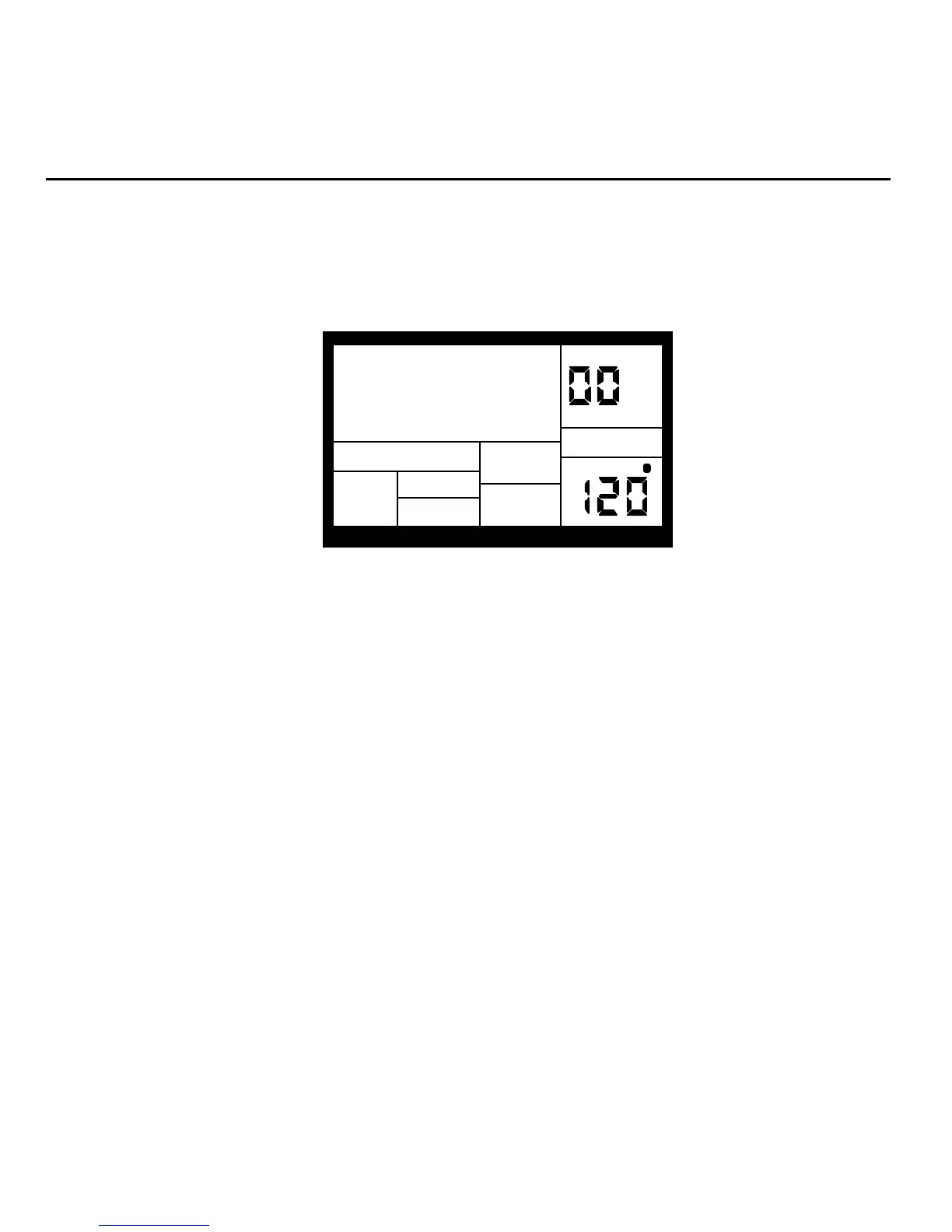
The PATTERN/SONG button chooses between Pattern and Song modes. For all of the
following Pattern operations, Pattern mode must be selected, as confirmed by the display.
PATTERN
A
PRESS PLAY
TEMPO
PERFORM
ROCK 1
3.1A The Dual-Purpose Fill Button
In addition to calling up Fill Patterns as described in the Introduction, the FILL button can also
be used while recording to create a series of notes at the desired quantization rate, as
described in section 3.1K.
3.1B Perform/Compose Modes
The IDM01 doesn't have a record button. Instead, press PLAY to start the Pattern, then select
either Perform or Compose mode (as selected by the PERFORM/COMPOSE button).
To record, choose Compose mode (as shown in the display). This also activates the click.


 To Next Page