11
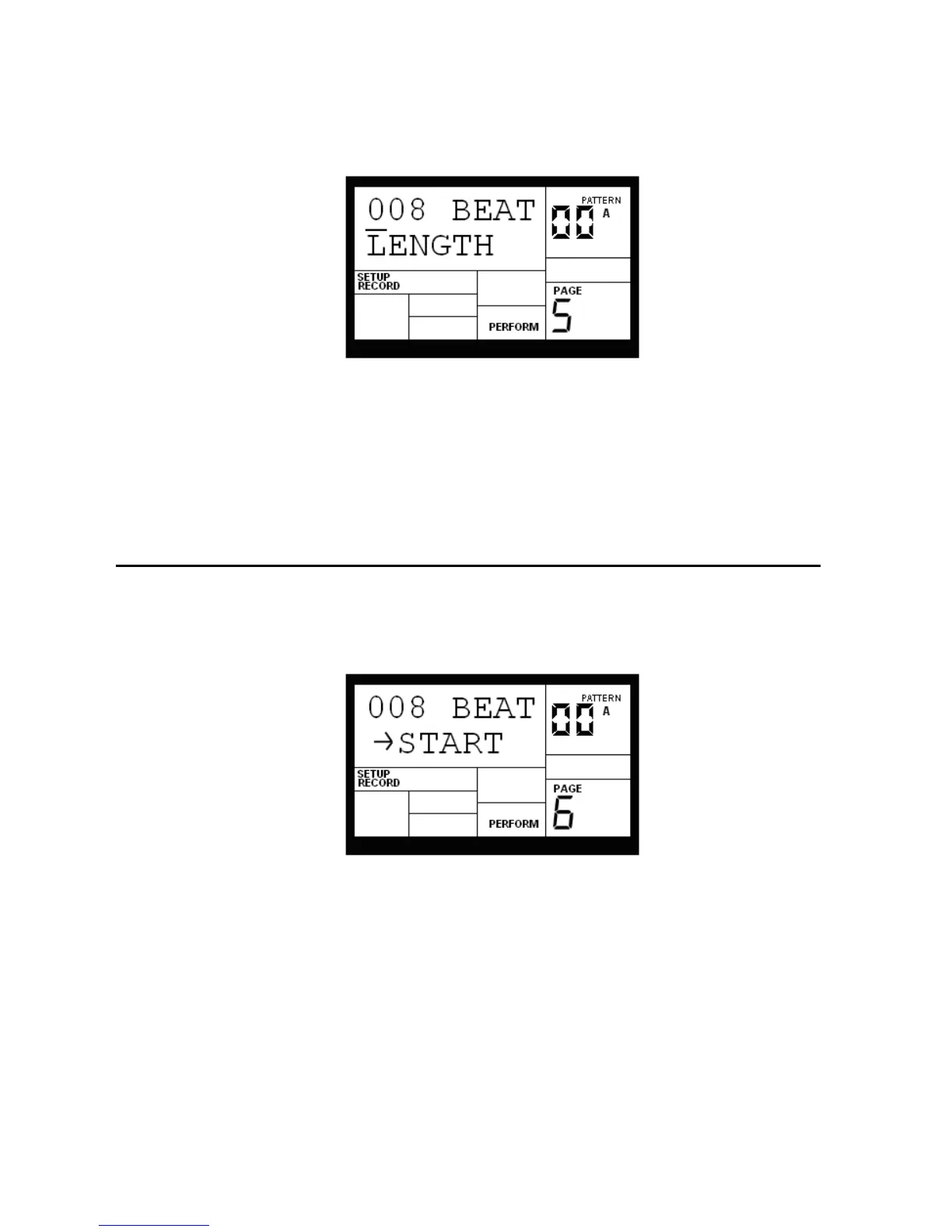
The display says ### BEAT and LENGTH. This indicates a Pattern's length in beats (quarter
notes). Enter the desired length with the INC/DEC or number buttons (this must be a three digit
number; enter leading zeroes if necessary). To prevent accidental length alteration, you must
press PLAY before the IED04 will store the new Pattern length. The display shows CHANGED
LENGTH for as long as PLAY is pressed.
Background Odd time signatures are not a problem since Patterns can be any number of beats (up to 128).
Example: For a measure of 13/4 followed by a measure of 5/4, program a 13-beat Pattern and a 5-beat Pattern.
2.6 PAGE 6: ADD/REMOVE BEATS FROM PATTERN BEGINNING (START)
This option either adds beats to, or subtracts beats from, the beginning of the Pattern. The
Pattern length can be set prior to, or after, recording. Shortening a Pattern's start point erases
any drum events that fall outside the remaining part of the Pattern; lengthening a Pattern's
start point adds silence at the beginning of a Pattern.
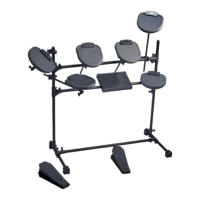
The display says ### BEAT and START. This indicates a Pattern's length in beats (quarter
notes). Enter the desired length with the INC/DEC or number buttons (this must be a three digit
number; enter leading zeroes if necessary). A smaller value compared to the original length
will remove the difference, in beats, from the beginning of the Pattern. A larger value will add
the difference, in beats, to the beginning of the Pattern.
Background An example will help clarify how beats are added to or removed from the beginning. Assume an
original length of 008 beats. Changing START to 007 will delete 1 beat from the Pattern beginning. Therefore,


 To Next Page