28
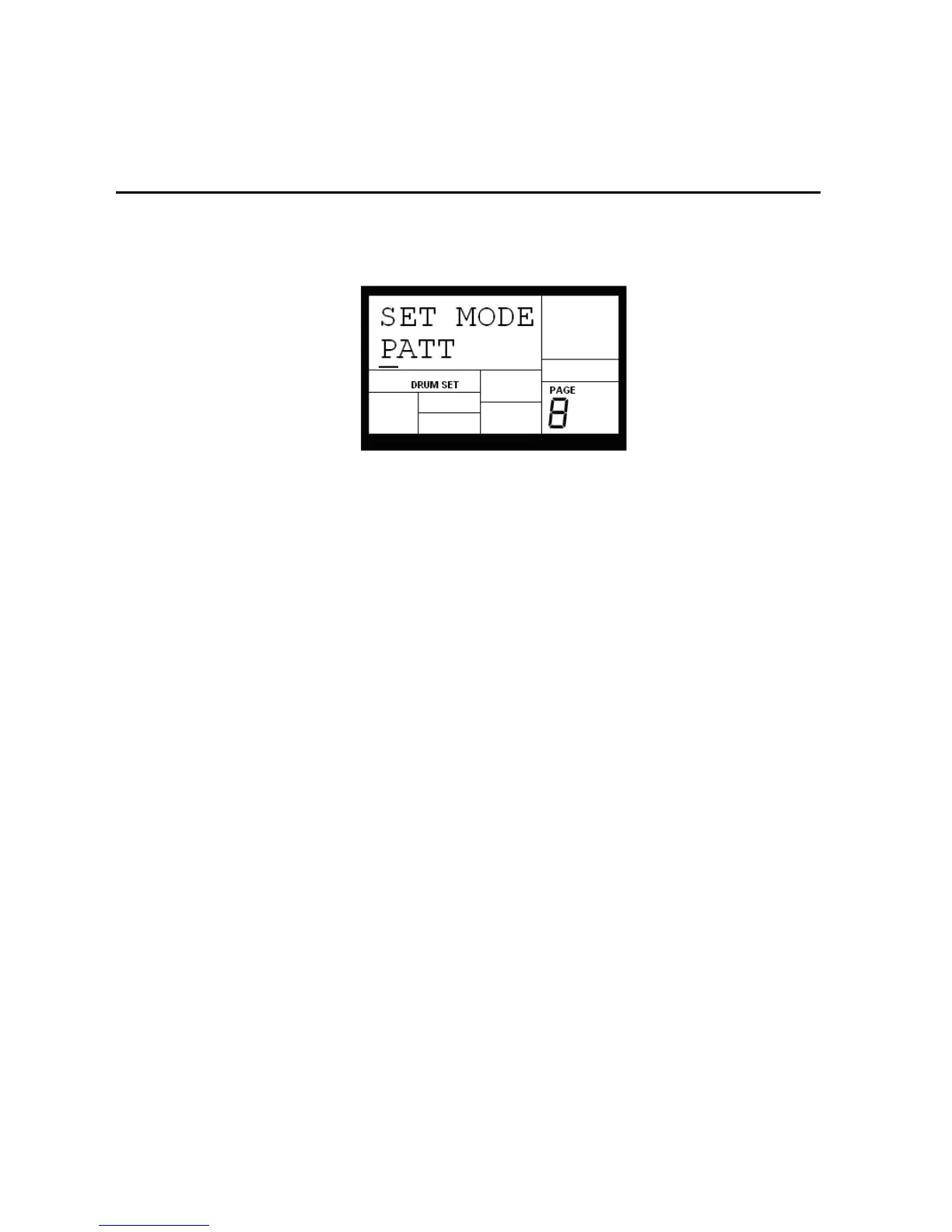
4.8 PAGE 8: MANUAL DRUM SET OVERRIDE (SET MODE)
The display says SET MODE. Use the INC/DEC buttons to select PATT (each Pattern uses its
assigned Drum Set) or MANUAL (the IED04 will retain the currently selected drum
assignments regardless of which Pattern is chosen).
Note: If changing Patterns doesn't call up different Drum Sets, this parameter is probably set to
MANUAL instead of PATT.
Background Each Pattern has an associated, assigned Drum Set. However, you can tell the IED04 to ignore
these stored assignments, and retain the currently selected Drum Set regardless of whether or not you change
Patterns. This is useful if you want to hear how a Pattern would sound with a different Drum Set (just set one up
manually) as opposed to the one stored with the Pattern.


 To Next Page