26
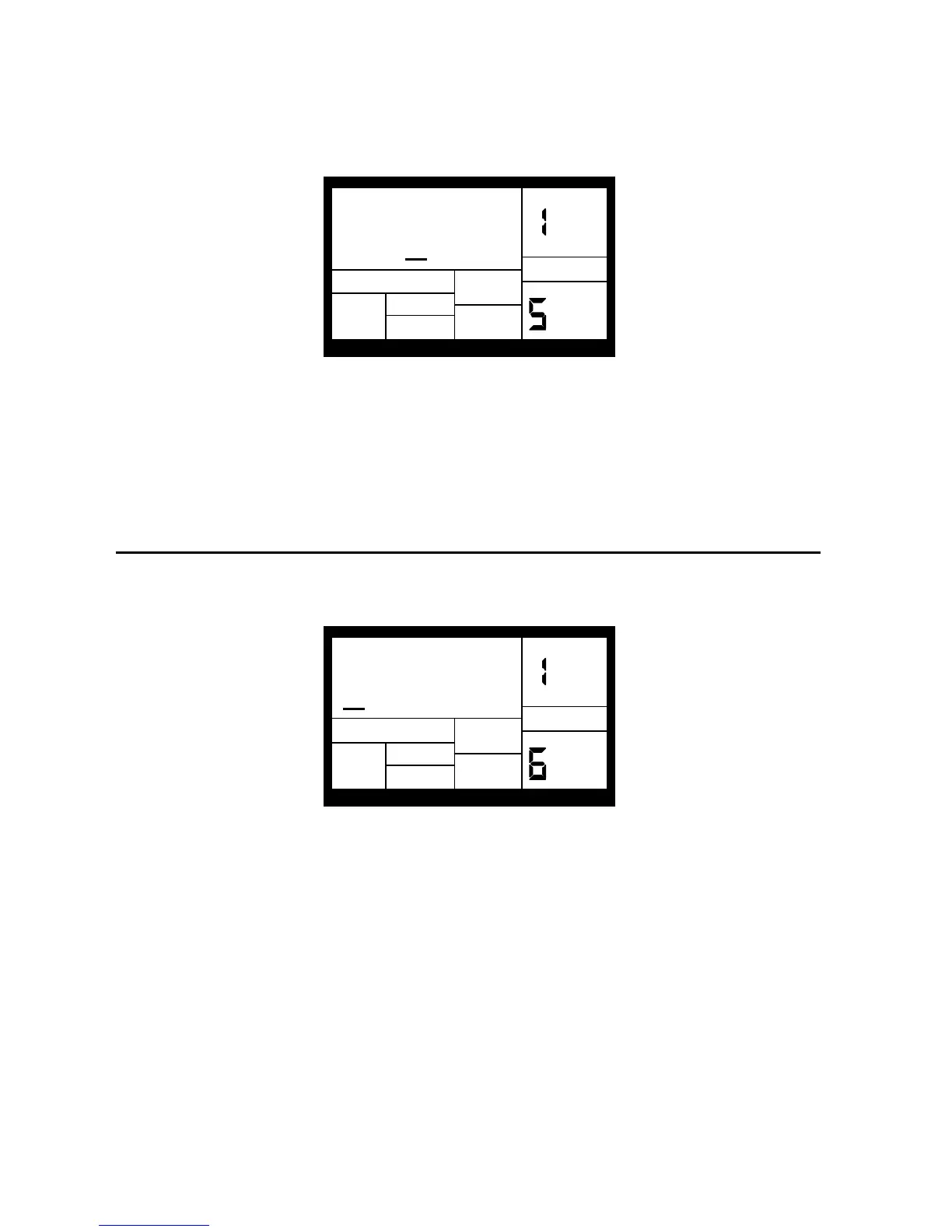
TUNING
PAGE
+3
DRUM SET
DRUM
To change the tuning associated with a given pad:
1. Press the pad (the display will show the pad number).
2. Enter the desired tuning with the INC/DEC buttons. The range is from +3 (most sharp) to 0
(normal pitch) to -4 (most flat).
3. When the display confirms your choice, either store the edits (see section 4.8) or do more
assignments by striking another pad to select it, then assigning the new tuning.
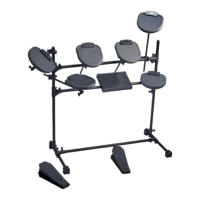
4.6 PAGE 6: SET TRIGGERING MODE (ASN MODE)
The display shows ASN MODE (short for Assignment Mode), the currently selected pad
number, and the mode assigned to that pad.
PAGE
ASN MODE
M
ULTI
DRUM SET
DRUM
To change the mode associated with a given pad:
1. Press the pad (the display will show the pad number).
2. Enter the desired mode with the INC/DEC buttons or number buttons 1-4.
3. When the display confirms your choice, either store the edited Drum Set (see section 4.8) or
do more assignments by striking another pad to select it, then changing the new assignment
mode.
Background Each mode affects triggering in a different way:
Multi: When hitting a pad repeatedly, each hit will cause the sound to go through its entire decay. This is useful
with cymbals, since early strikes will continue to decay as you play later strikes.


 To Next Page