24
4.2 PAGE 2: ASSIGN SOUNDS TO PADS
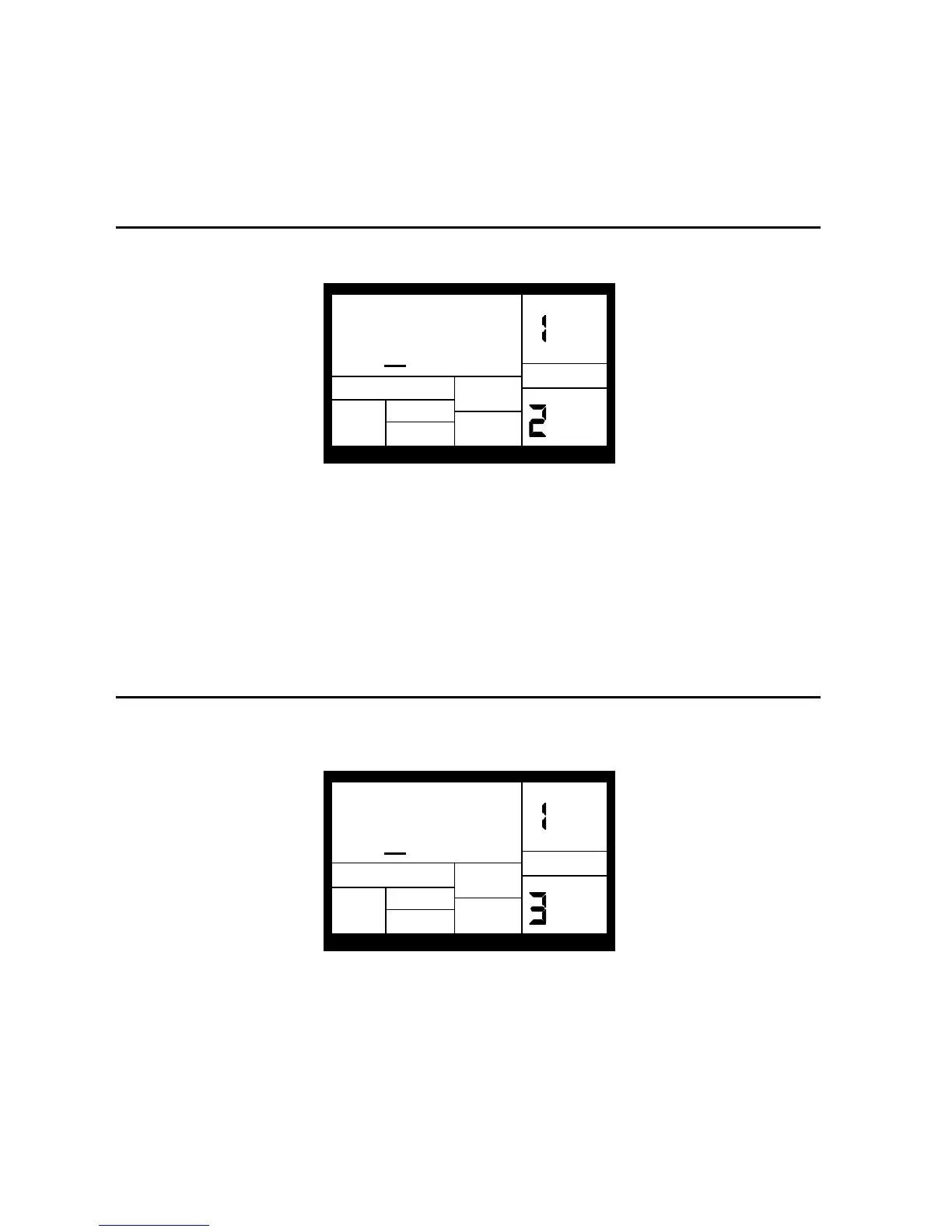
The display shows the currently selected pad number and the sound assigned to that pad.
FATSNARE
PAGE
001
DRUM SET
DRUM
You can assign any of the IED04's sounds to any of the pads, or to more than one pad. Each
individual Drum Set can have its own drum sound assignment.
To assign a sound to a pad:
1. Hit the pad.
2. Enter the desired drum sound number with the number or INC/DEC buttons.
3. When the display confirms your choice, either store the edited Drum Set (see section 4.8) or
do more assignments by striking another pad to select it, and assigning a drum sound to it.
4.3 PAGE 3: SET PAD VOLUME (VOLUME)
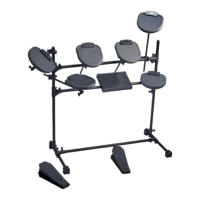
The display shows VOLUME, the currently selected pad number, and the volume of the sound
assigned to that pad.
VOLUME
PAGE
99
DRUM SET
DRUM
To change the volume associated with a given pad:


 To Next Page