EN-11
5.4 Use Time Lapse to take Photos
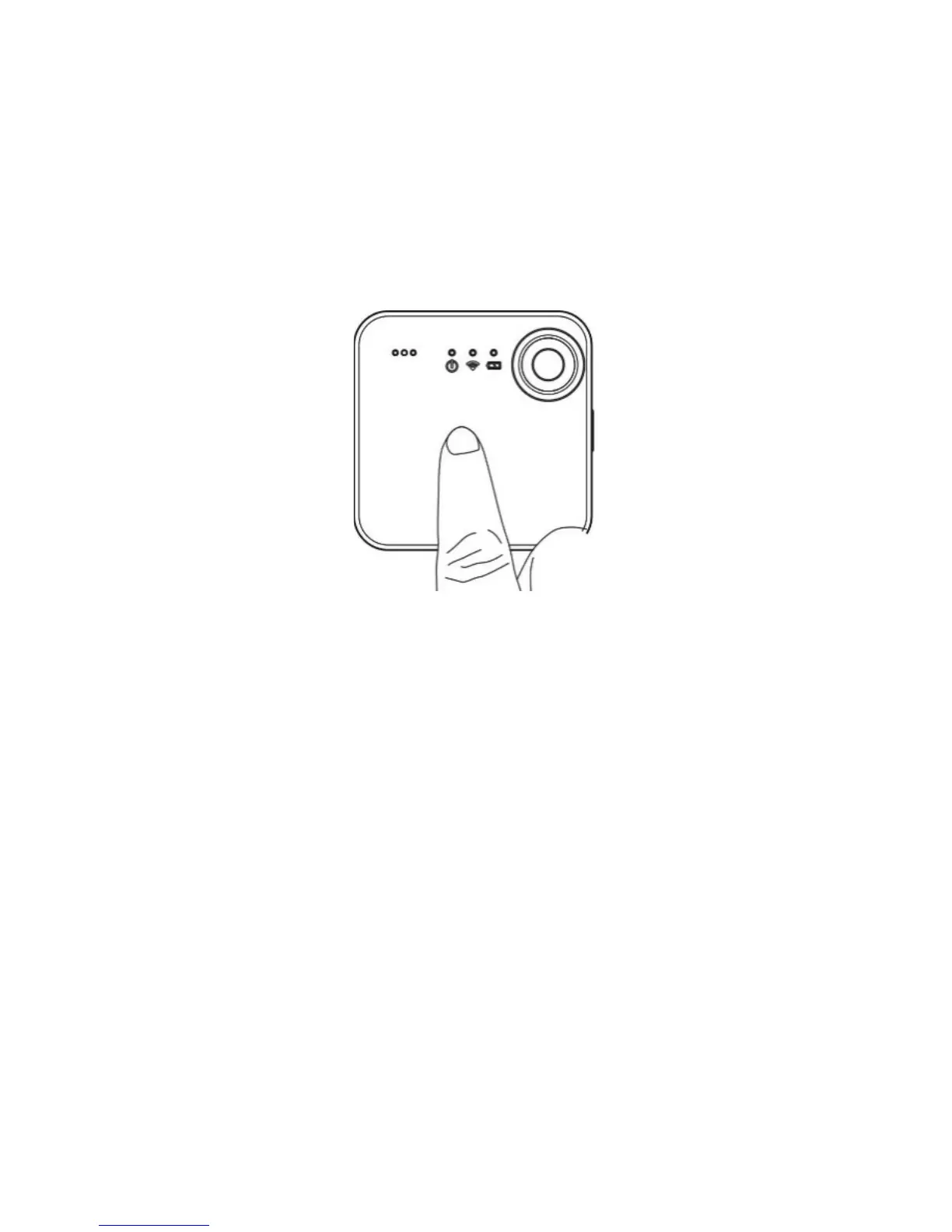
1. Set your SnapCam to Time Lapse Photo function using the iON
SnapCam App and smart device.
2. Simply click “Start Time Lapse Photo” on the iON SnapCam App,
then your SnapCam will start to take photos at the set time intervals.
3. You may cancel the Time Lapse Photo function using the iON
SnapCam App


 To Next Page