EN-12
5.5 Video Recording
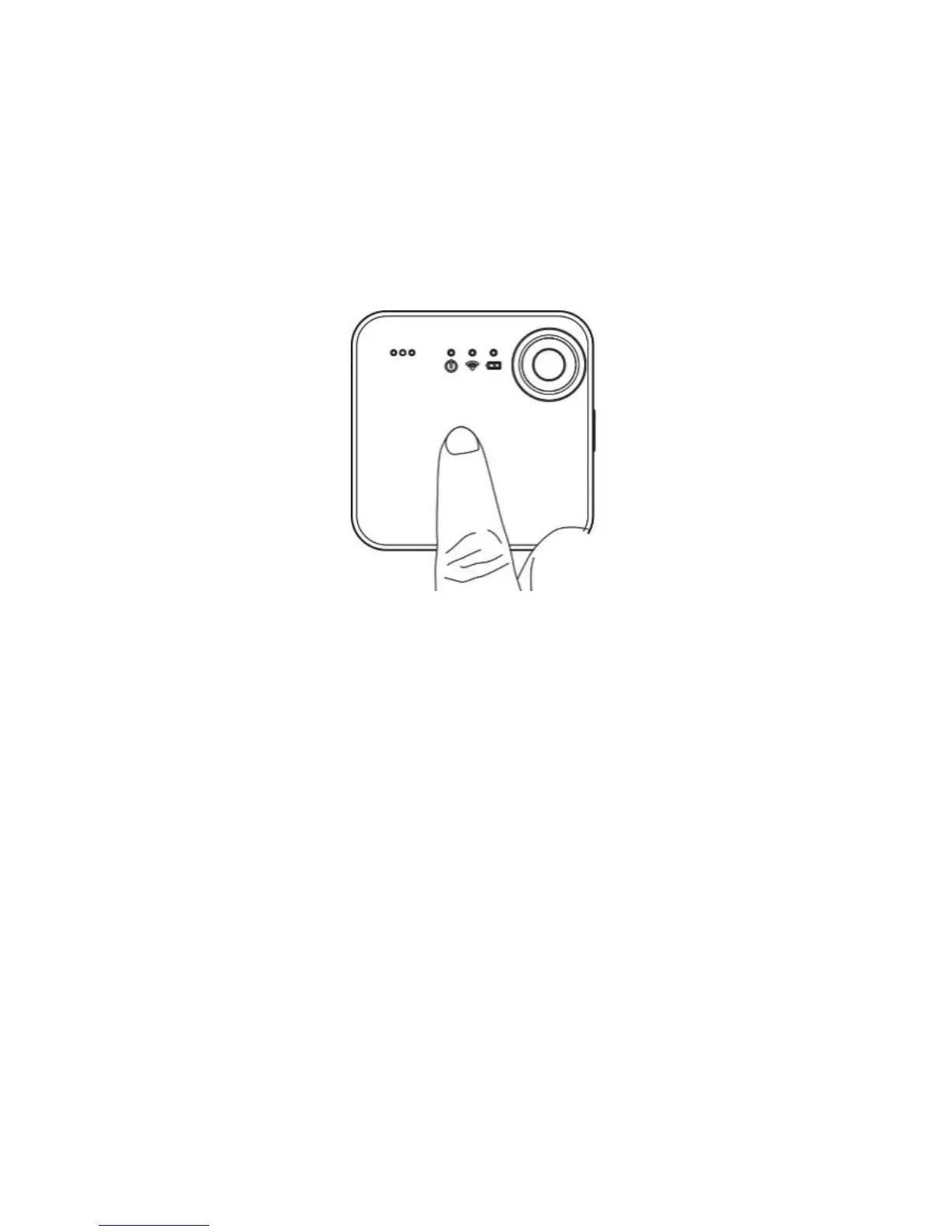
1. Simply tap the touch panel of your SnapCam twice to start video
recording. The red LED will stay solid for the duration of recording.
You may also start video recording through iON SnapCam App by
clicking “Start Video” icon.
2. Tap the touch panel of your SnapCam twice to stop video recording,
or click “Stop Video” icon on iON SnapCam App.
Note: Please note changing video or photo resolution will decrease
battery life.


 To Next Page