EN-14
5.7 Live Streaming
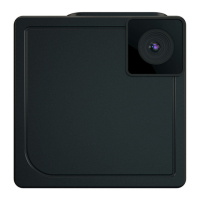
Your SnapCam is capable of live streaming.
1. Make sure your SnapCam is connected to a Wi-Fi network
2. Open the iON SnapCam App and select your SnapCam in the
Device Page.
3. Swipe the touch panel of your SnapCam from left to right to start
live streaming.
4. To stop live streaming, swipe the touch panel of your SnapCam
from right to left.


 To Next Page