EasyManua.ls Logo

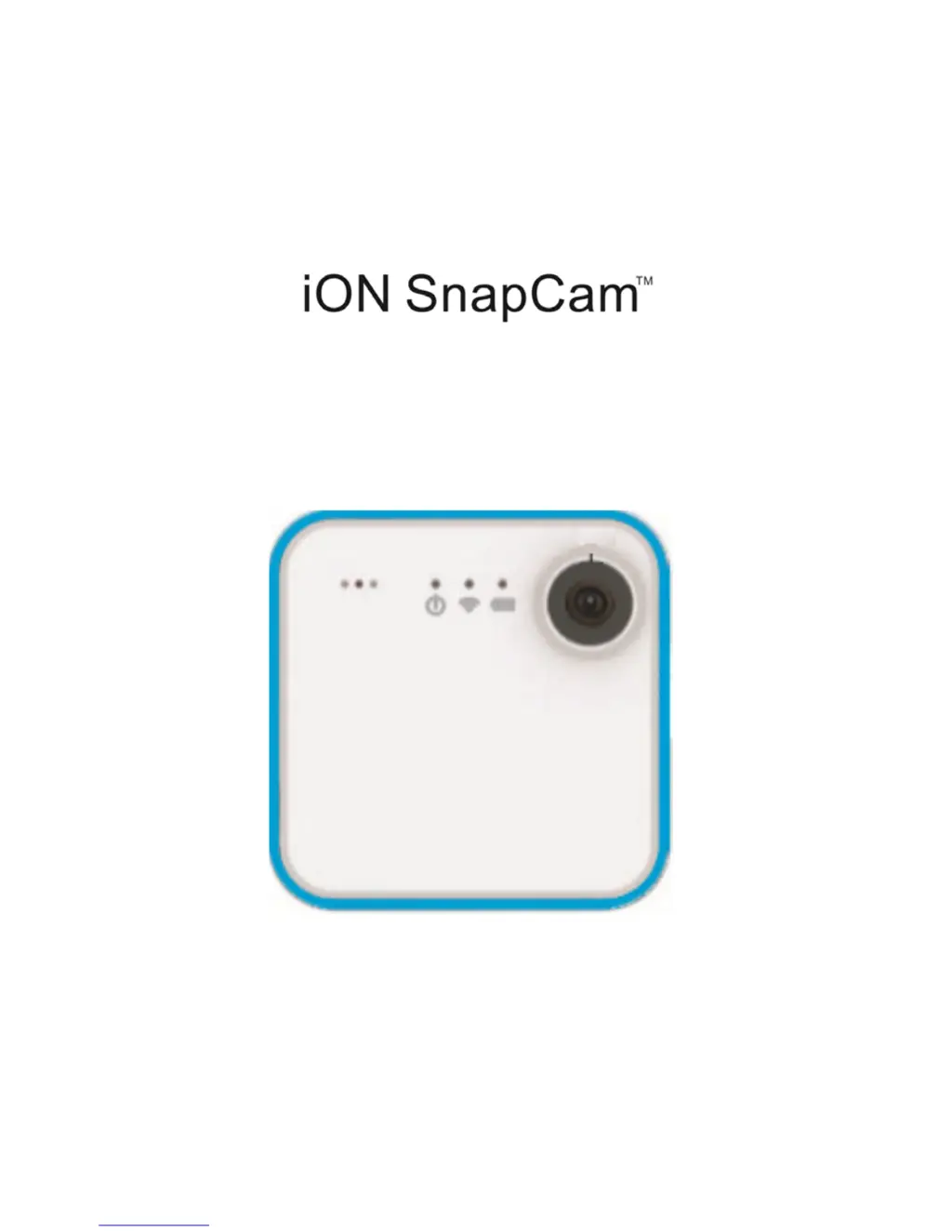
ION SnapCam - User Manual

ION SnapCam
132 pages
Print Icon
To Next Page IconTo Next Page
Loading...

Quick Start Guide

Questions and Answers

Summary

Introduction to iON SnapCam

iON SnapCam Key Features

Camera Functionality Overview

Getting Started with iON SnapCam

Charging the SnapCam Battery

Charge the built-in battery. Charging time from empty to full is approx. 1.5 hours. LED turns GREEN when fully charged.

Inserting a MicroSD Memory Card

Insert MicroSD card (2GB-32GB Class 6+) before use. Format card before first use. Card must be inserted in the correct orientation.

Setting the Date and Time

Set the SnapCam's clock for accurate file timestamps. Connect to PC, create a formatted file, and disconnect.

Using the iON SnapCam

Wearing the SnapCam

How to wear the SnapCam on clothing using the magnetic clip. Ensure vertical placement to prevent slipping.

Powering On the SnapCam

Press the power button for 3-4 seconds to turn on. The device searches for a Wi-Fi network.

Taking a Single Photo

Tap the touch panel to take a photo. The red LED flashes once. Can also use the app.

Time Lapse Photo Function

Configure Time Lapse Photo function via the iON SnapCam App. Start taking photos at set intervals.

Video Recording

Tap the touch panel twice to start/stop video recording. Red LED stays solid during recording.

Short Video Recording

Set duration via app. Touch and hold panel to start/stop short video recording. Default duration is 15 seconds.

Live Streaming

Connect to Wi-Fi. Use the app to select device. Swipe panel left-to-right to start streaming.

Connecting to a Smart Device

Control SnapCam via iON SnapCam App. Open app, select device, click 'Device\Add New' to search.

Connecting to a PC

Connect to PC as mass storage device to transfer files. Charging occurs if recording when connected.

Technical Specifications

Troubleshooting Guide

FCC Compliance Statement

Trademark Information

Additional Resources

Summary

Introduction to iON SnapCam

iON SnapCam Key Features

Camera Functionality Overview

Getting Started with iON SnapCam

Charging the SnapCam Battery

Charge the built-in battery. Charging time from empty to full is approx. 1.5 hours. LED turns GREEN when fully charged.

Inserting a MicroSD Memory Card

Insert MicroSD card (2GB-32GB Class 6+) before use. Format card before first use. Card must be inserted in the correct orientation.

Setting the Date and Time

Set the SnapCam's clock for accurate file timestamps. Connect to PC, create a formatted file, and disconnect.

Using the iON SnapCam

Wearing the SnapCam

How to wear the SnapCam on clothing using the magnetic clip. Ensure vertical placement to prevent slipping.

Powering On the SnapCam

Press the power button for 3-4 seconds to turn on. The device searches for a Wi-Fi network.

Taking a Single Photo

Tap the touch panel to take a photo. The red LED flashes once. Can also use the app.

Time Lapse Photo Function

Configure Time Lapse Photo function via the iON SnapCam App. Start taking photos at set intervals.

Video Recording

Tap the touch panel twice to start/stop video recording. Red LED stays solid during recording.

Short Video Recording

Set duration via app. Touch and hold panel to start/stop short video recording. Default duration is 15 seconds.

Live Streaming

Connect to Wi-Fi. Use the app to select device. Swipe panel left-to-right to start streaming.

Connecting to a Smart Device

Control SnapCam via iON SnapCam App. Open app, select device, click 'Device\Add New' to search.

Connecting to a PC

Connect to PC as mass storage device to transfer files. Charging occurs if recording when connected.

Technical Specifications

Troubleshooting Guide

FCC Compliance Statement

Trademark Information

Additional Resources

ION SnapCam Specifications

General IconGeneral
LensWide angle lens
Still Image resolution8MP (Default), 2MP
Video Resolution720p 30fps, WVGA : 848 x 480
Video FormatMPEG4 (H.264) .MP4 File
Photo FormatJPG
Water ResistanceIPX4
Operation Temperature-10°C - 45°C
Storage Temperature-20°C - 70°C
Memory SlotMicroSD card
Support SystemWindows XP, Vista, 7, and 8 ; Mac OS X 10.6 or later
MicrophoneBuilt-in
Battery Life2 hours continuous recording
Weight and Dimensions IconWeight and Dimensions
Dimension (L x H x W)40 x 40 x 12.5 mm
Weight32g

Related product manuals