EN-13
5.6 Short Video Recording
1. Set the duration of Short Video Recording using iON SnapCam
App and a smart device. (Default is 15 seconds)
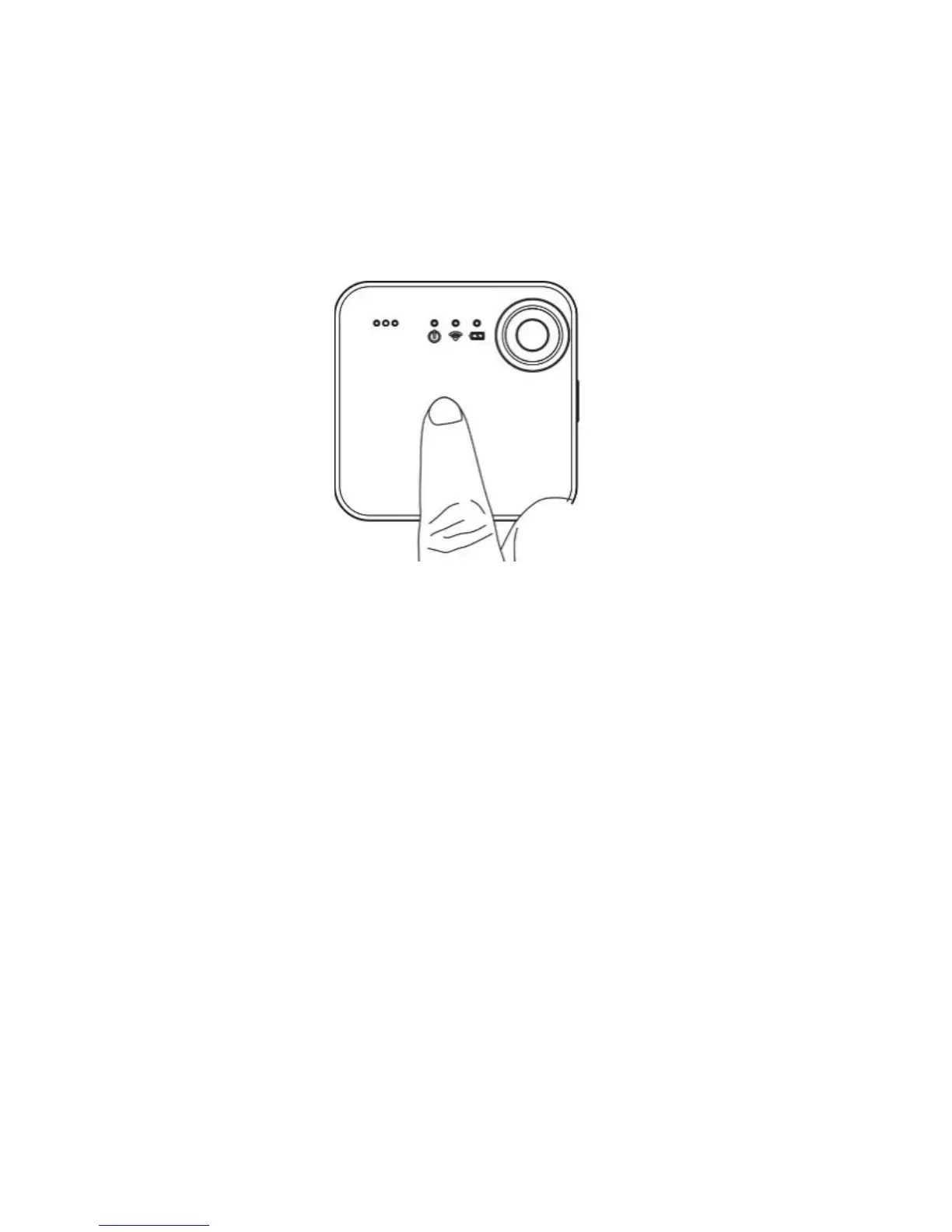
2. Simply touch and hold the touch panel of your SnapCam to start
short video recording. You may also start/stop short video recording
through iON SnapCam App by clicking “Start Short Video” icon.


 To Next Page