IT-14
5.6 Registrazione video breve
1. Impostare la durata della registrazione video breve usando l'app
iON SnapCam e un dispositivo smart (predefinito 15 secondi).
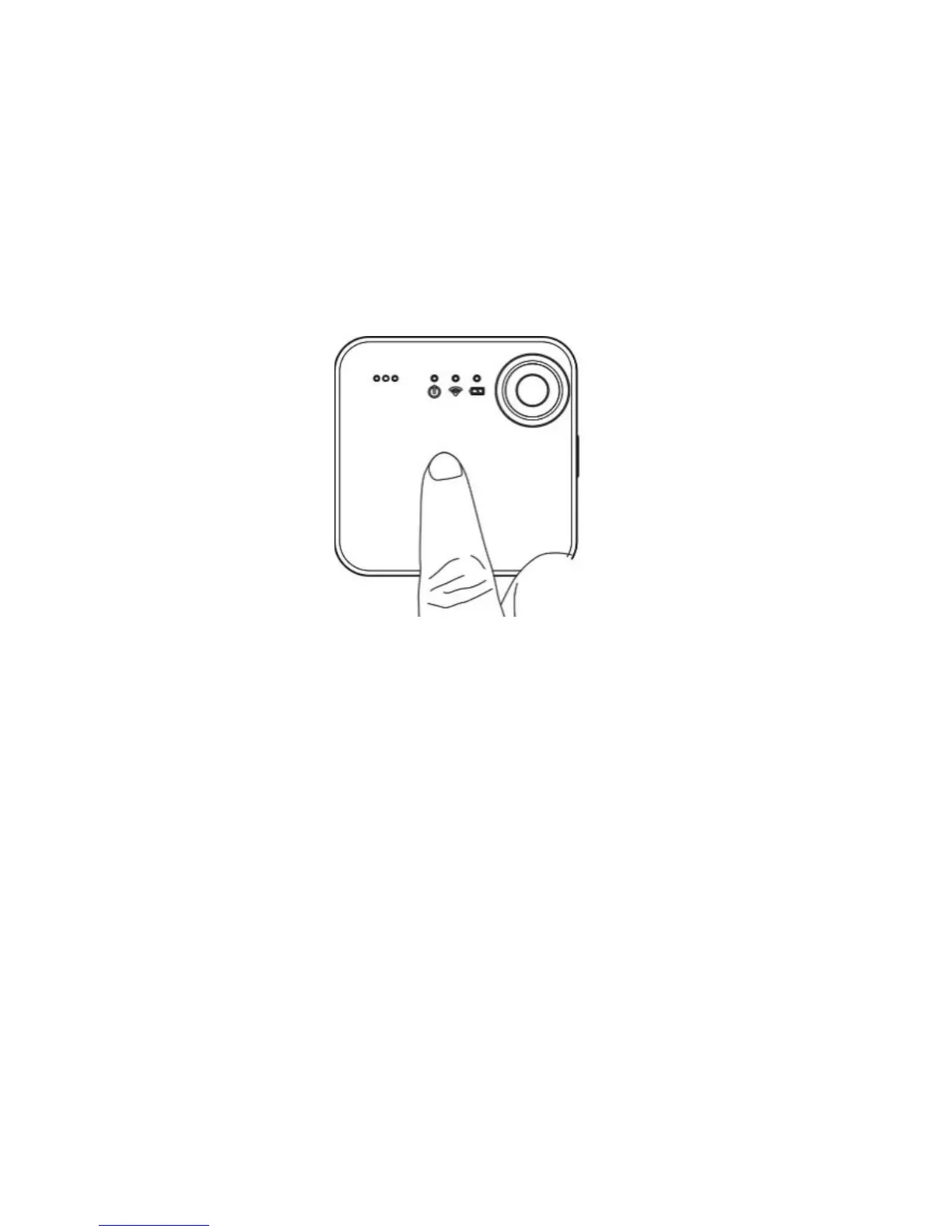
2. Tenere semplicemente premuto il pannello touch della SnapCam
per avviare la registrazione video breve. È inoltre possibile
avviare/interrompere la registrazione video breve mediante l'app
iON SnapCam facendo clic sull'icona “Avvia video breve”.


 To Next Page