11 12
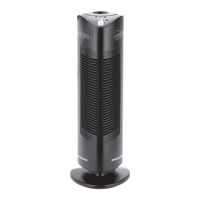
TA750
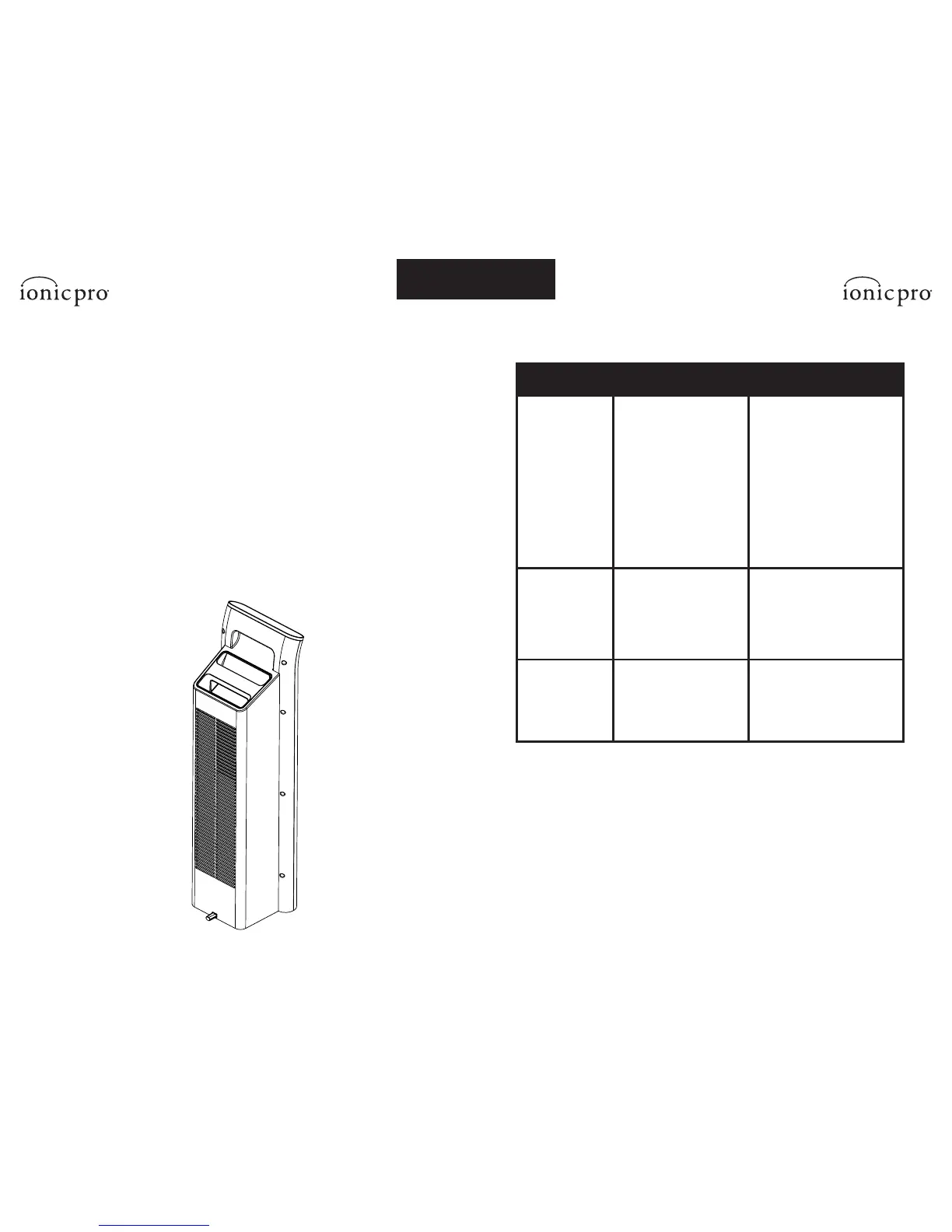
CLEANING EXTERNAL SURFACES
Over time, some particles and dust may accumulate on the external surfaces of
your Ionic Pro® Platinum.
TO CLEAN EXTERNAL SURFACES:
1. Turn off and unplug the unit.
2. Use a moist washcloth with a little dishwashing soap to
wipe the outer case surfaces.
3. Do not allow water to slip into the internal parts of the air purifier as this could
damage its functioning and may result in injury to you.
4. Allow the unit to dry thoroughly before resuming use.
CLEANING AND MAINTENANCE
REASON
Machine is unplugged.
Unit has not been
turned on.
Permanent ionic filter
and pre-filter are not
completely inserted.
Too much dust has
accumulated.
Permanent ionic filter
is wet.
Too much dust has
accumulated or
internal parts are wet.
TROUBLE
Unit will not
turn on
Blue CLEAN
FILTER light
is on
Fan off
Excessive noise
REMEDY
Check if plug is loose.
Push control button.
Check to see that the
permanent ionic filter and
pre-filter are completely
seated in housing.
Turn off, unplug and
clean using instructions
from the “CLEANING &
MAINTENANCE” section.
Clean and dry permanent
ionic filter and pre-filter
thoroughly. Keep the
machine dry.
TROUBLESHOOTING


 To Next Page