(3) The telescope will now slew back to Alignment Star A. Repeat the steps above. The iteration can
be stopped when it is determined that the alignment error has been minimized. Press the BACK
button to exit the alignment procedure.
NOTE: It is highly recommended to use an eyepiece with an illuminated crosshair for accurate centering.
NOTE: The movement of the alignment star in your eyepiece may not be perpendicular depending on its
location in the sky.
iPolar Polar Alignment
For a HEM44 with an iPolar, refer to iPolar Operation Manual from iOptron’s website to perform the
polar alignment: https://www.ioptron.com/v/manuals/3339_iPolarOperationManual.pdf.
The steps are briefly outlined below:
Download and install iPolar Software (first time use)
https://www.ioptron.com/v/firmware/3339_iOptron_iPolar.exe;
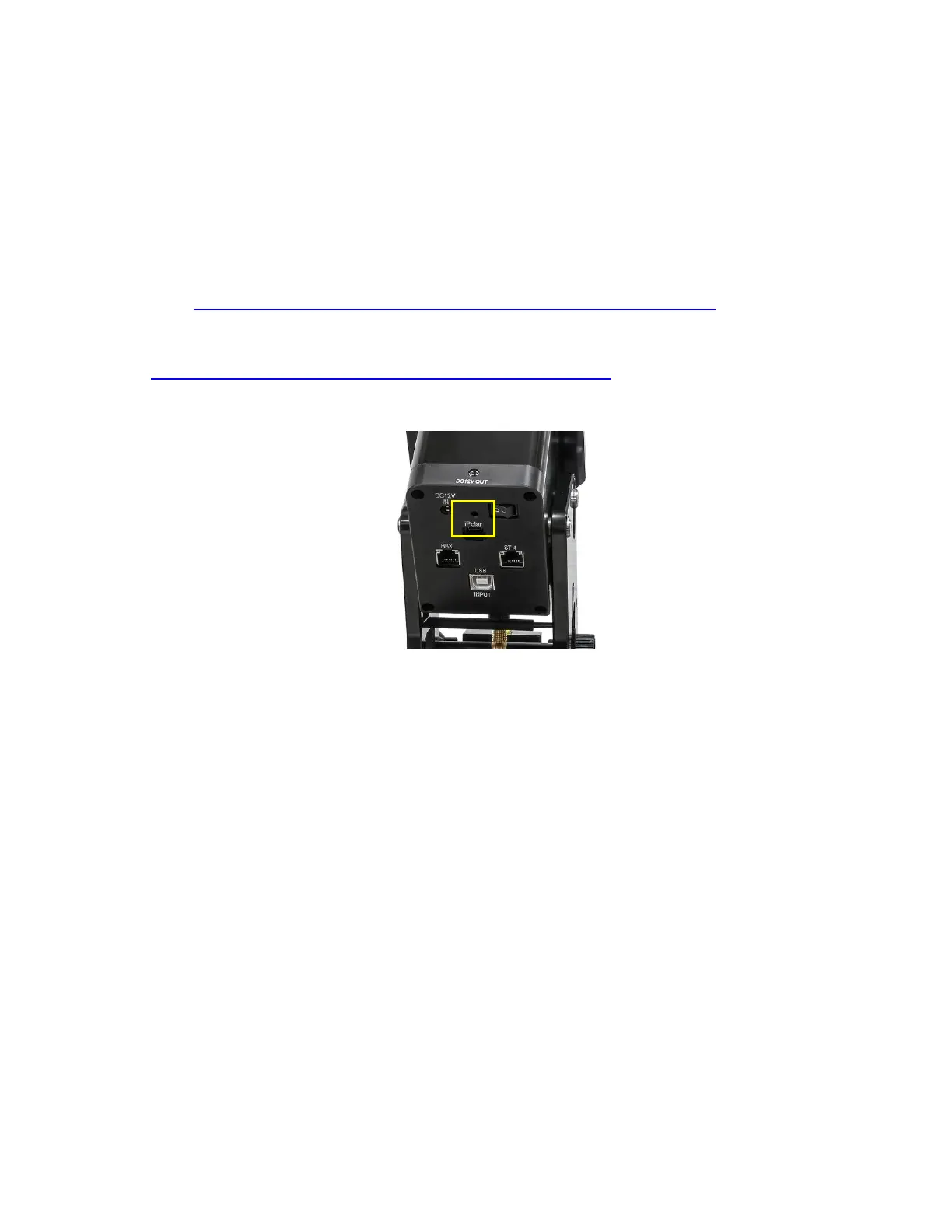
Connect a miniUSB cable between the iPolar and a computer USB port;
Click Connect and start polar alignment by following on screen instructions.
Figure 21. USB port on an iPolar electronic polar scope



 To Next Page