9
NOTE: the field of view (FOV) of an iPolar is about ±6°. So it can only cover the area of about 6°
around the pole. If the mount RA axis is pointed far away from the pole, the plate solve may not be
successful, or the pole will be jumping around.
4.4. Determine Camera Center and Locate Virtual Pole
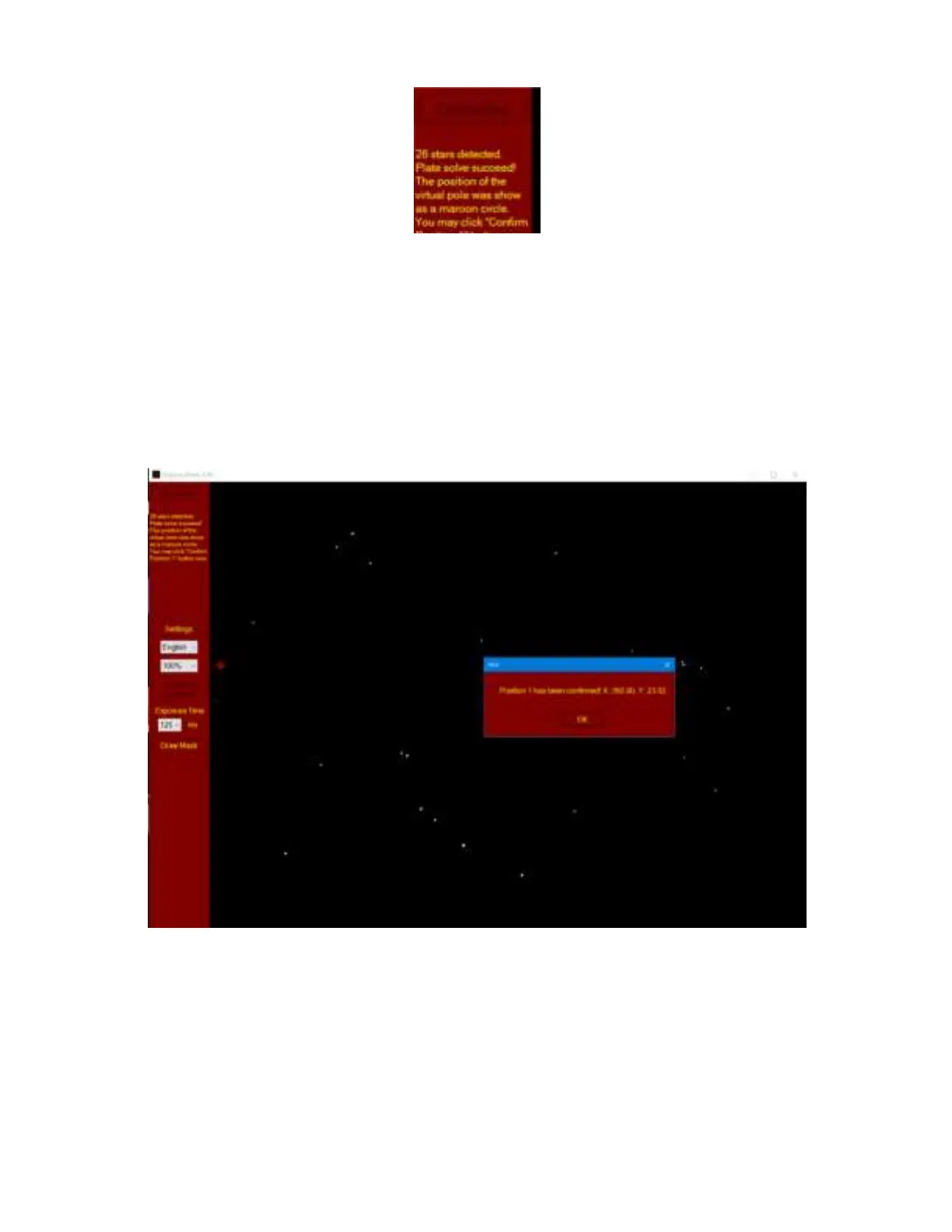
When the Plate Solve is successful, the software will start to determine the iPolar camera
center/mount RA axis and locate the virtual pole. As shown in aforementioned picture, if the Plate
Solve succeeds, click on “Confirm Position 1” button. A confirmation window will be popped up.
Click on OK to confirm. Do not adjust the tripod or mount ALT/AZI position after confirming position
one. Otherwise, the polar alignment will be failed.
If you are lucky enough that the RA axis is aligned to the Pole, you’ll see both the cross (camera
center) and the circle (virtual pole)! Otherwise, follow the on-screen instruction to use hand controller
or iOptron Commander to rotate the mount in RA. The software will confirm the position 2
automatically during rotation. The closer the RA axle is to the pole, the smaller the rotation angle is
needed. Click OK to close the position 2 confirmation window.



 To Next Page