8
4.3. Plat Solving
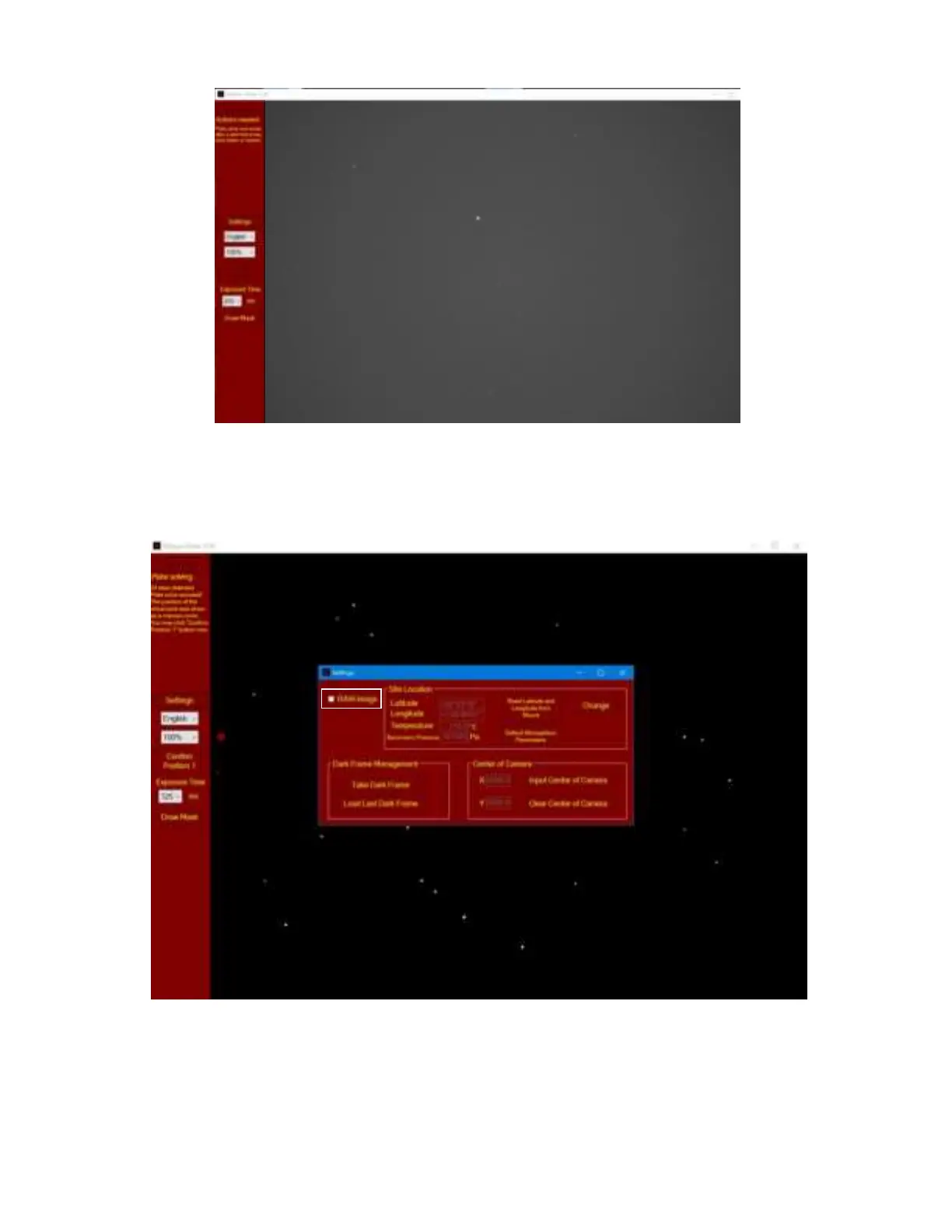
After checking camera settings and status, uncheck the RAW image. The software will start to Plate
Solving the pole region. A real time image with white dots on black background will be displayed after
imaging processing.
Please check the real time instruction under the Connected box on top-left corner. If it displays “xx
stars detected. Plate solve succeed!” There is no need to adjust the exposure time. Otherwise,
increase the exposure time if it indicates too little stars, or decrease the exposure time when too
many stars displayed.



 To Next Page