7
4. Polar Alignment
4.1. Check Settings
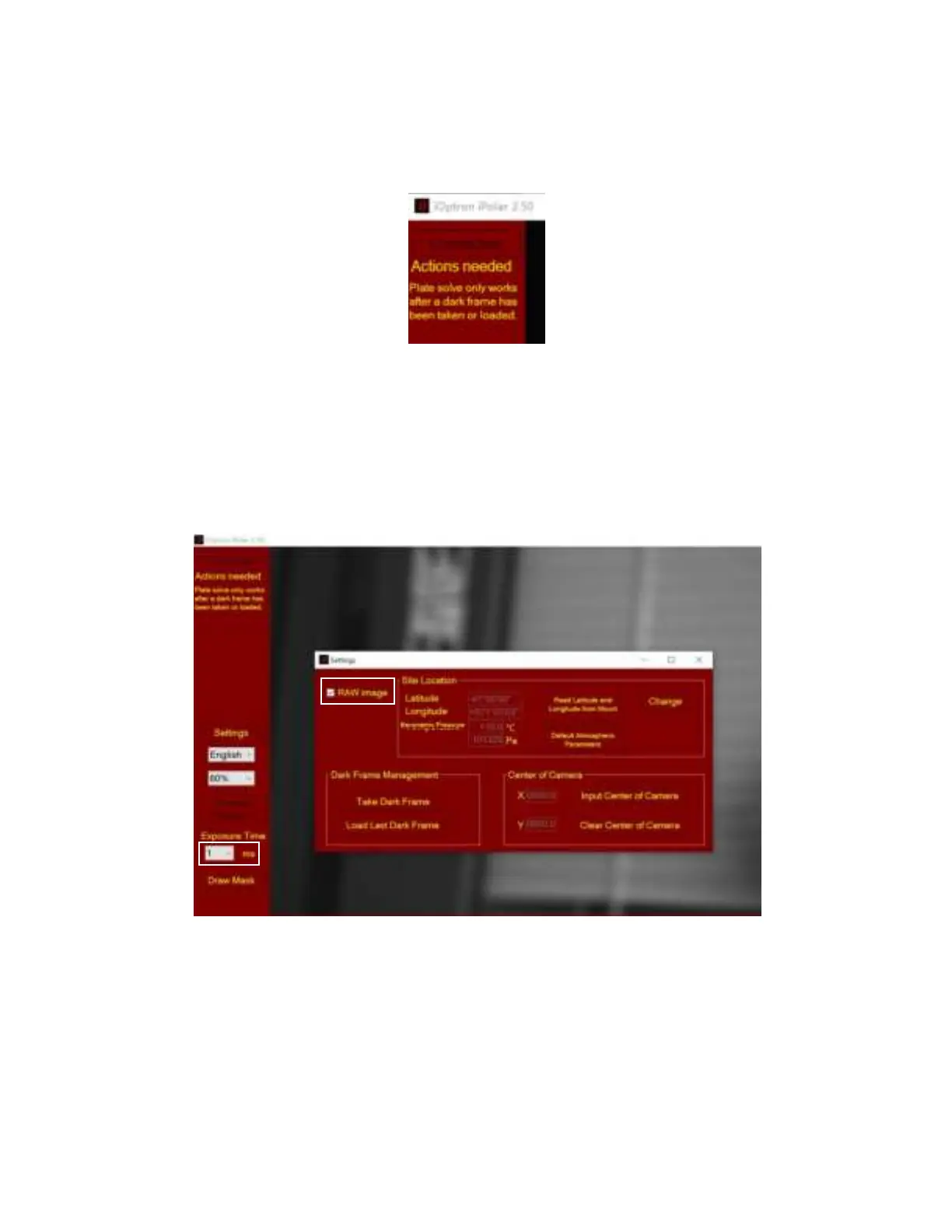
Check the iPolar parameter settings, such as GPS location and Dark Frame. The following screen
indicates the Dark Frame is missing.
4.2. Check Image Display
When the mount RA axis is pointing to the pole region, the location parameters are set correctly, and
a dark frame is taken, stars should be seen on the screen when the lens cover is removed.
One can check the iPolar camera during day time by viewing the RAW image. By using a short
exposure, such as 1 ms and checking the RAW image, you should see a fuzzy reversed image when
you point the iPolar to an indoor object.
You may see stars when outside under good weather condition with a long exposure, such as 250 ms
or 500 ms.



 To Next Page